DOT VIEW

Dot View

How can we design this experience for faster human–device interactions, with key info at a glance and fewer steps to act?

Company

HTC

My Role

UI Designer

Platform

Mobile

Period

2014
Project Overview
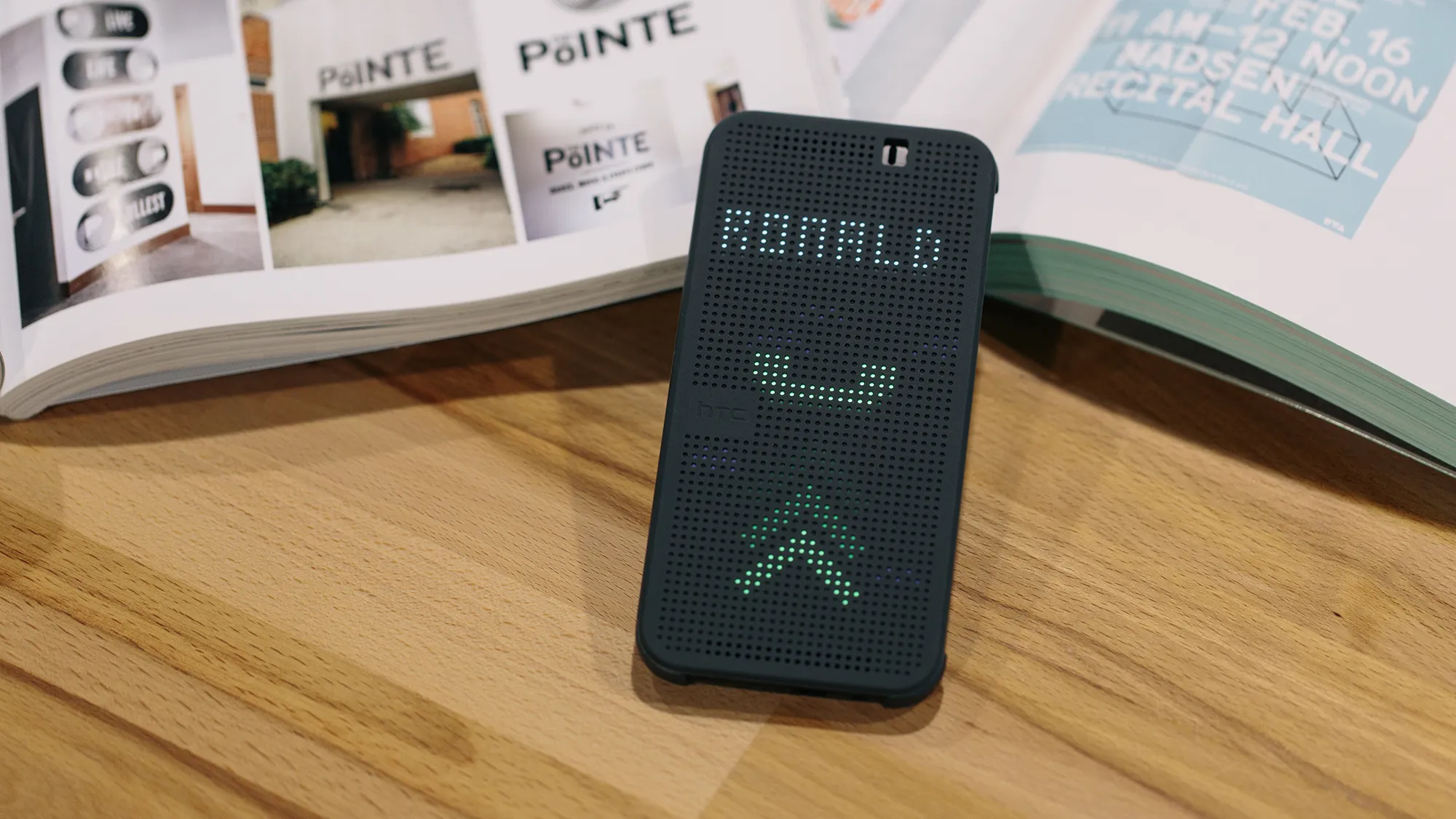
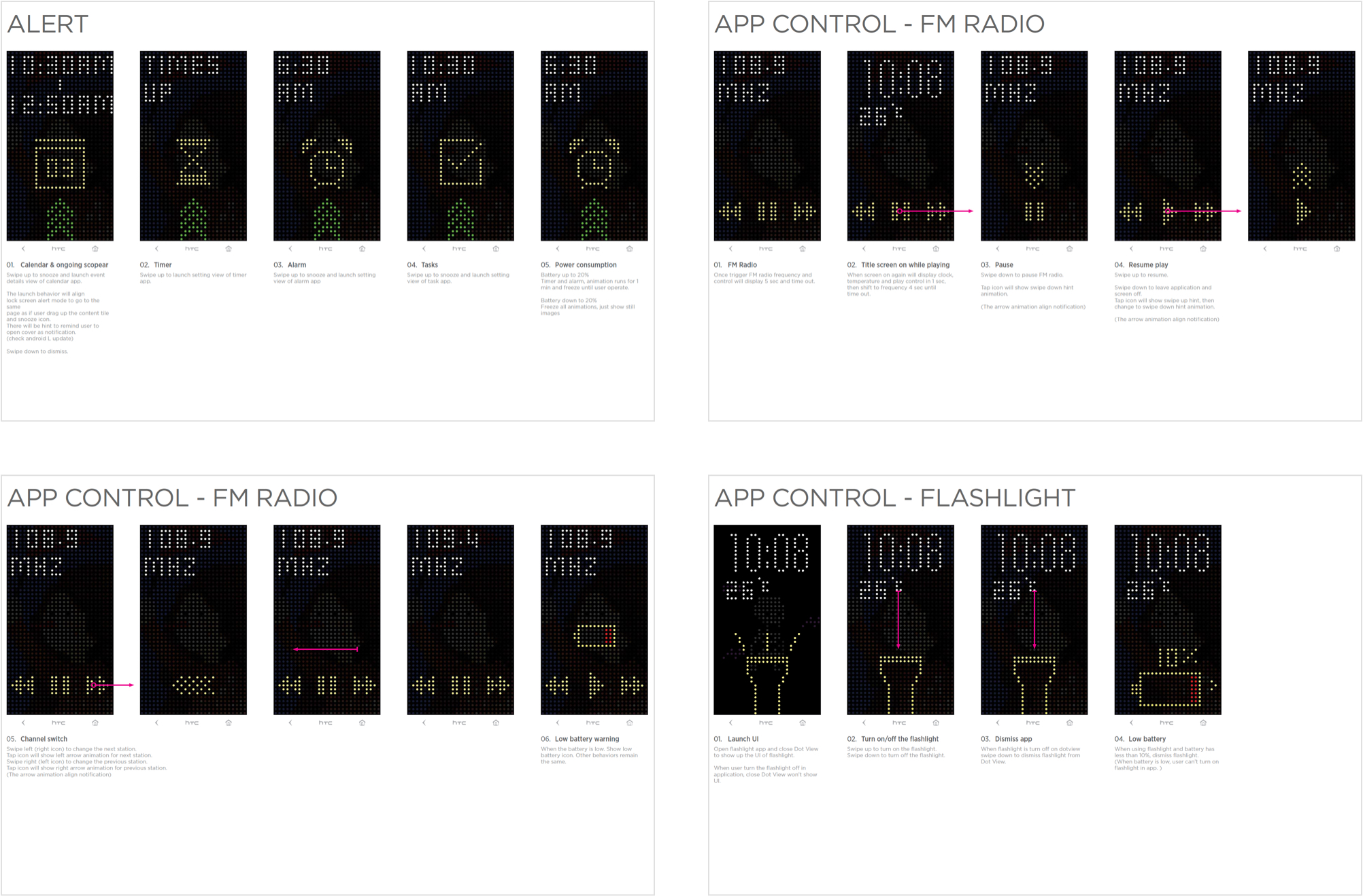
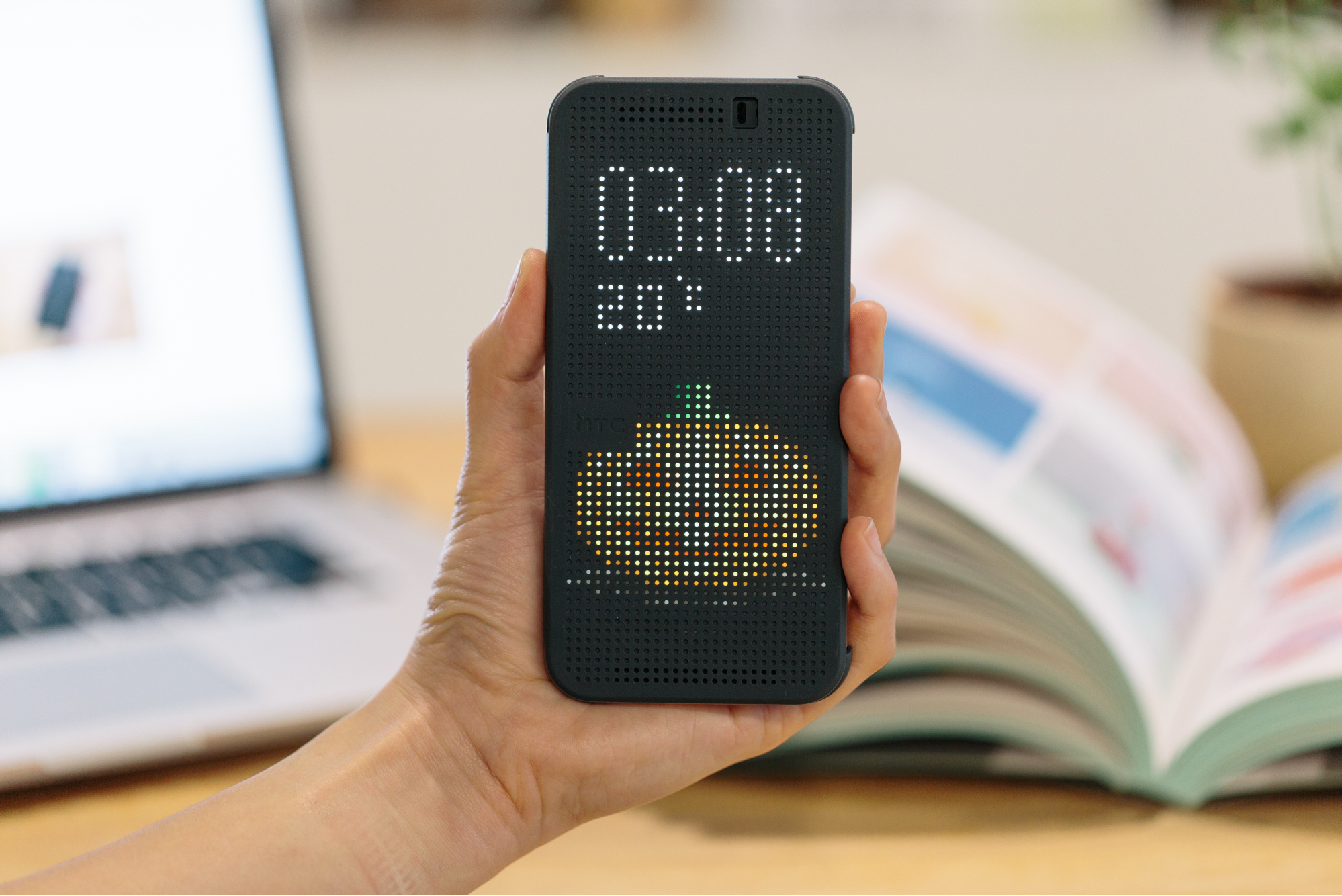
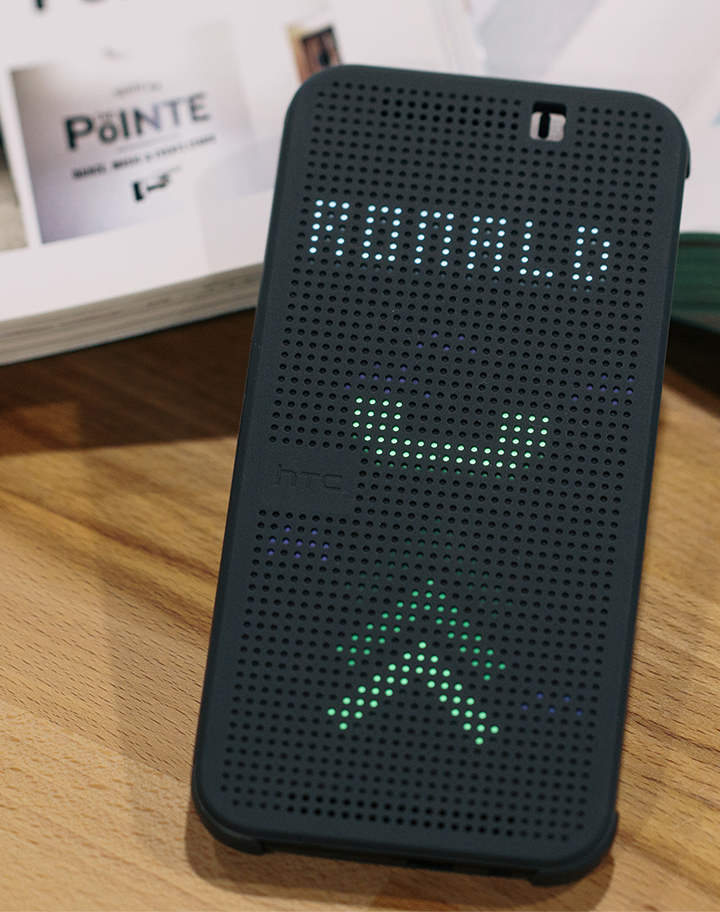
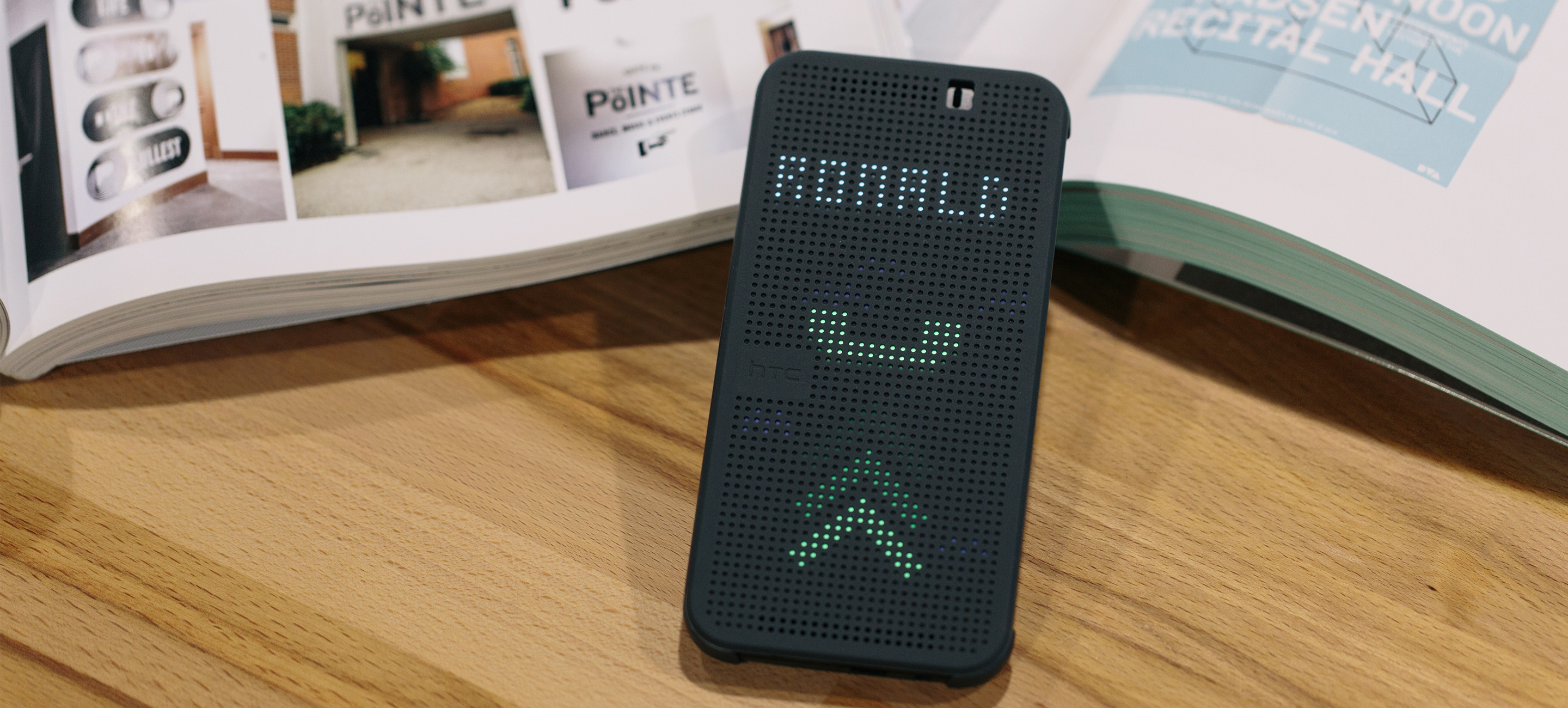
HTC Dot View is an innovative smartphone case that blends retro aesthetics with smart interactions. The case’s dot-matrix interface lets users check weather, view notifications, and answer calls—without opening the cover.

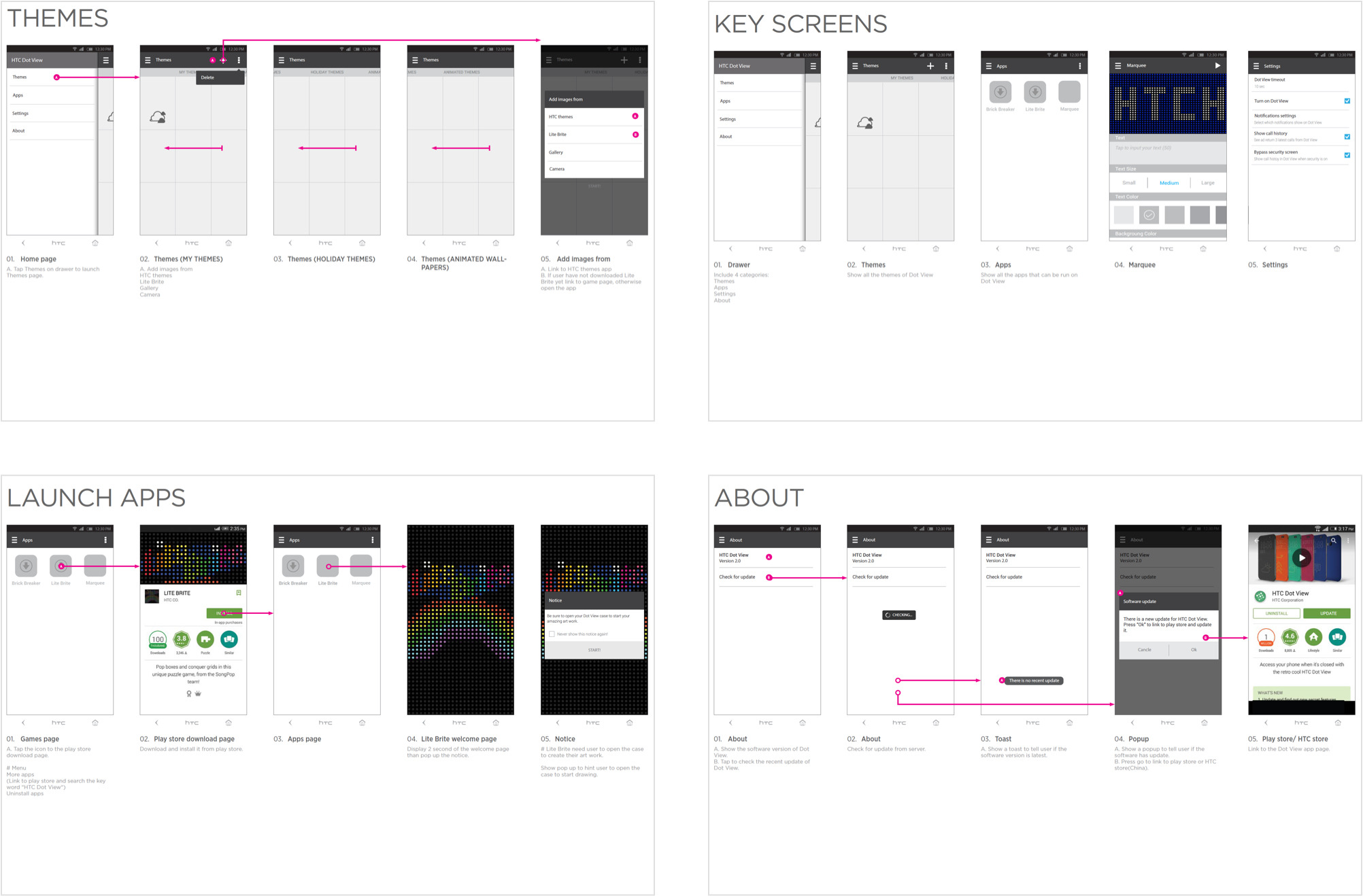
I contributed to the UI and app flow design for the companion app, focusing on intuitive screen transitions and motion behaviors that matched the playful nature of the dot-matrix display. I also worked on micro-interactions and holiday-themed animations to bring personality and delight into the user experience, creating a seamless connection between hardware and software.
Responsibilities
Animation, Design Integration,  Icon Guideline, Prototype, UI design, Game Design, Visual Design.
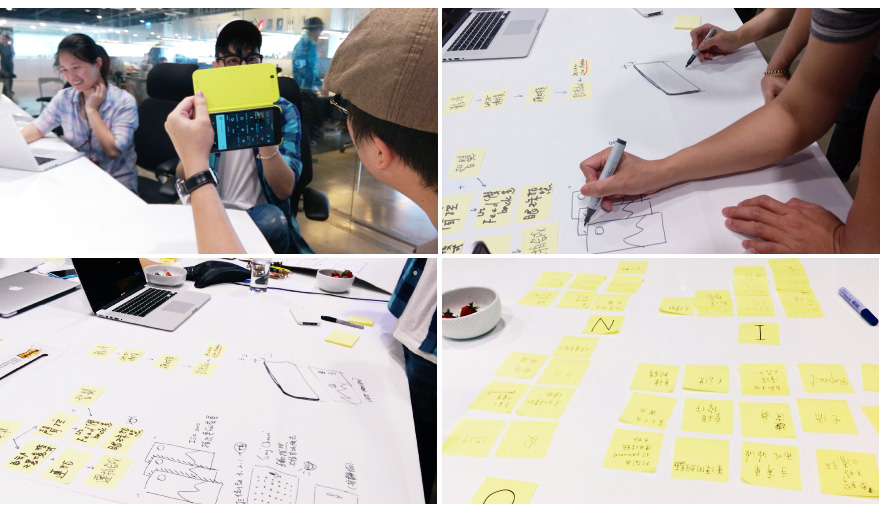
As a core member of the project team, my responsibilities are UI and motion design, I collaborated closely with a UX designer to create wireframes and design the user experience, while also working with industrial design and CMF designers to integrate UI with hardware design.

In partnership with the product manager, I established clear requirements and ensured the timely delivery of the product. To guarantee the success of the project, I communicated effectively with developers to ensure seamless integration of design and functionality.
“Our vision is to revolutionize the way people interact with content between the accessory and mobile devices.”
Our goal is to improve
The one hand experience
Operating a phone through a flip case traditionally requires opening the cover to access the screen. However, this method can be cumbersome and inconvenient, particularly when attempting to use the device with one hand. As such, we sought to provide a solution for HTC phone users to enhance their user experience.
Third-party IM notifications are not support
Unfortunately, due to copyright limitations, we are unable to display IM notifications on the Dot View.
Each HTC phone model has a different sensor location
The Dot view operates based on the fundamental principle of the hall sensor detecting the magnet. However, with the launch of new device models, the sensor placement may vary, resulting in potential UI coverage issues.
Design Process and Result
We are committed to delivering a seamless and unparalleled experience to our users of HTC devices. Through user research and analysis, we identified areas for improvement and set out to exceed their expectations with our design. Our team is dedicated to achieving our goal of a comprehensive and fully-realized Dot view system.
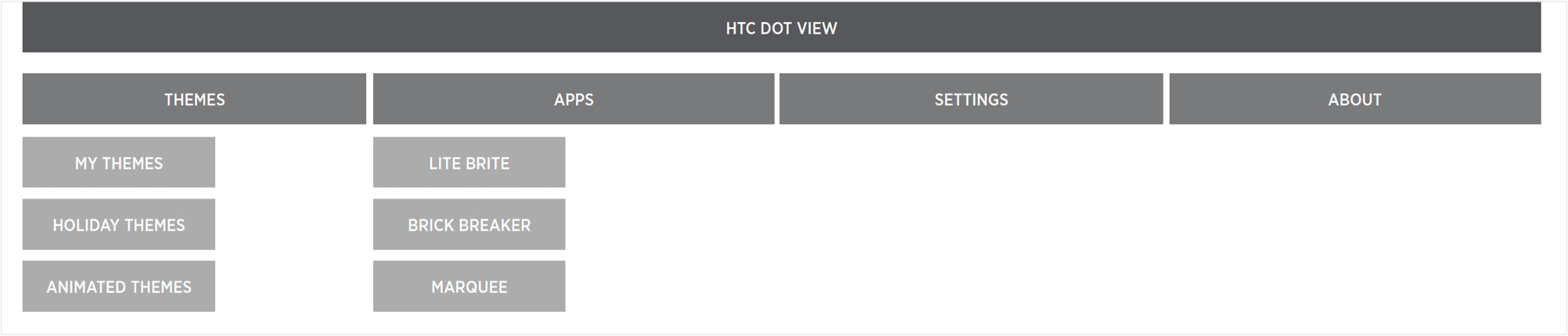
Building upon the previous version, we have incorporated six new features into this iteration to enhance the creative and practical capabilities of HTC users.
The apps’ name has only been using in development.
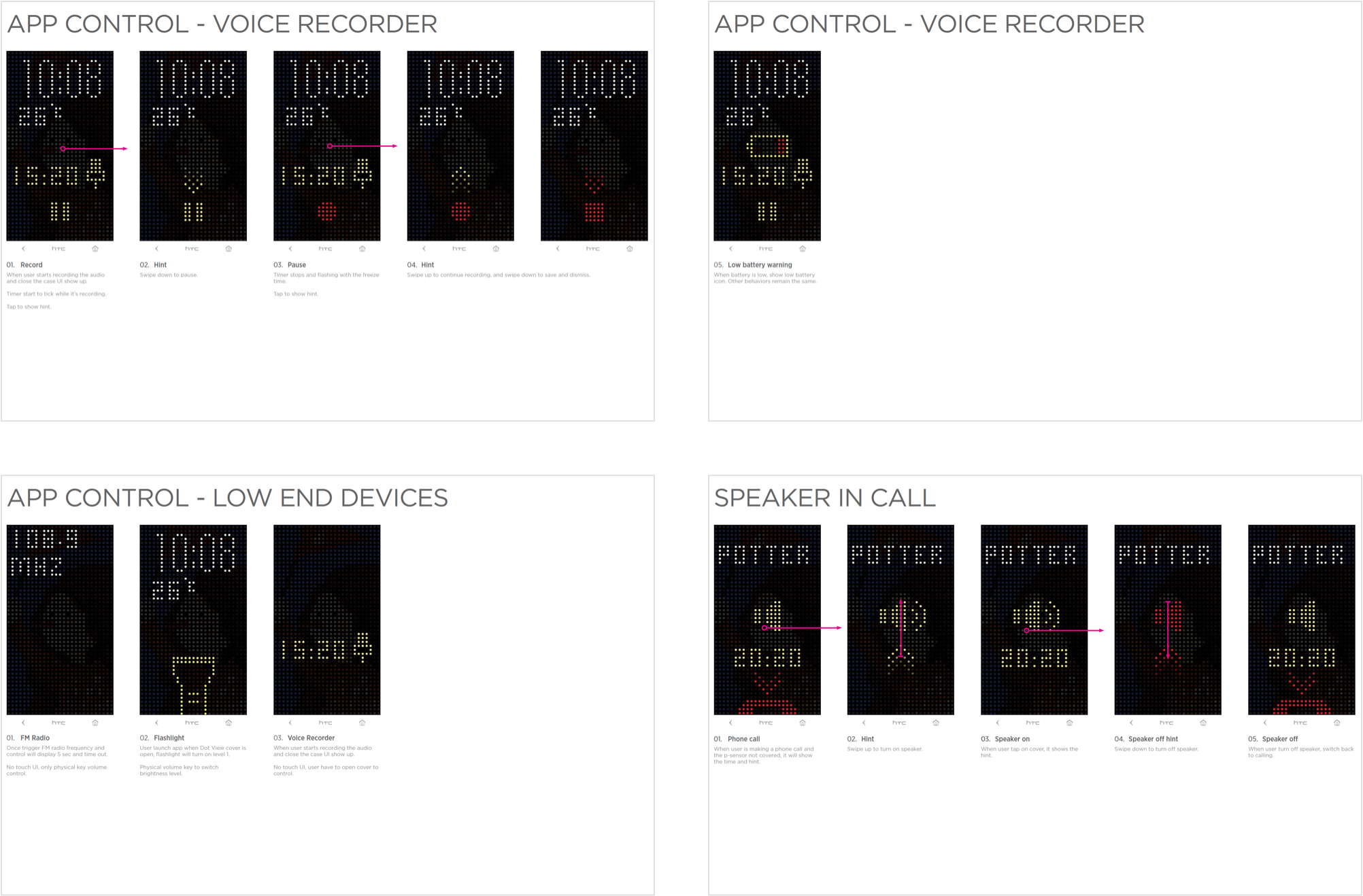
We established partnerships with prominent IM vendors, including Google, Facebook, Line, WhatsApp, and WeChat, to incorporate their notification icons into our Dot View style, allowing for convenient and direct notification viewing. Furthermore, we introduced holiday and Dot View themes to further enhance the user experience. Taking into account hardware limitations, we collaborated with ID designers and mechanical engineers to adjust the UI position for each model of HTC phone. As a result, essential functions in Dot View are displayed through iconic screens.
Holiday Theme
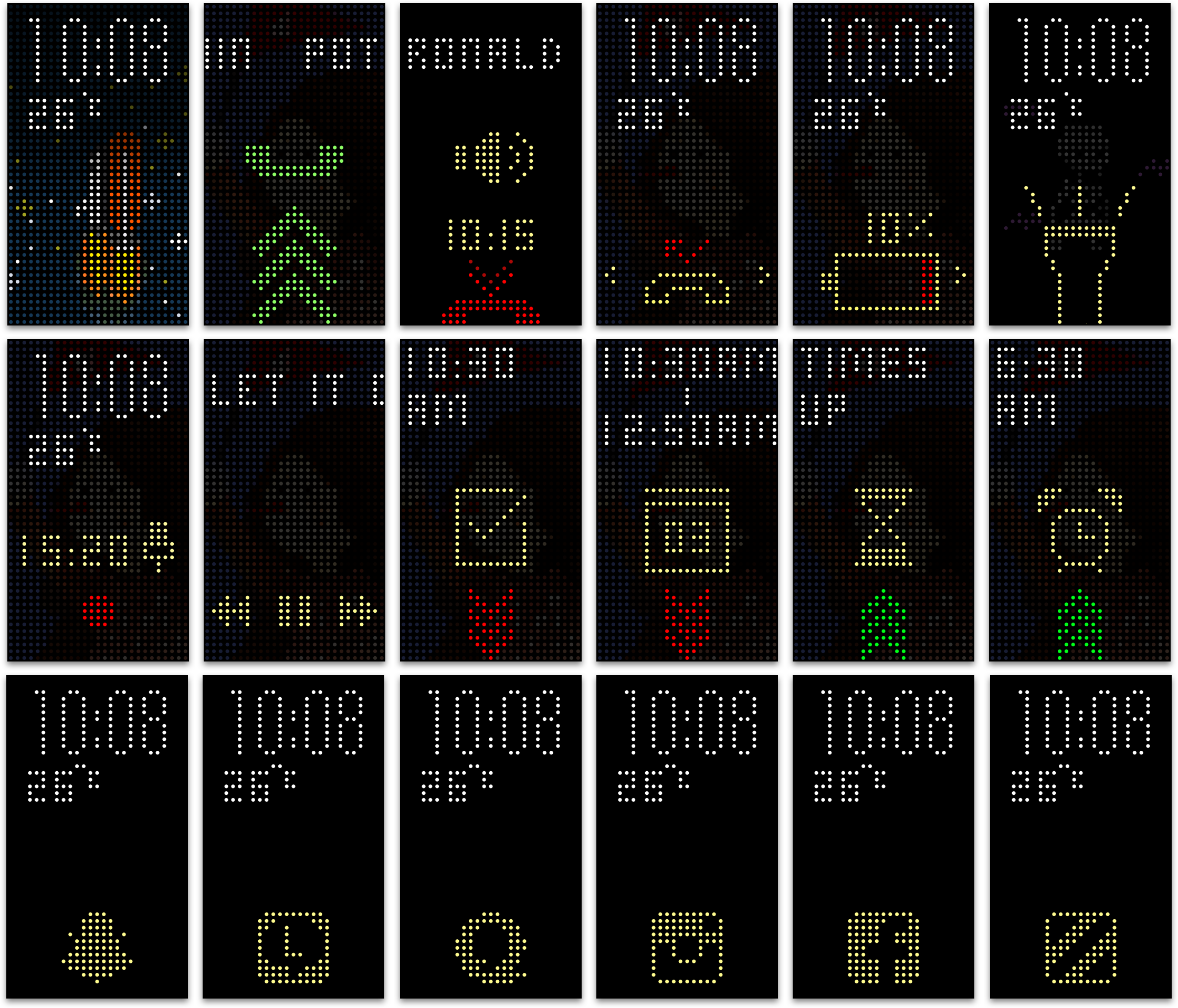
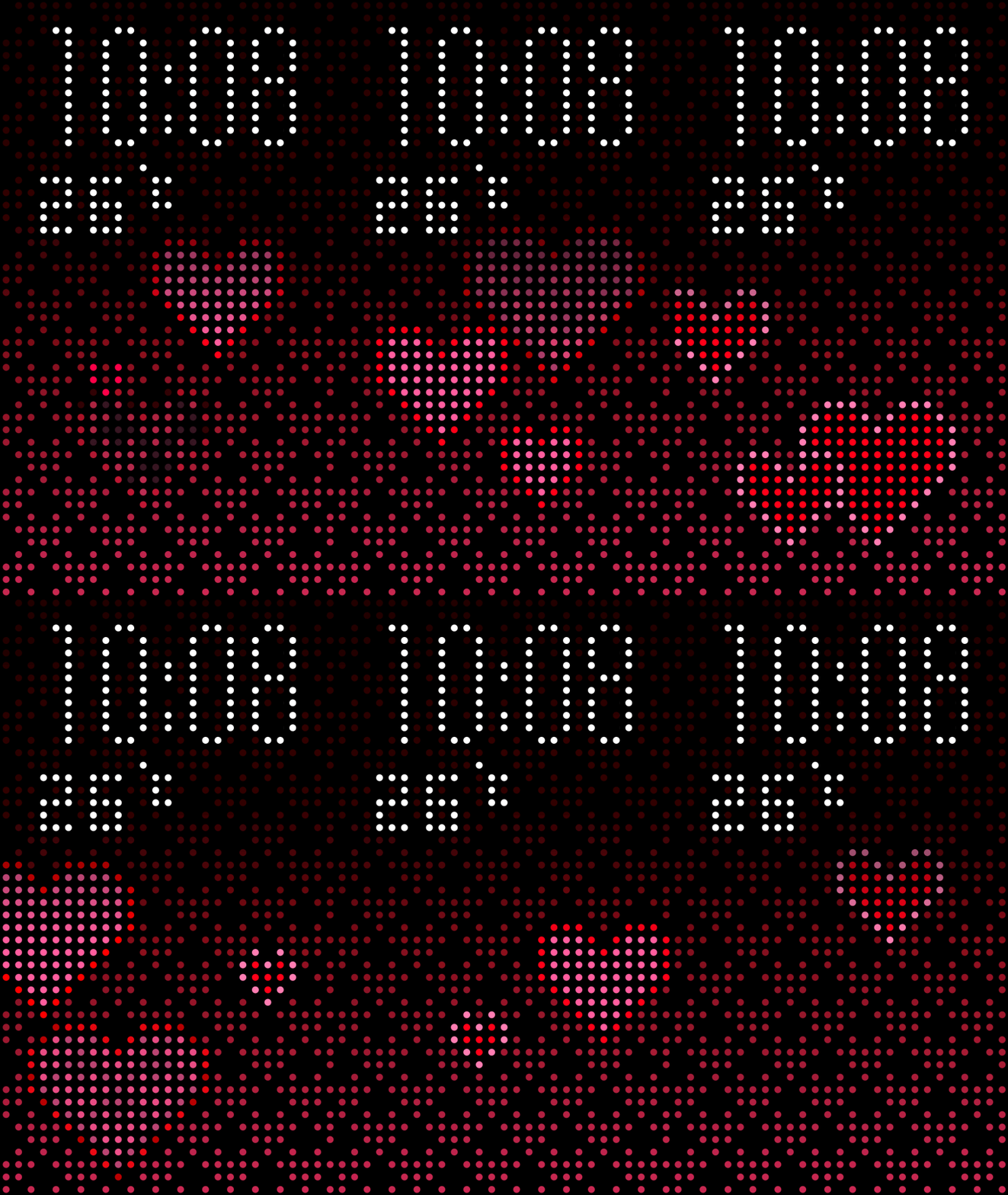
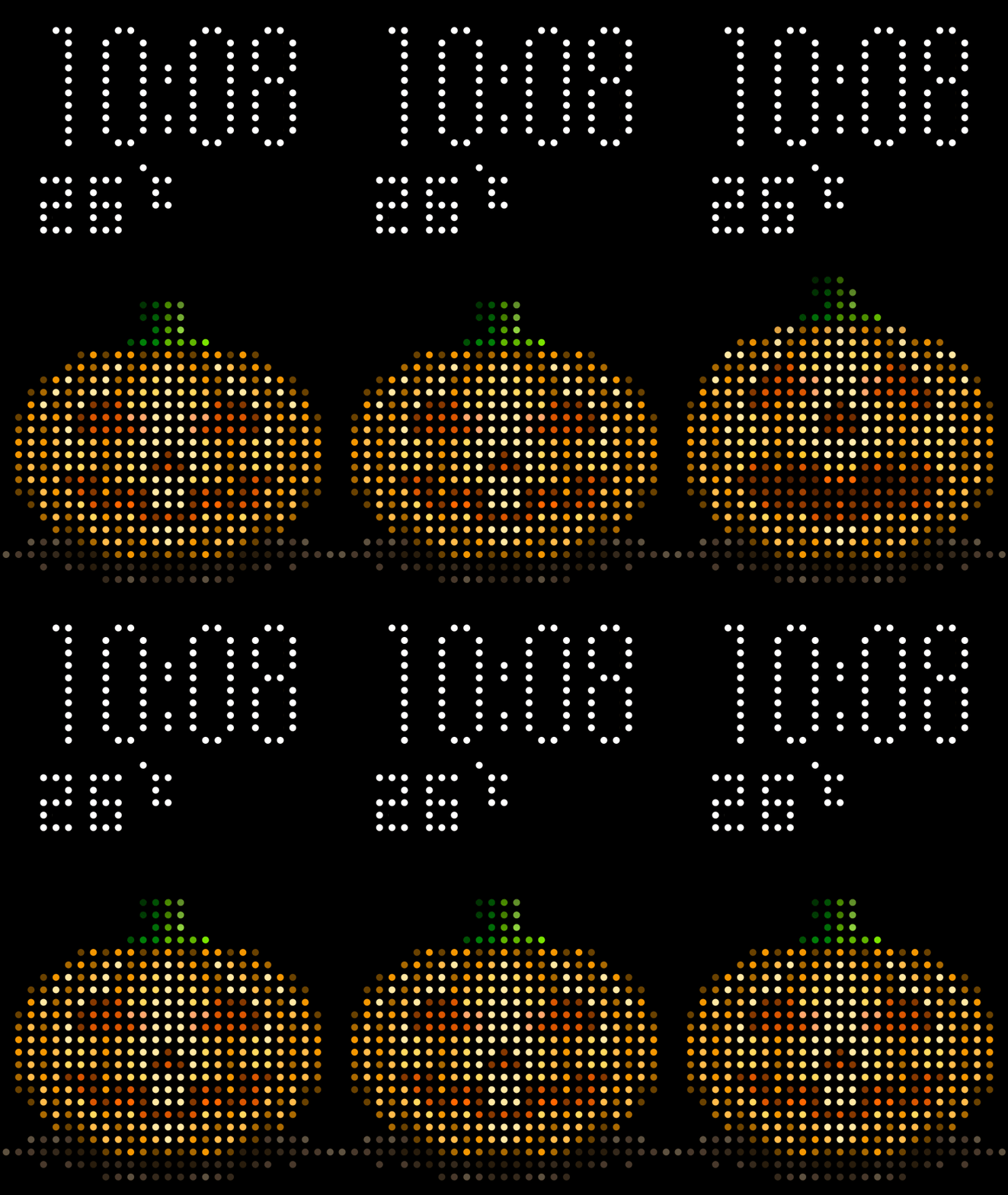
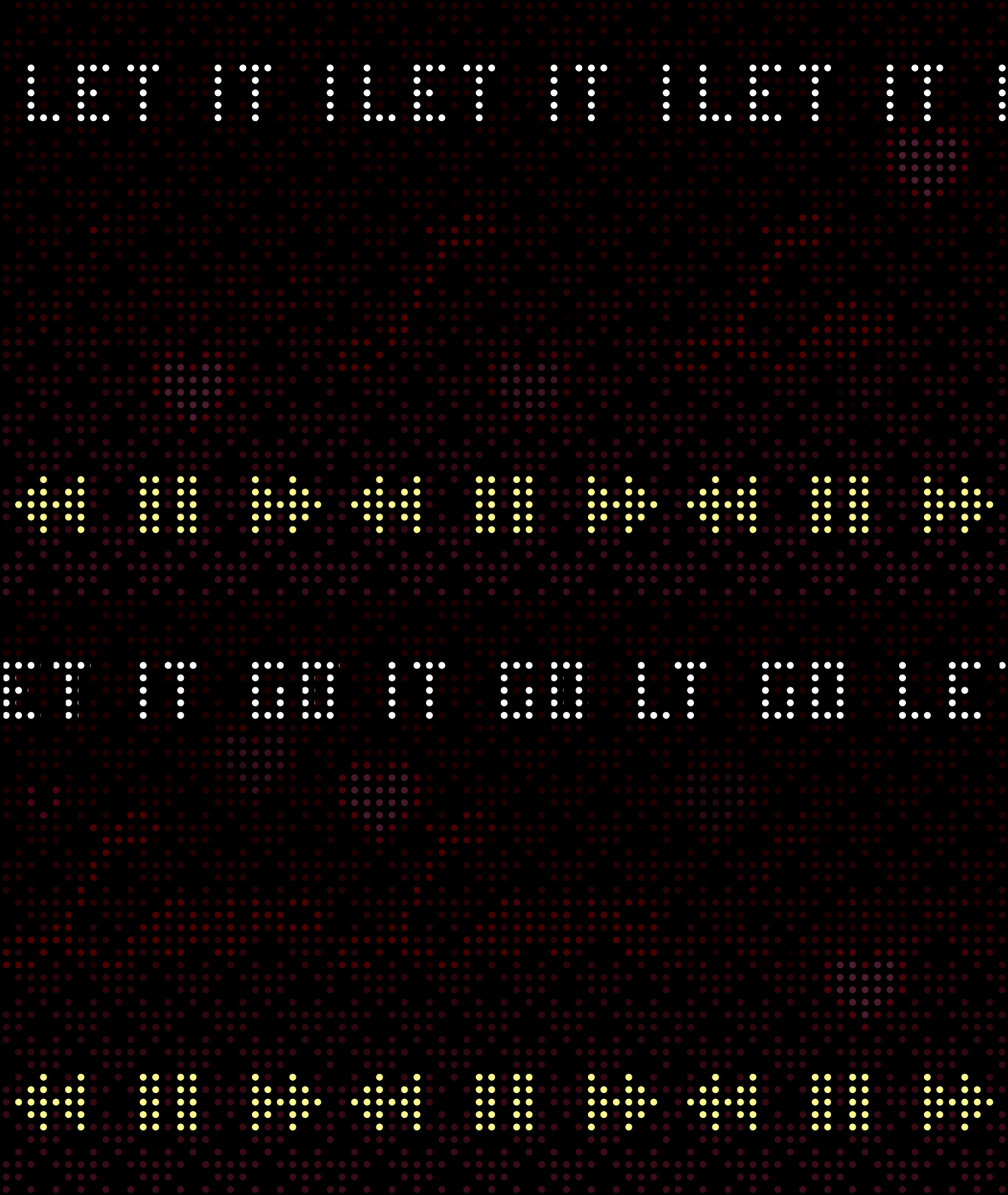
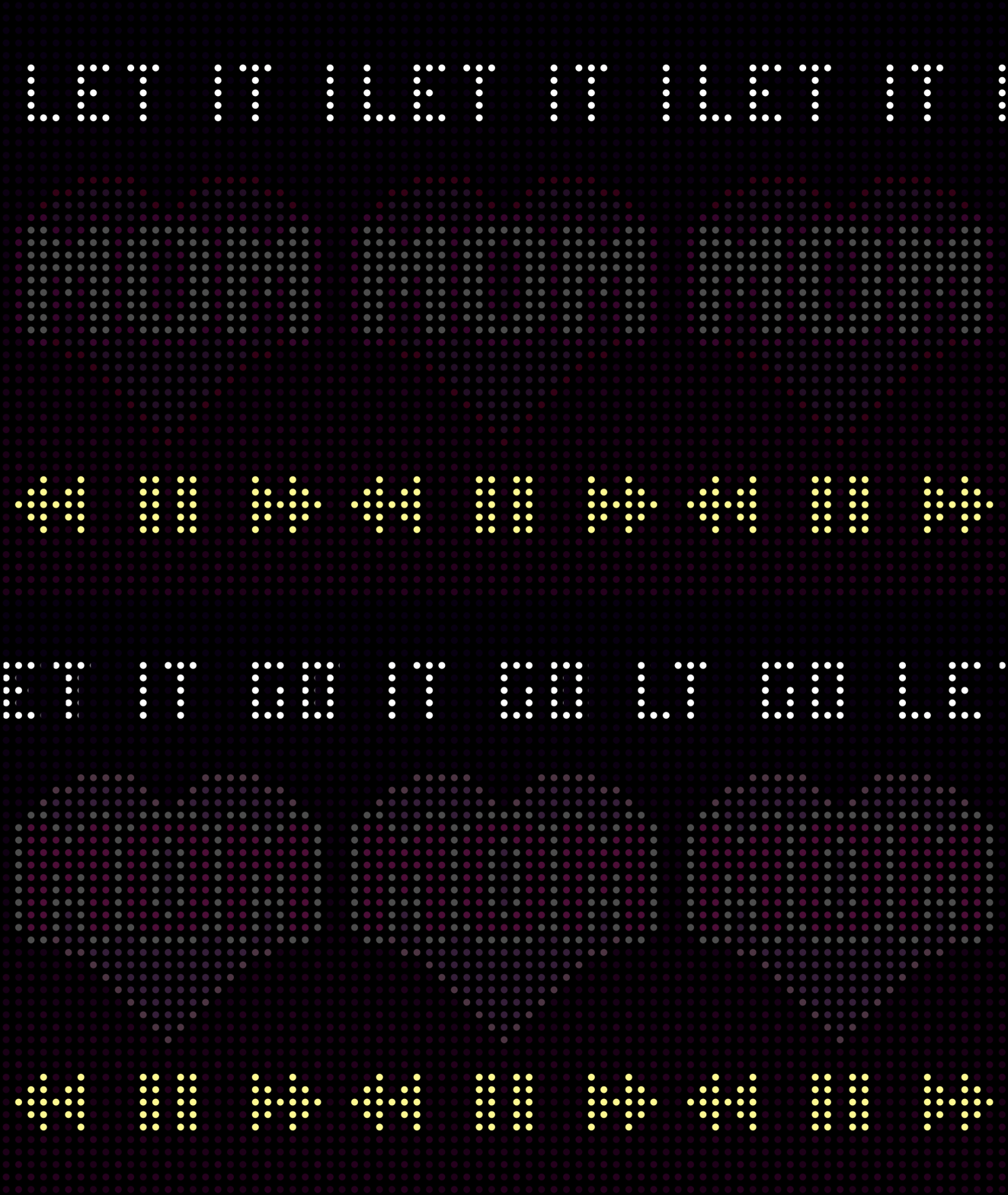
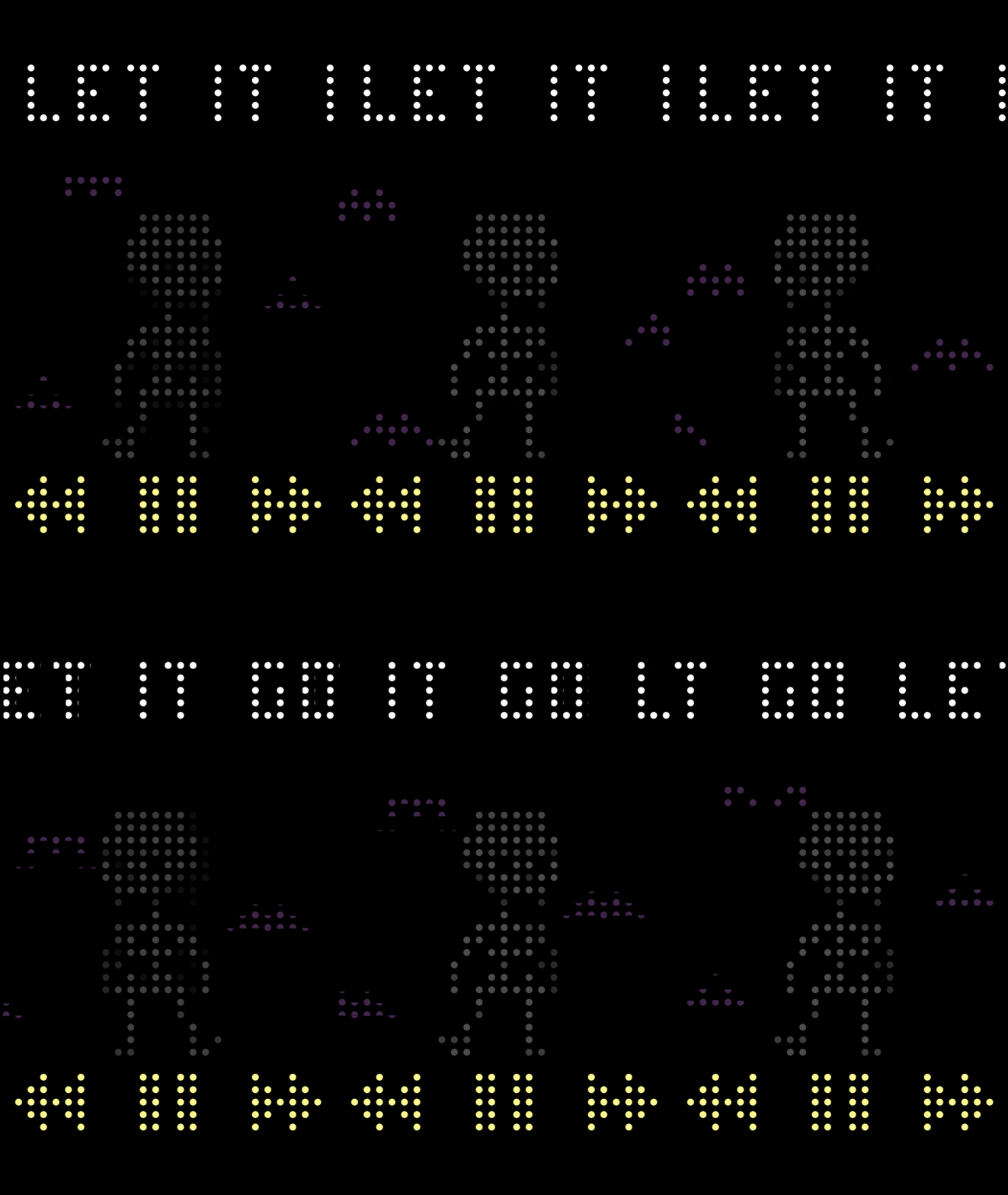
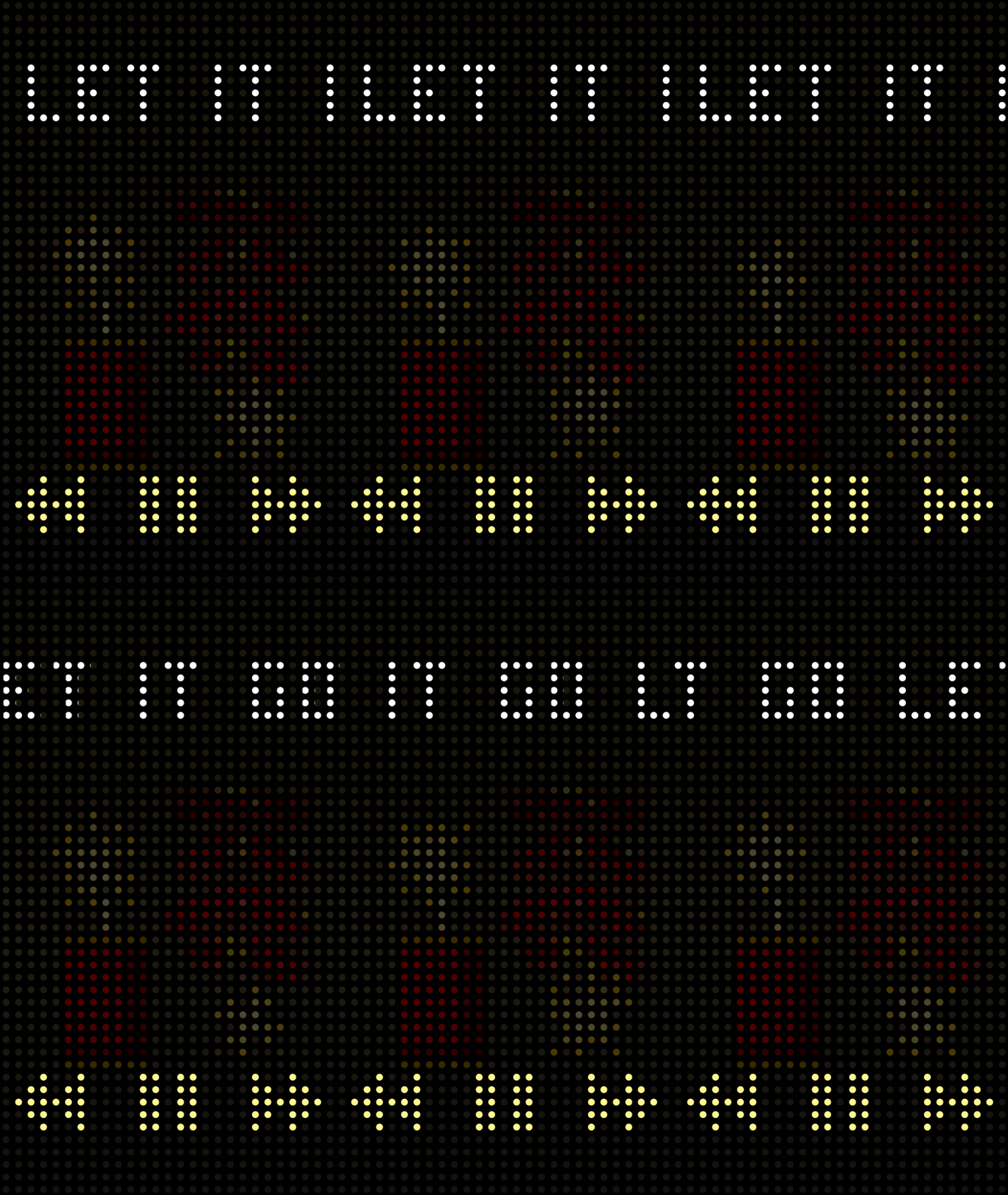
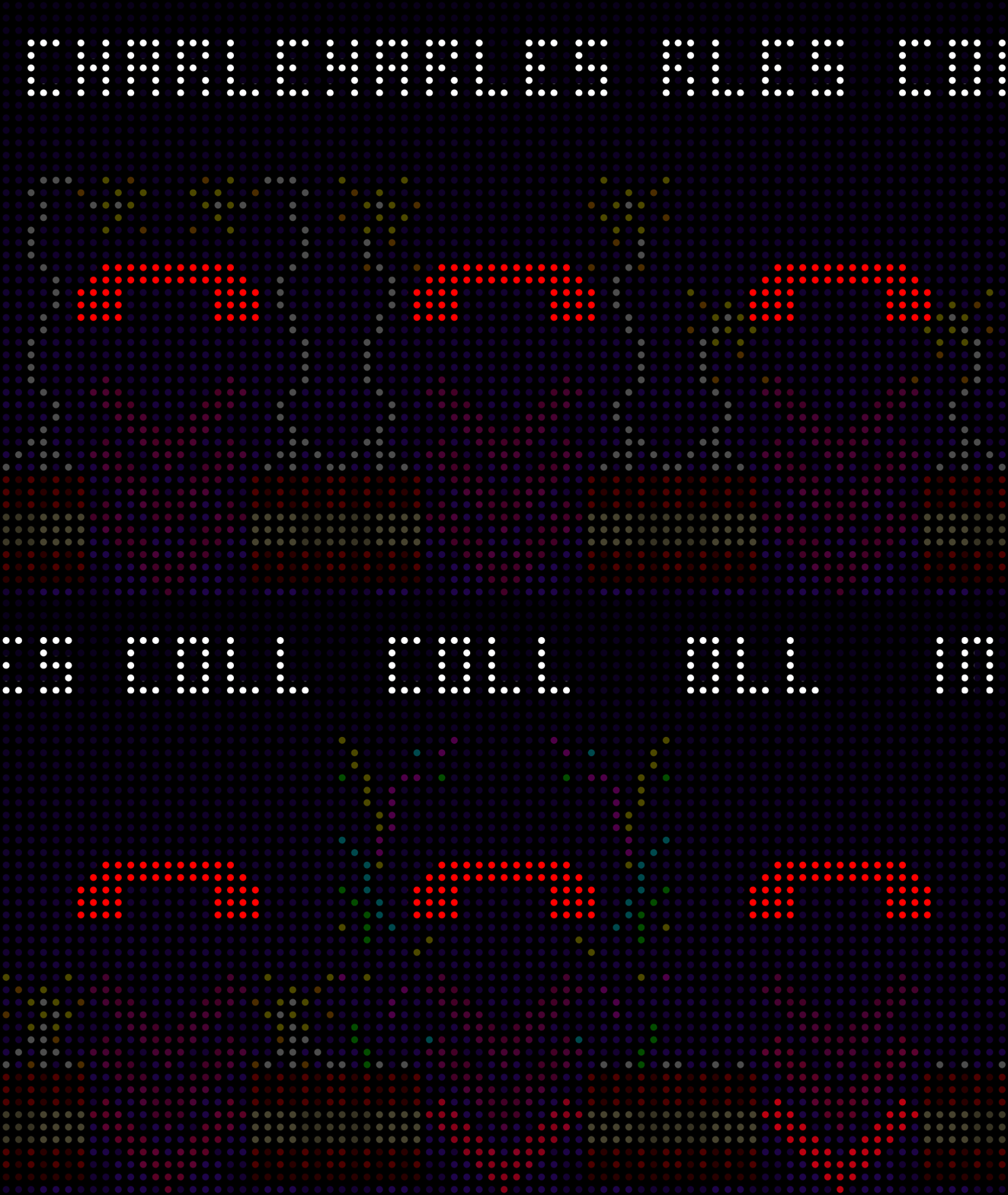
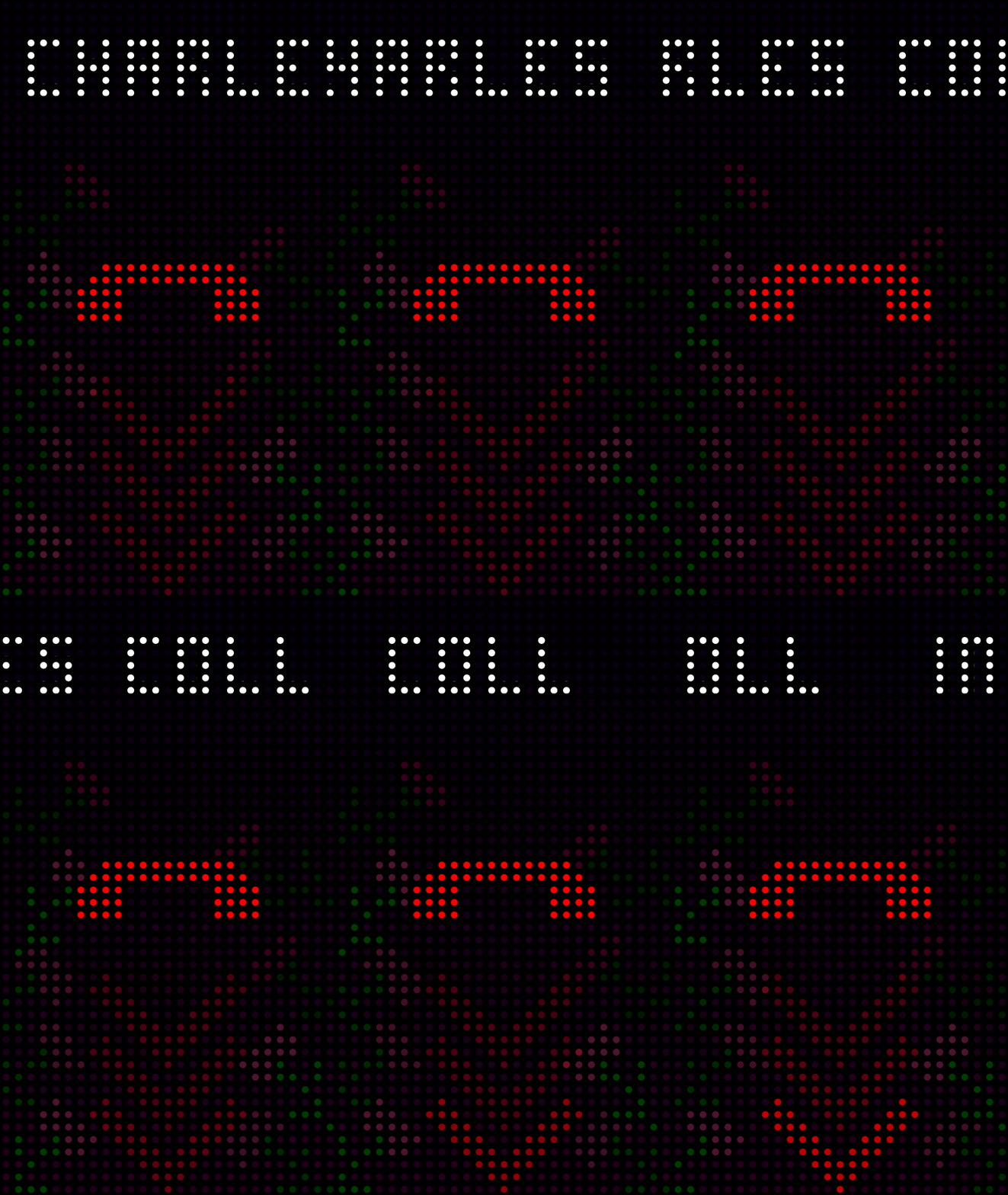
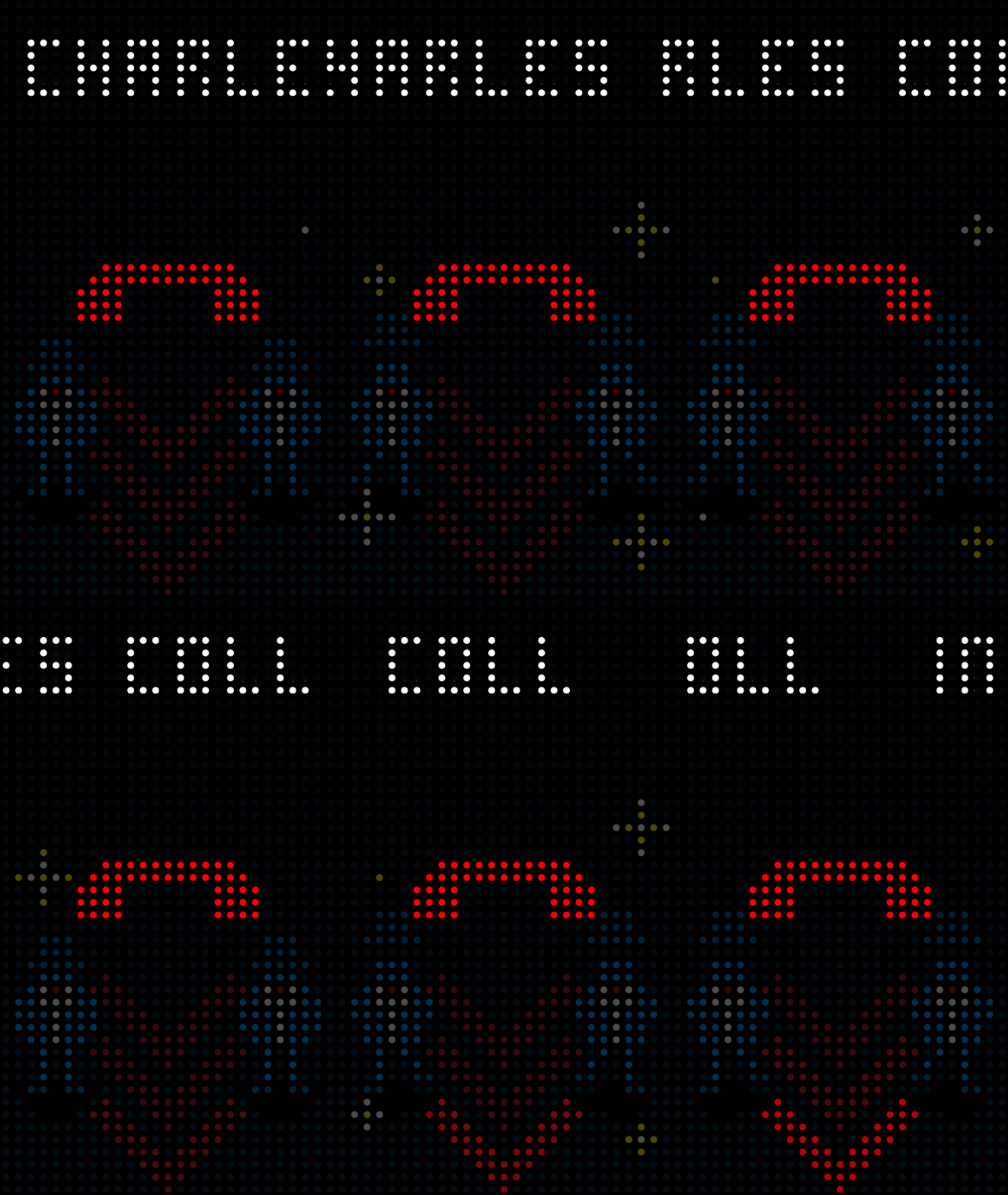
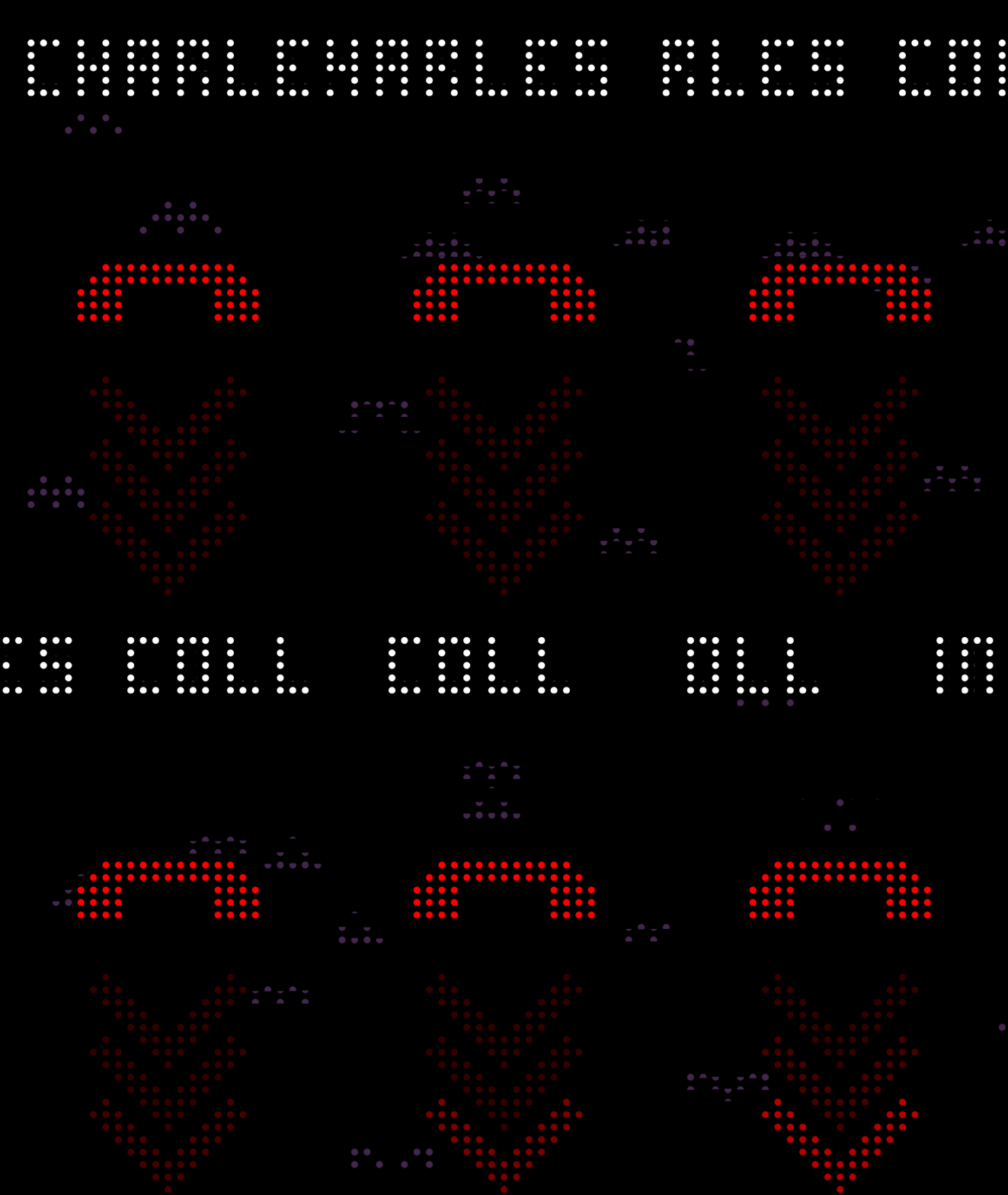
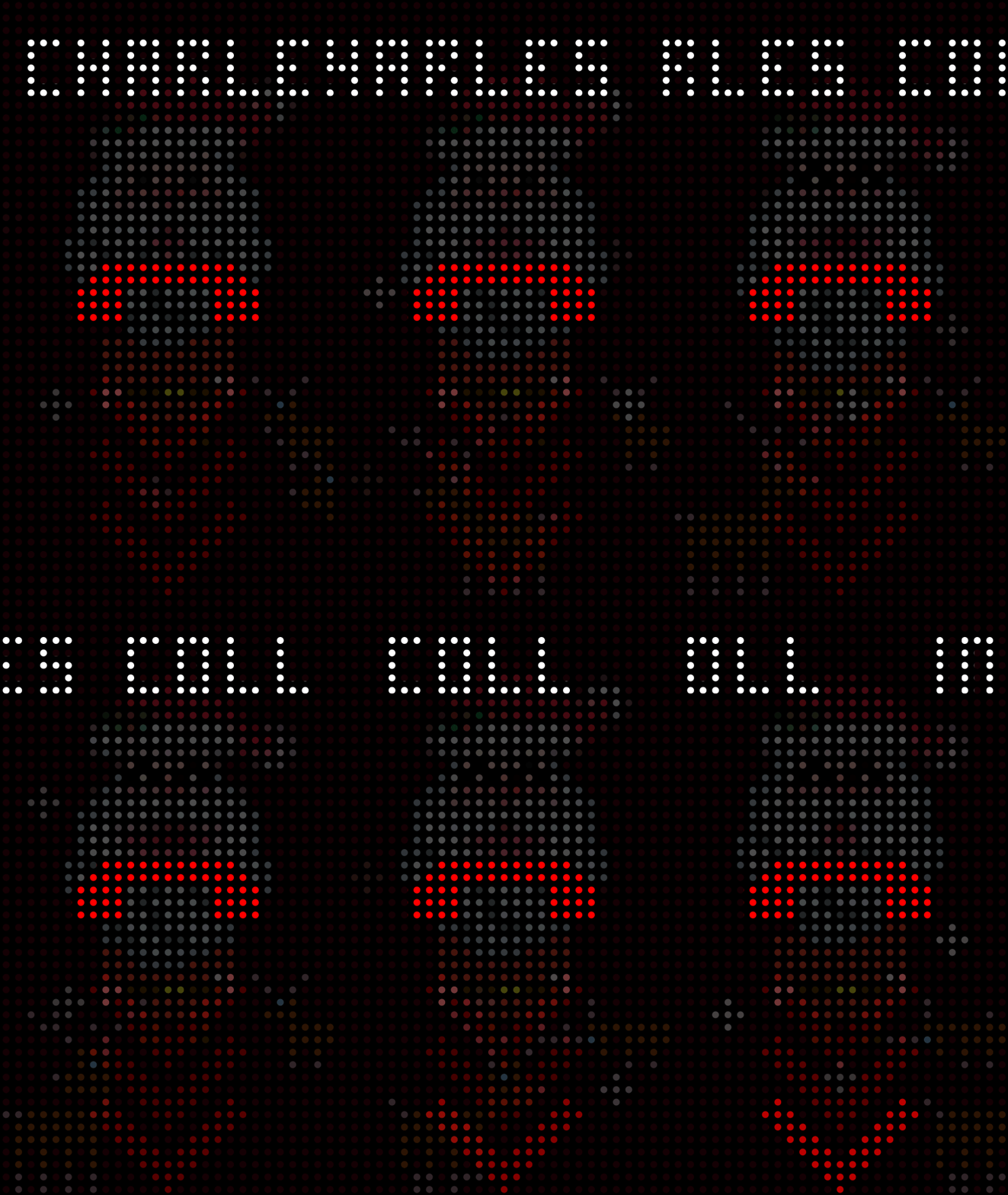
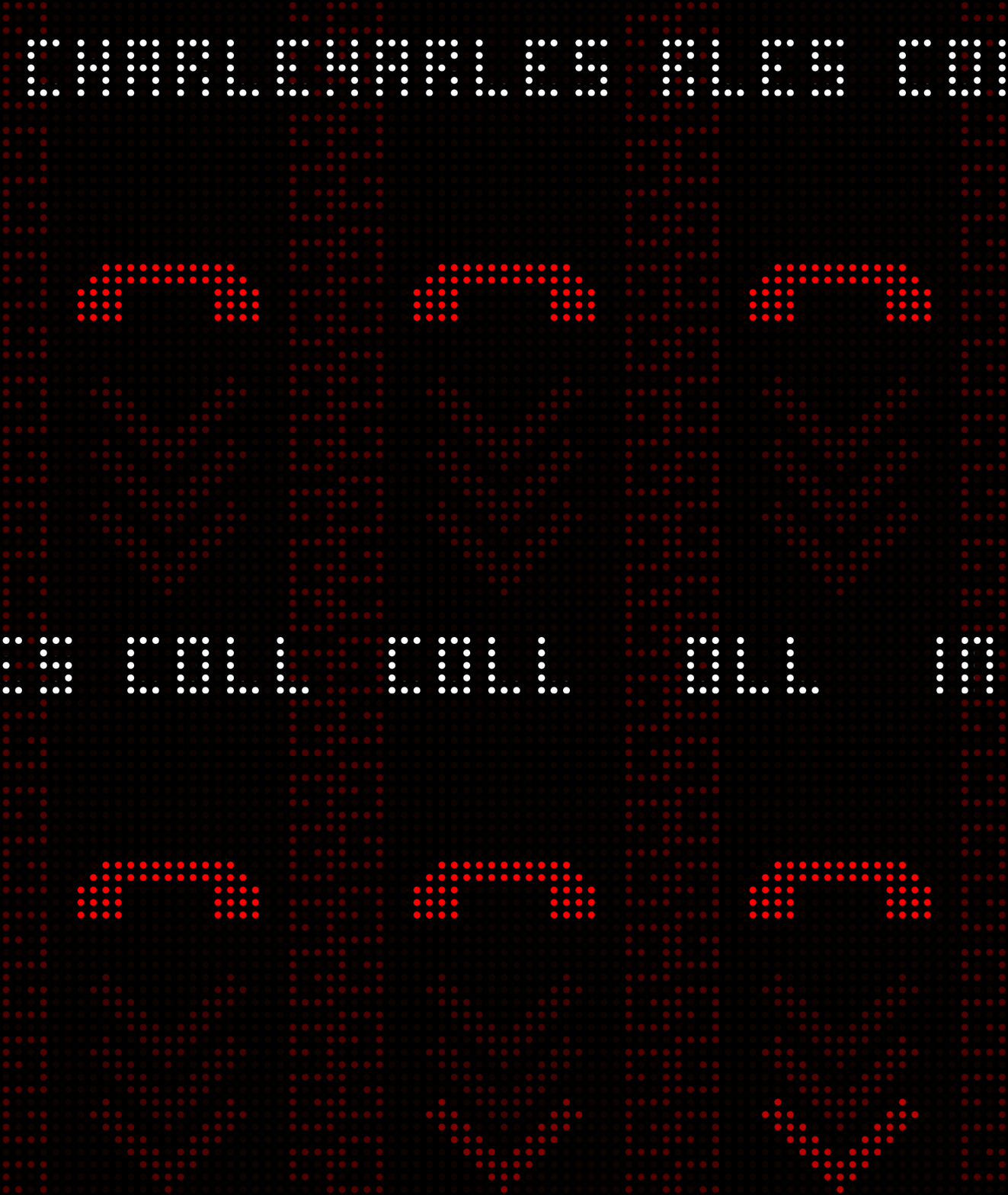
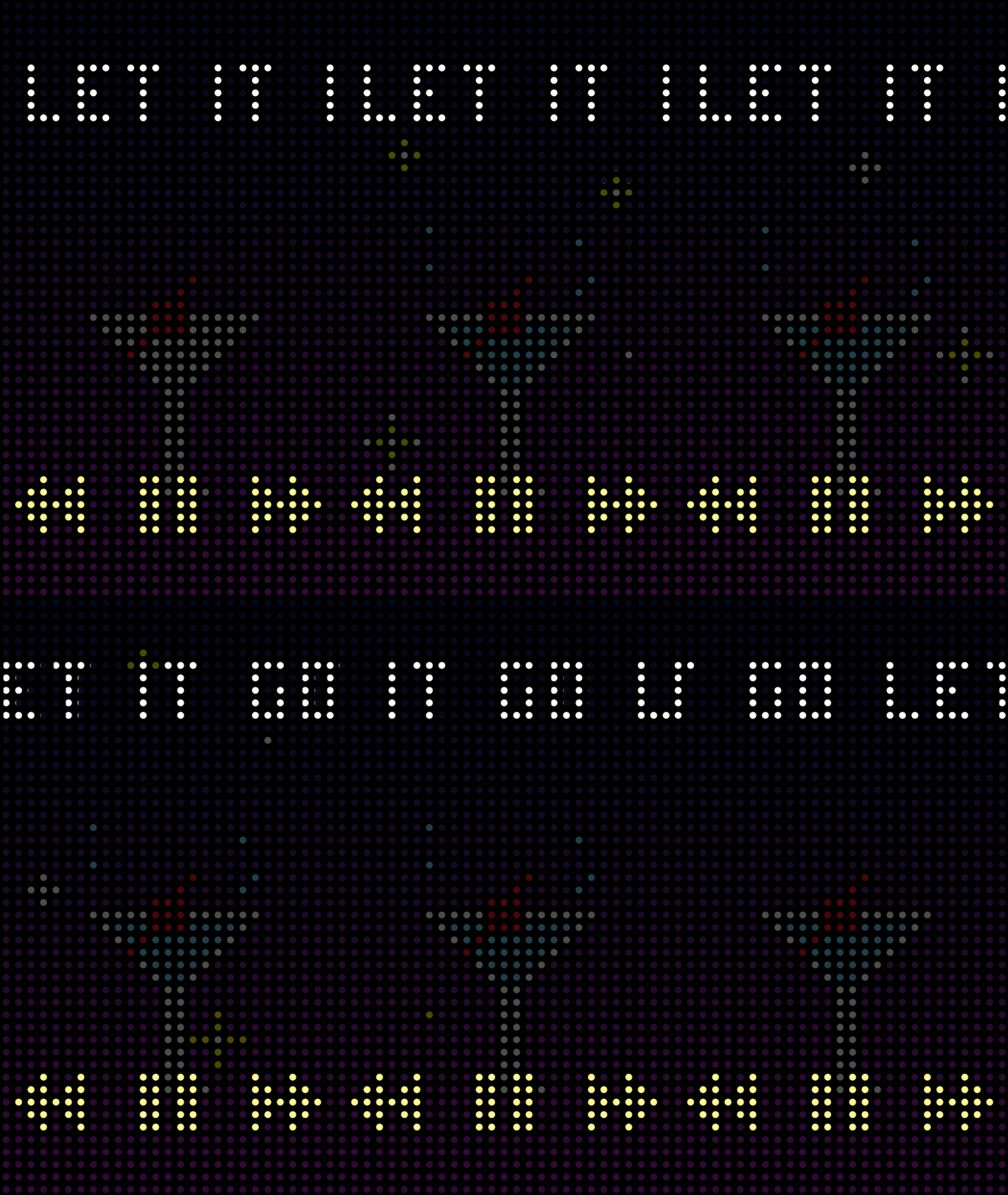
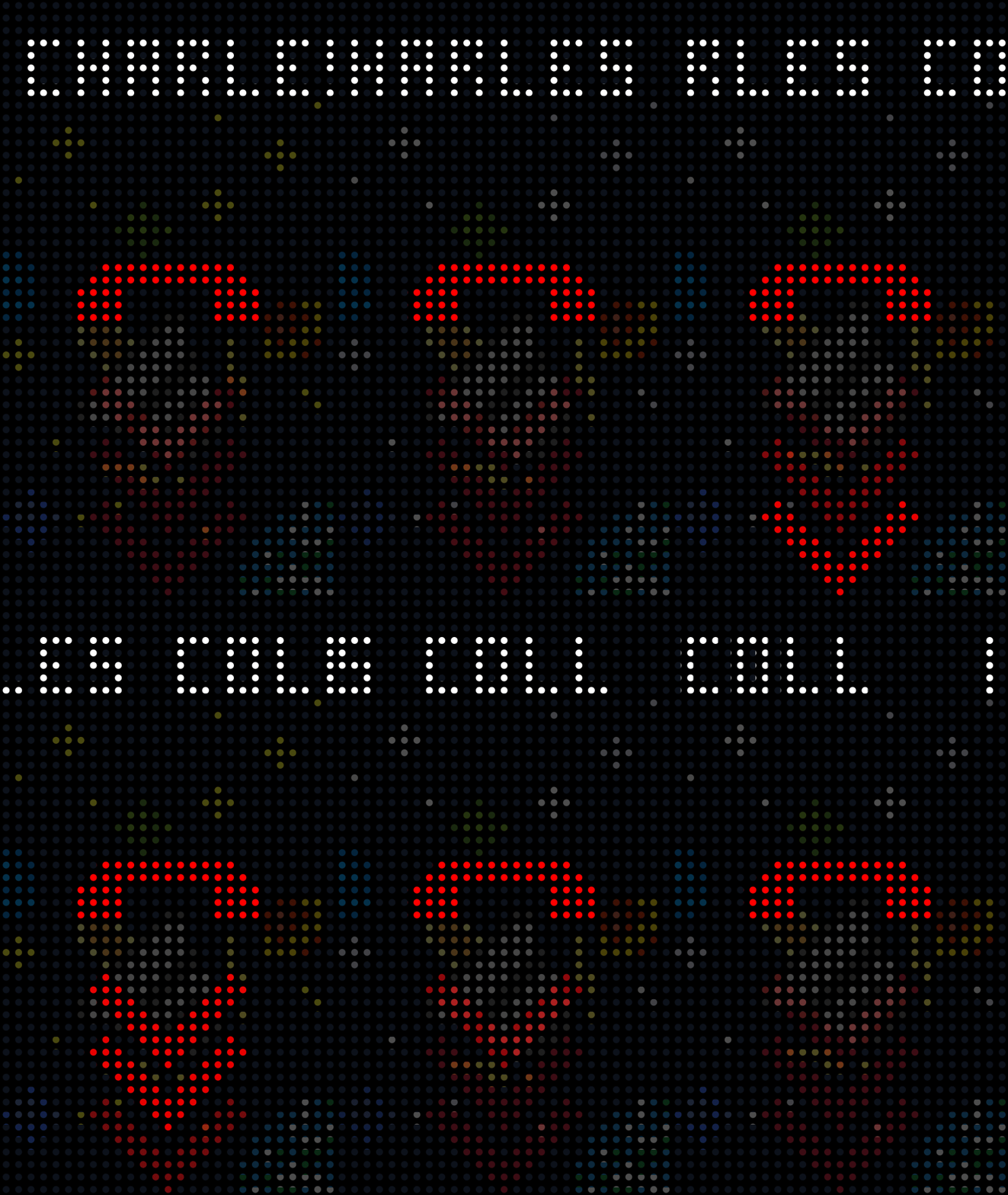
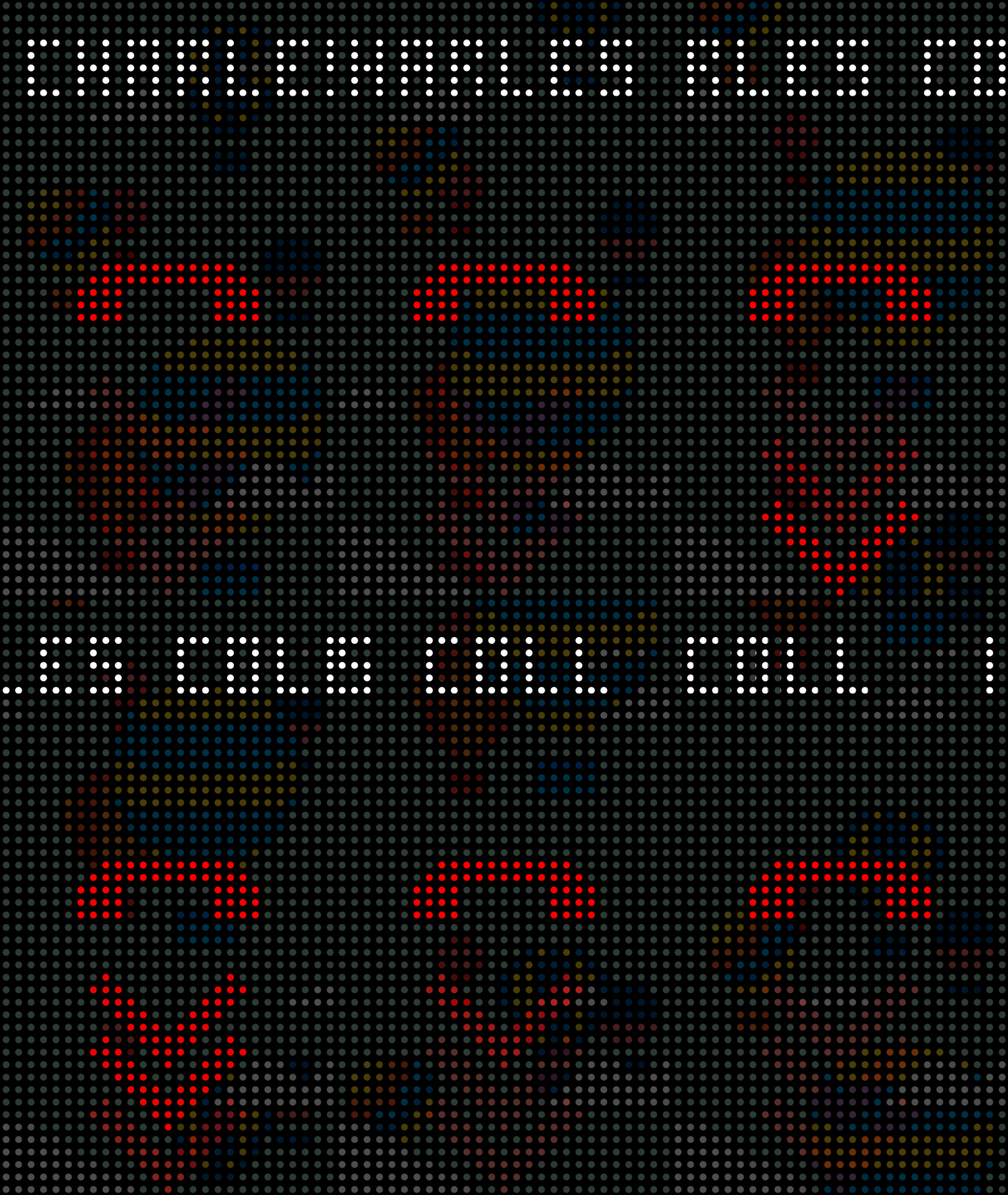
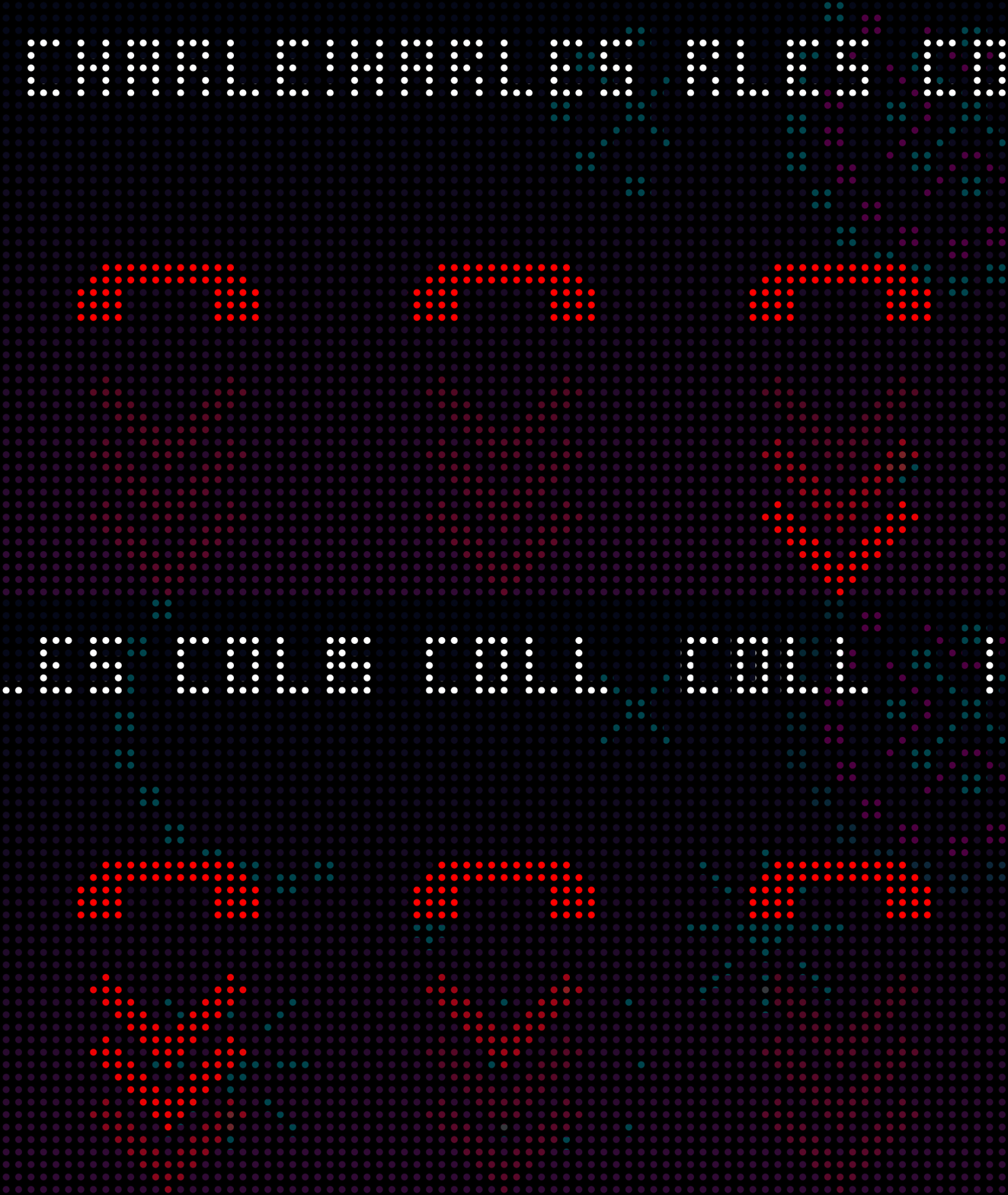
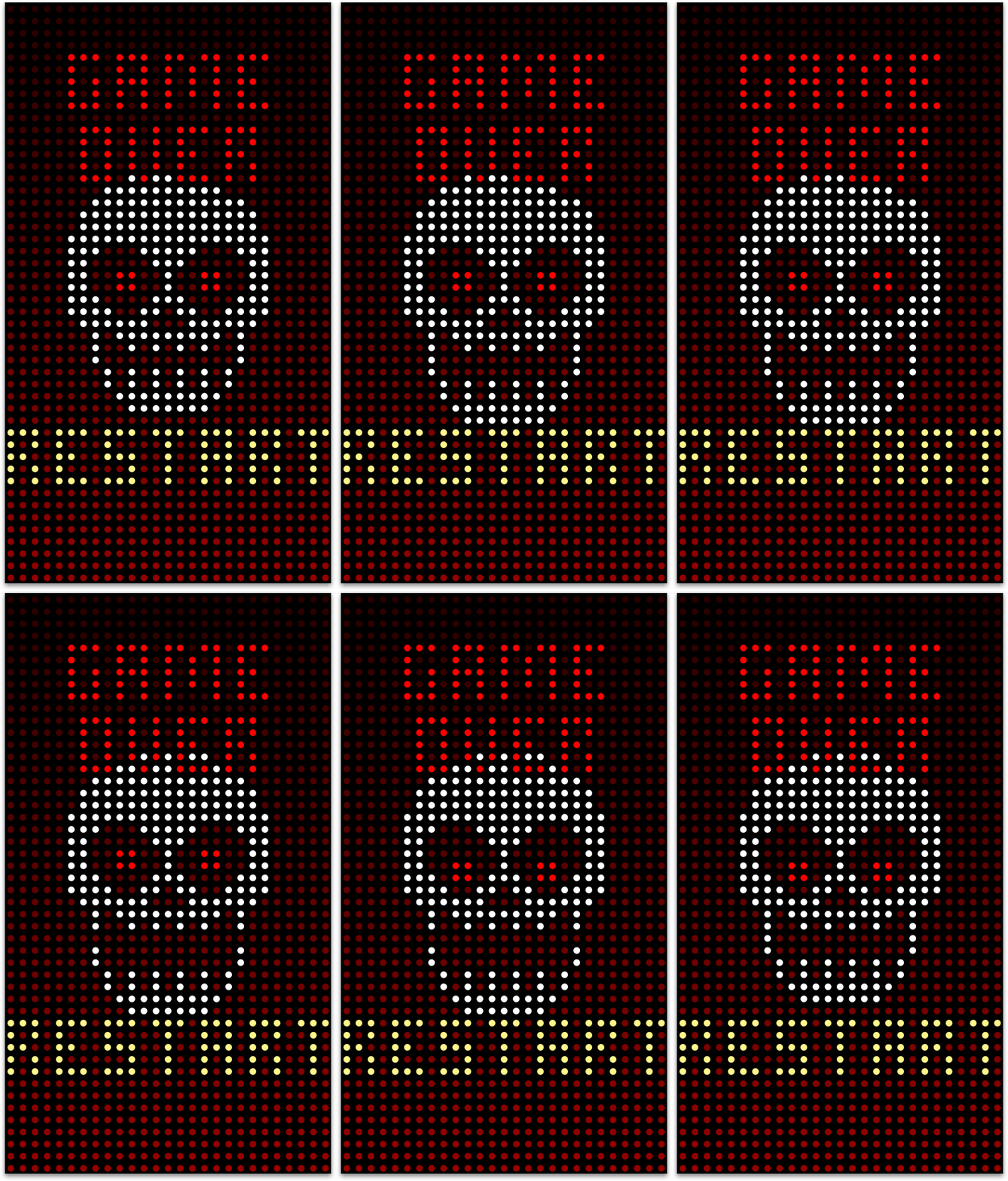
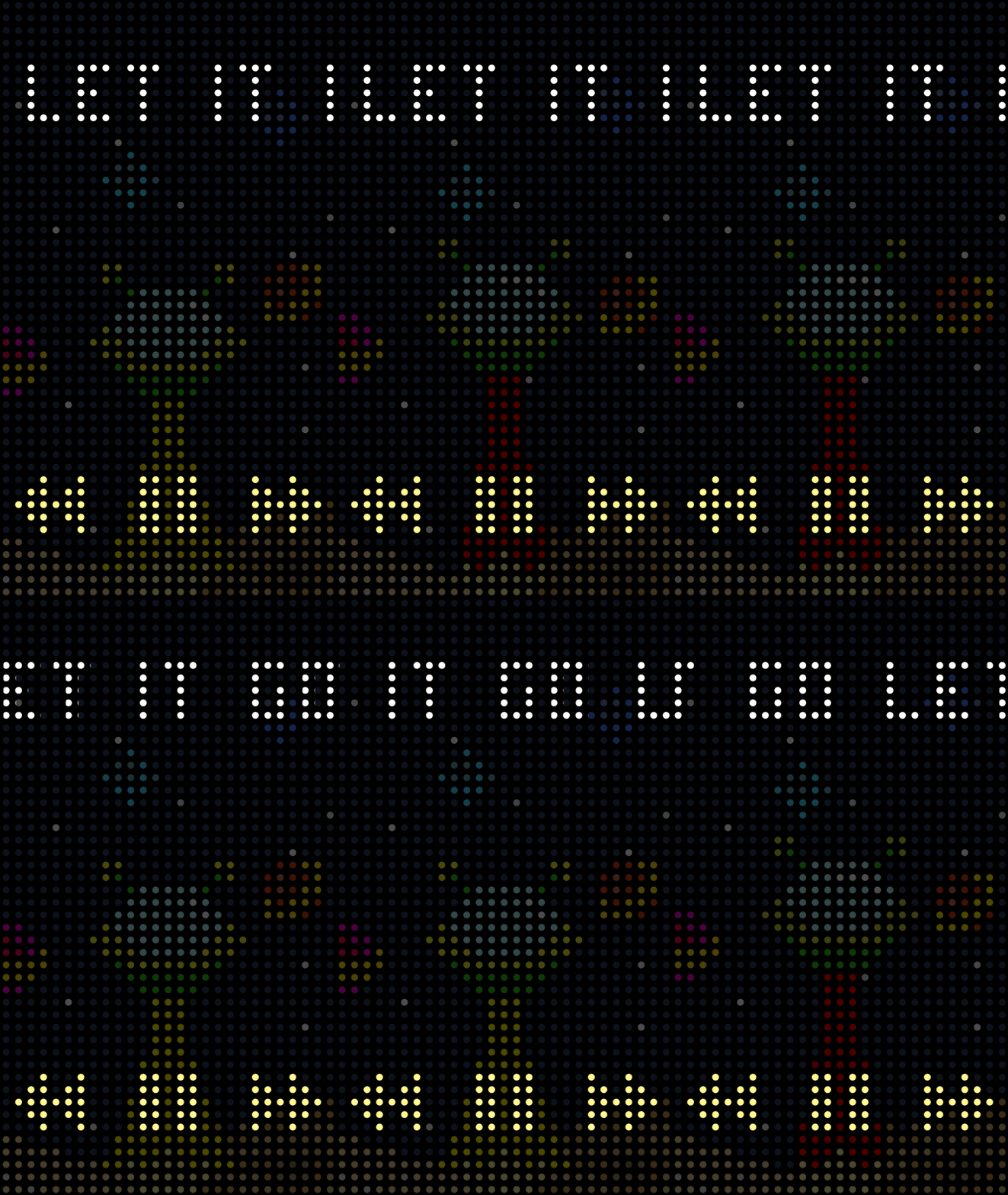
The incorporation of a holiday theme within Dot View 2.0 serves as a significant enhancement to the user experience. The system is designed to recognize upcoming holidays or birthdays and provide users with a theme specifically curated for the occasion. Eight popular holidays are included, each with three unique animations. The central theme is displayed on the home screen, with two additional parts appearing on the incoming call screen and media control.
New year
Valentines day
Fools' Day
Mother's day
Father's day
Halloween
Christmas
Lunar new year
New year
Valentines day
Fools' Day
Mother's day
Father's day
Halloween
Christmas
Lunar new year
New year
Valentines day
Fools' Day
Mother's day
Father's day
Halloween
Christmas
Lunar new year
Dot View Theme
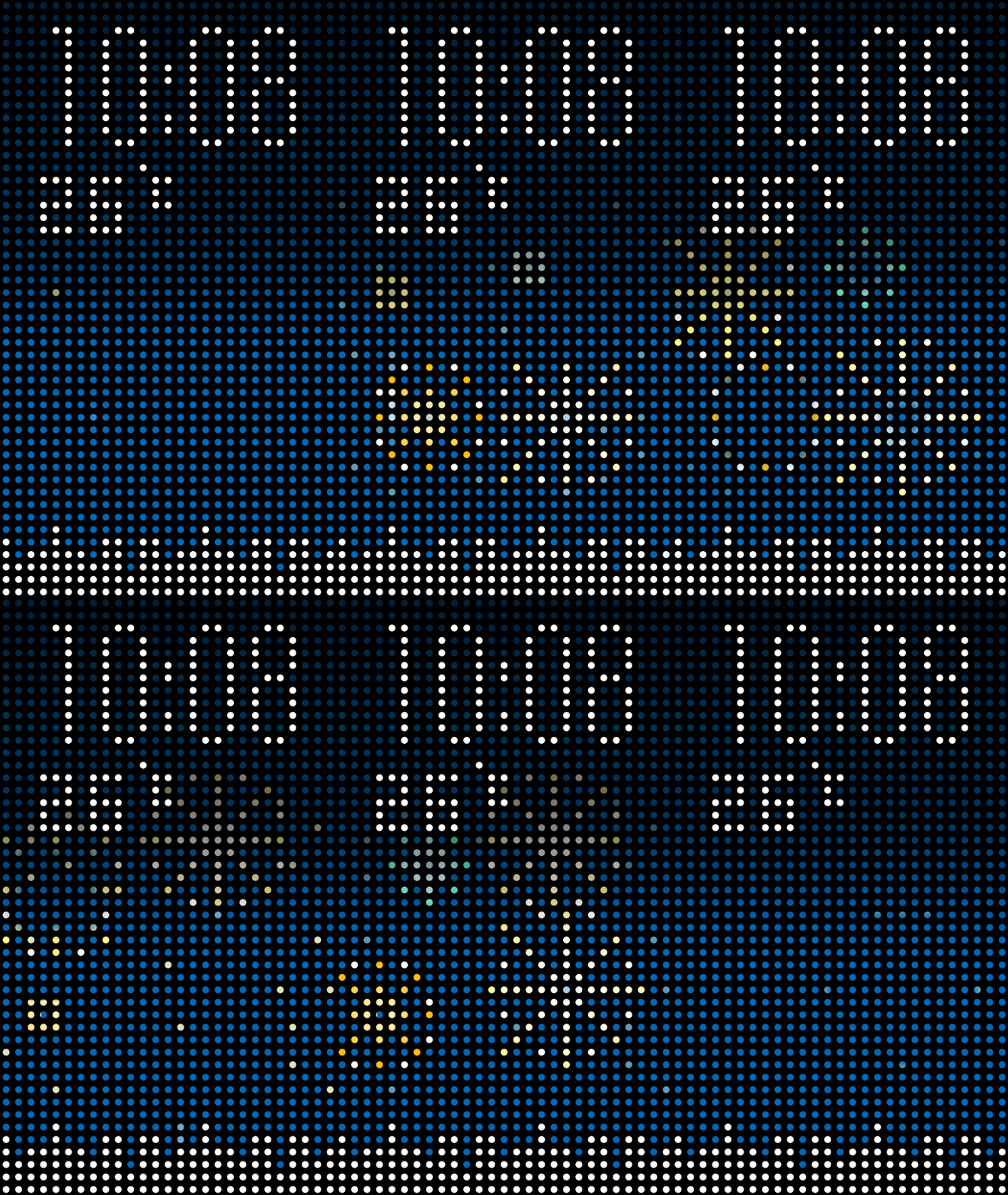
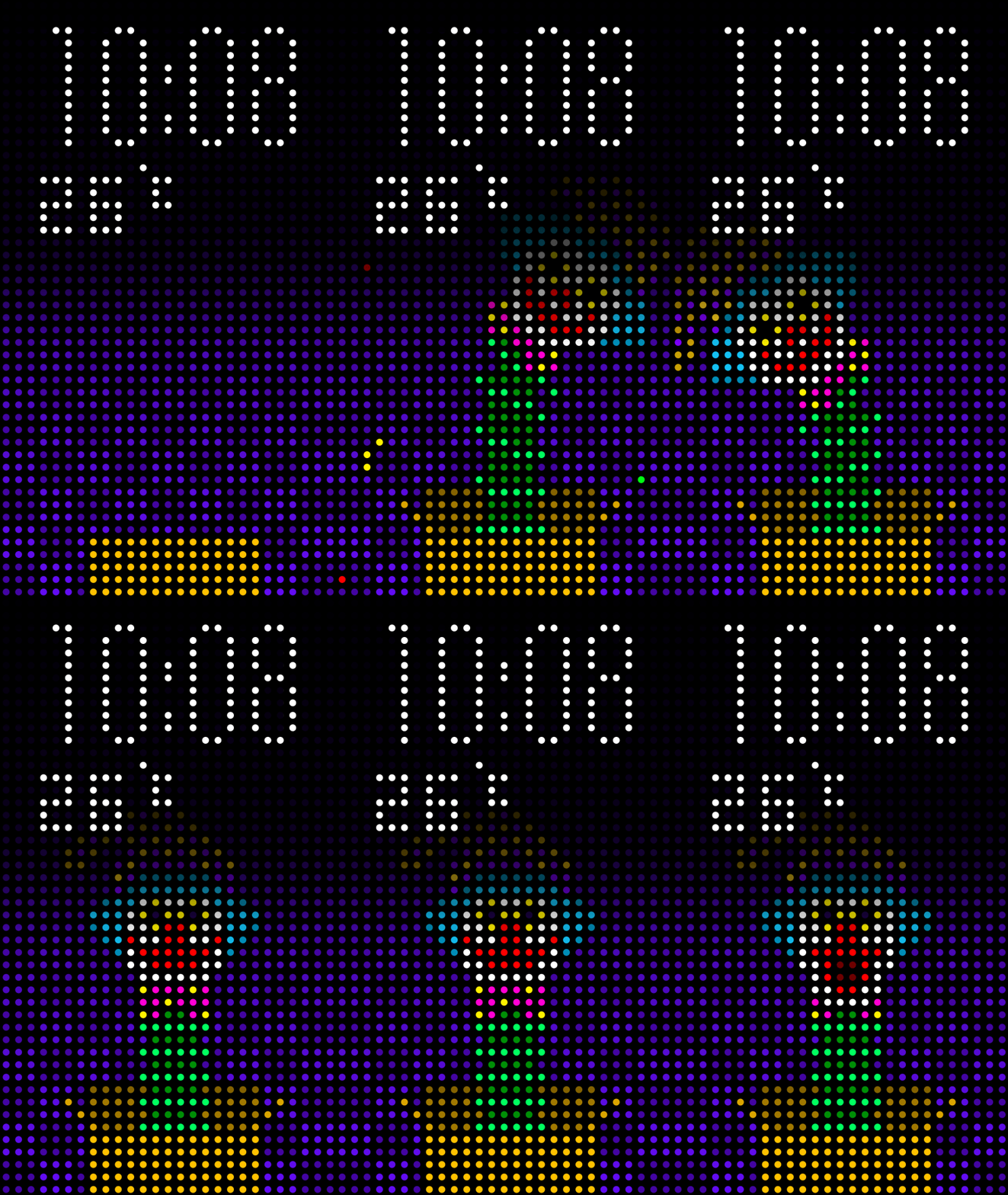
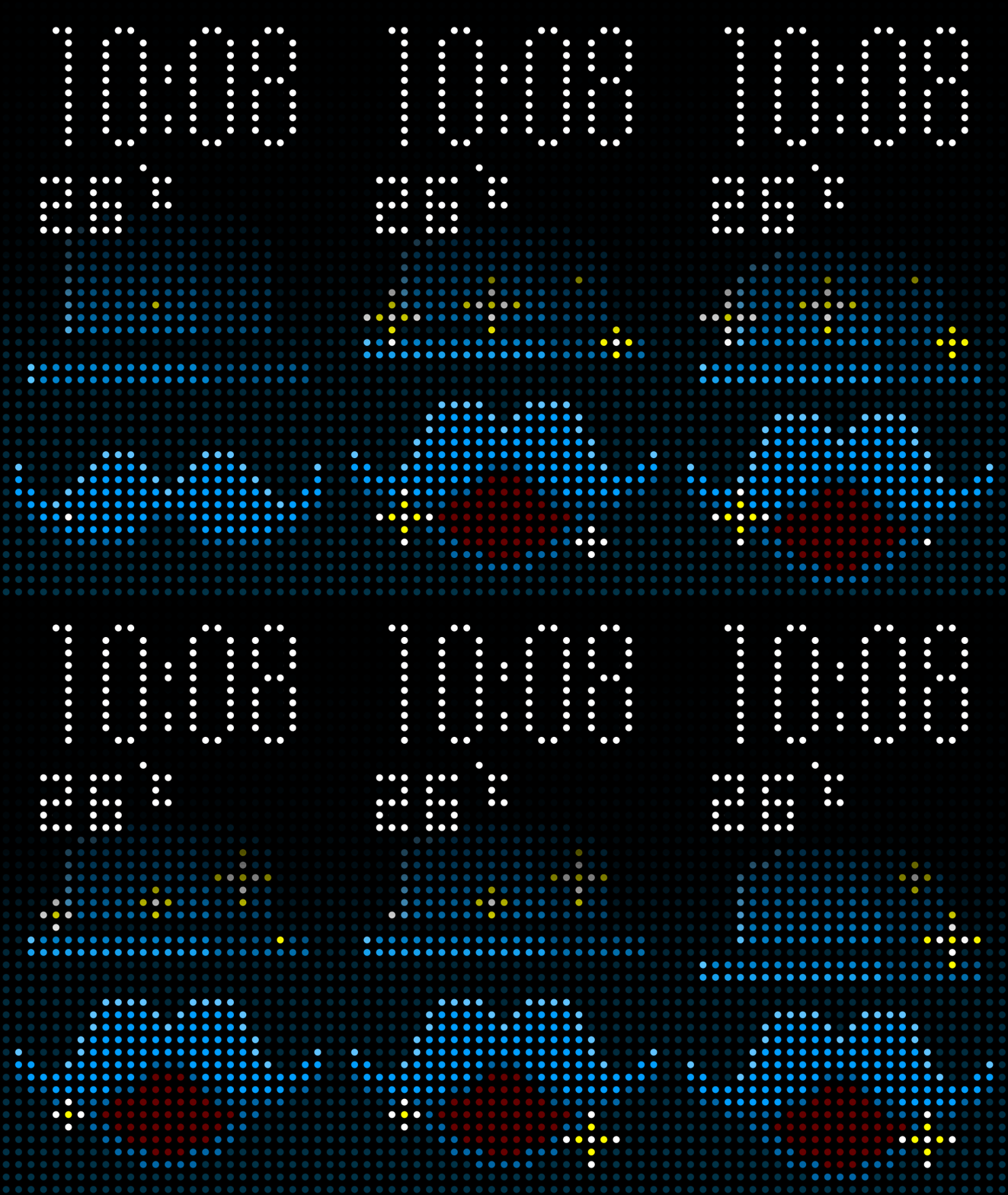
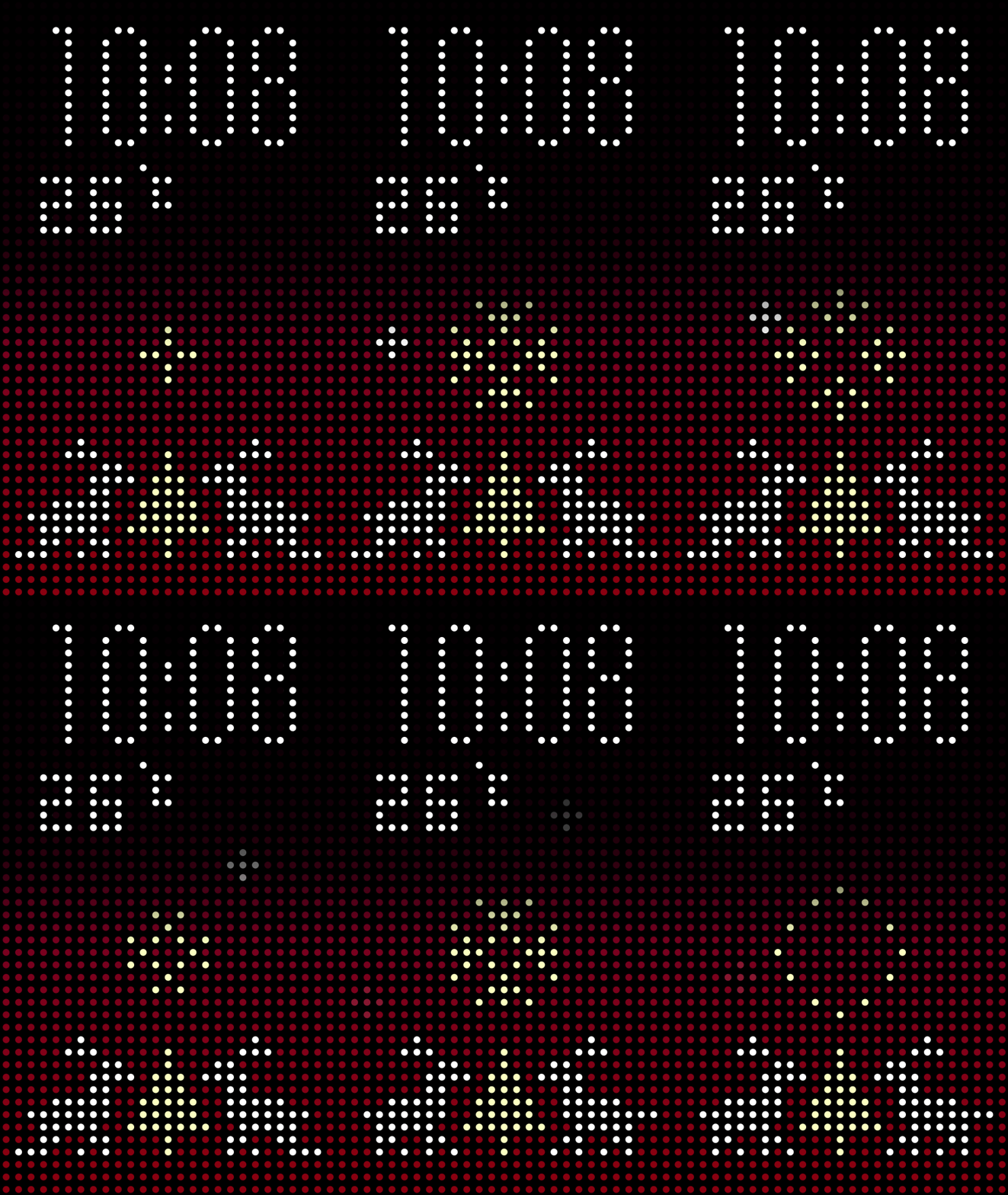
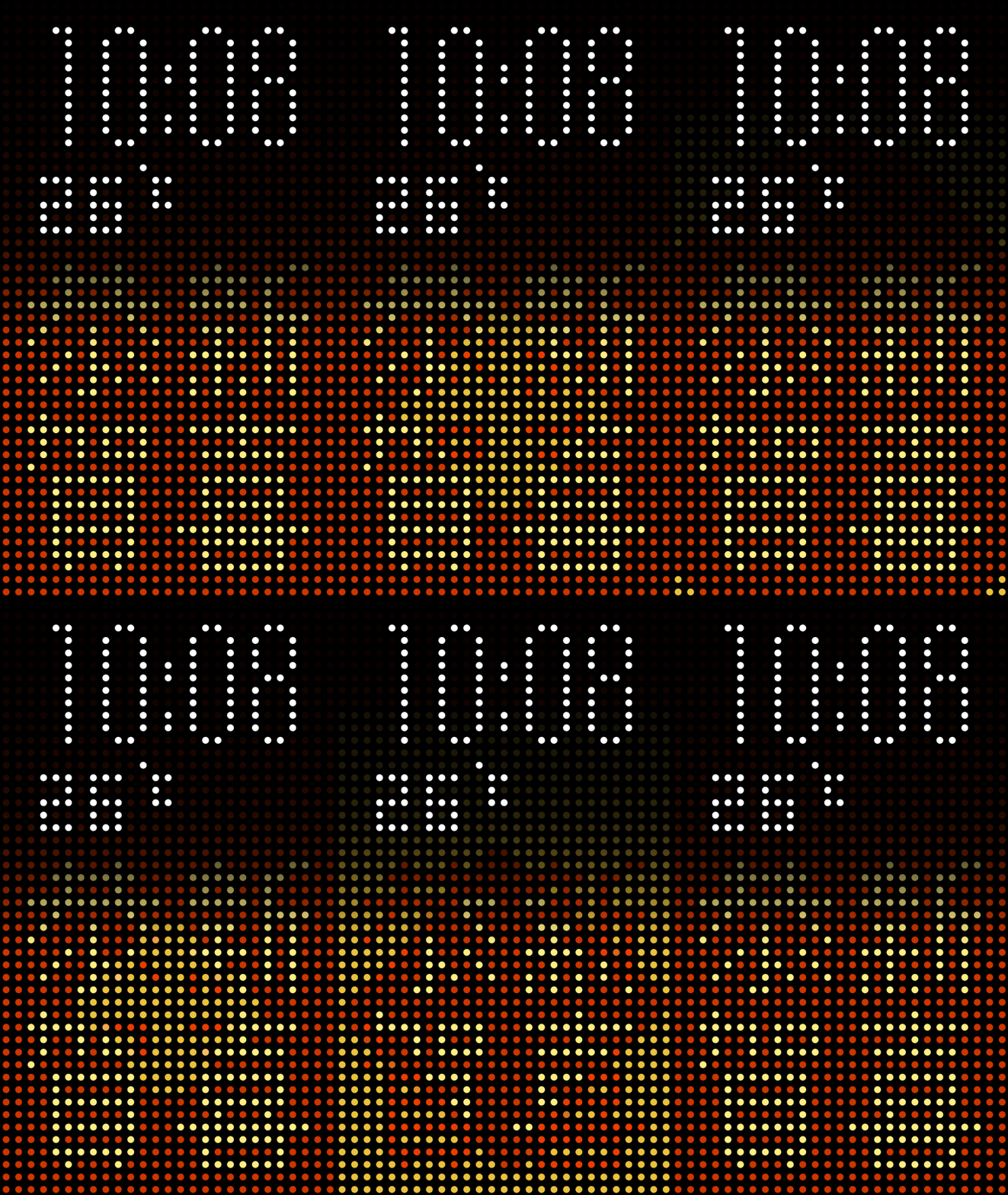
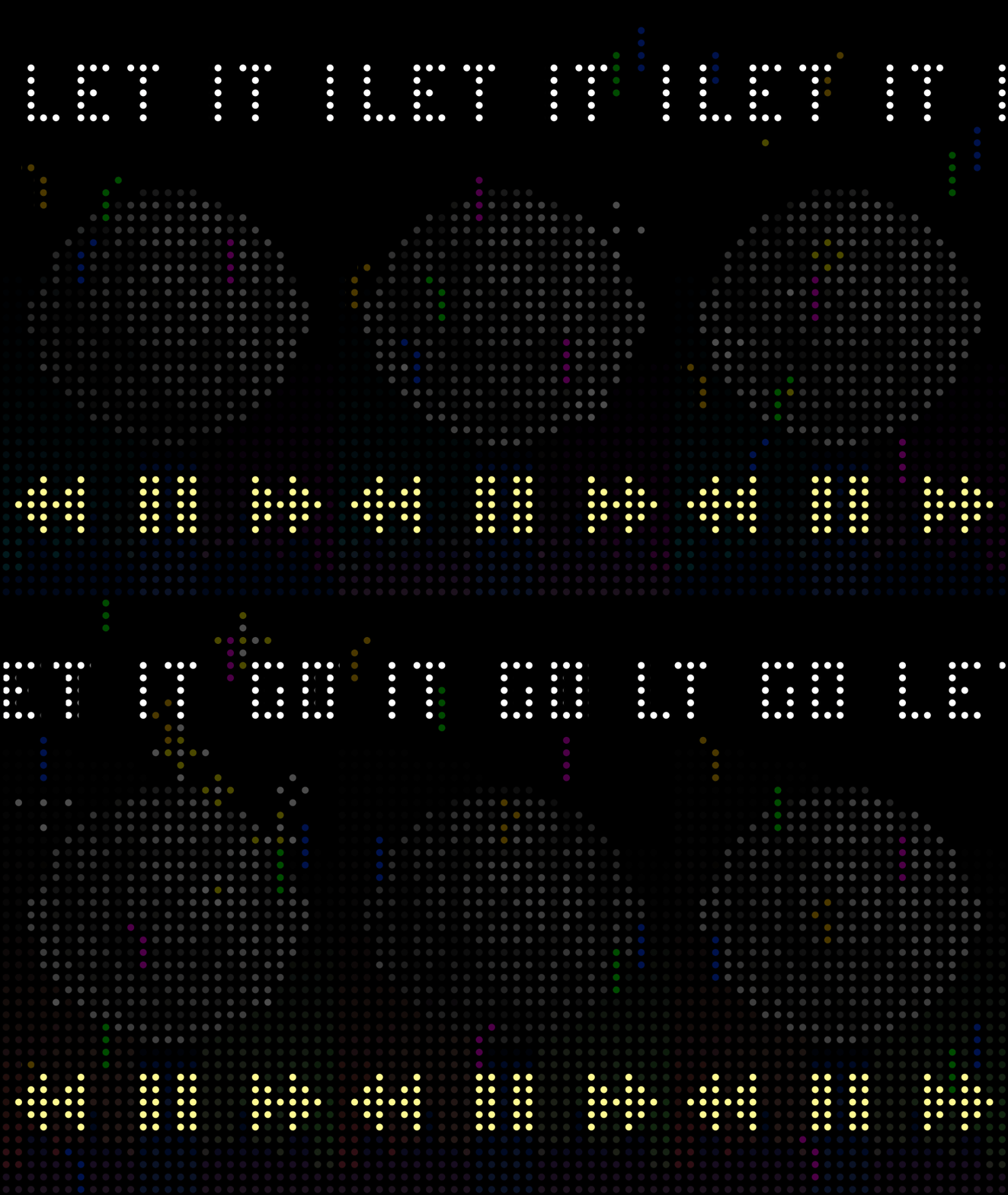
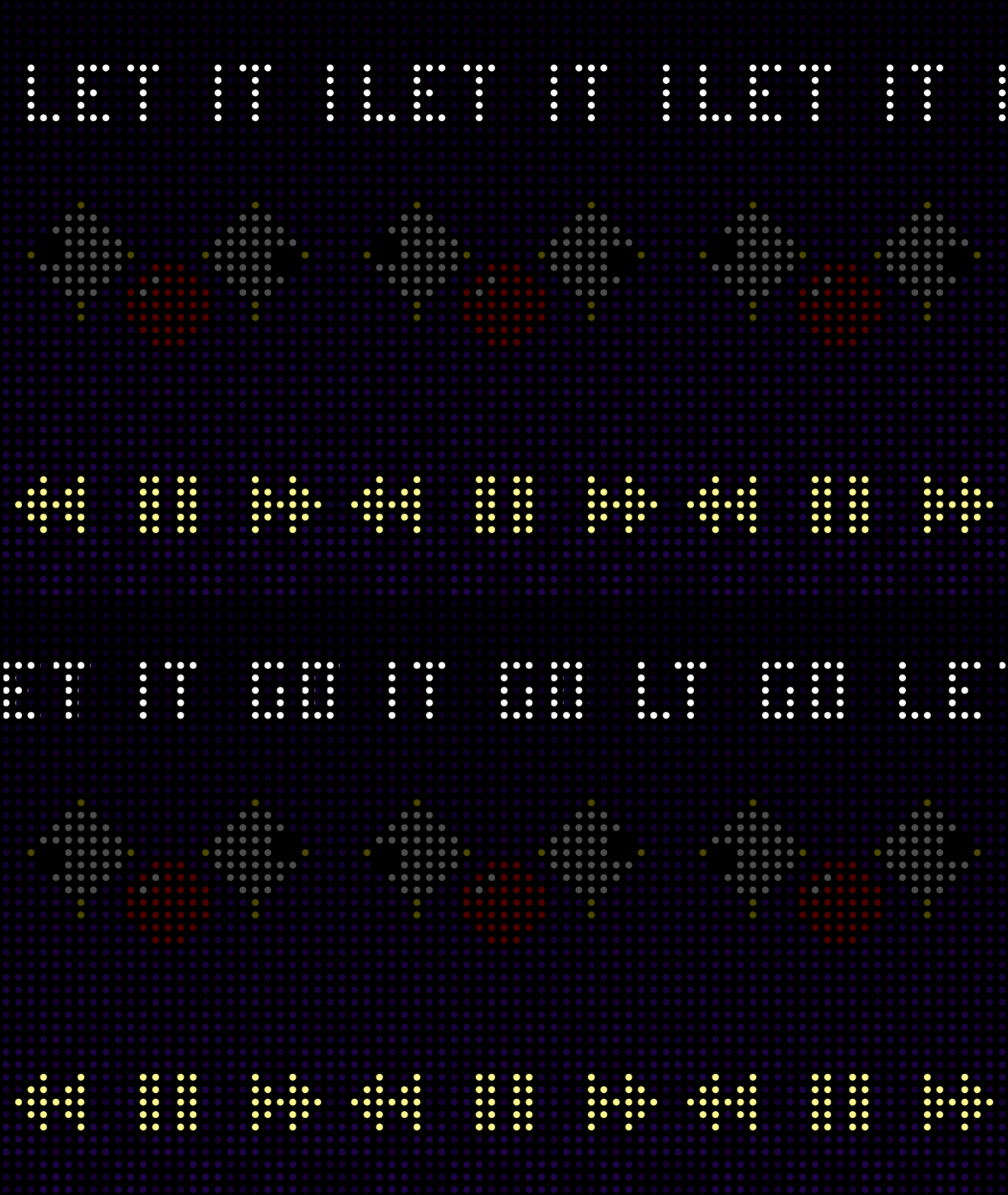
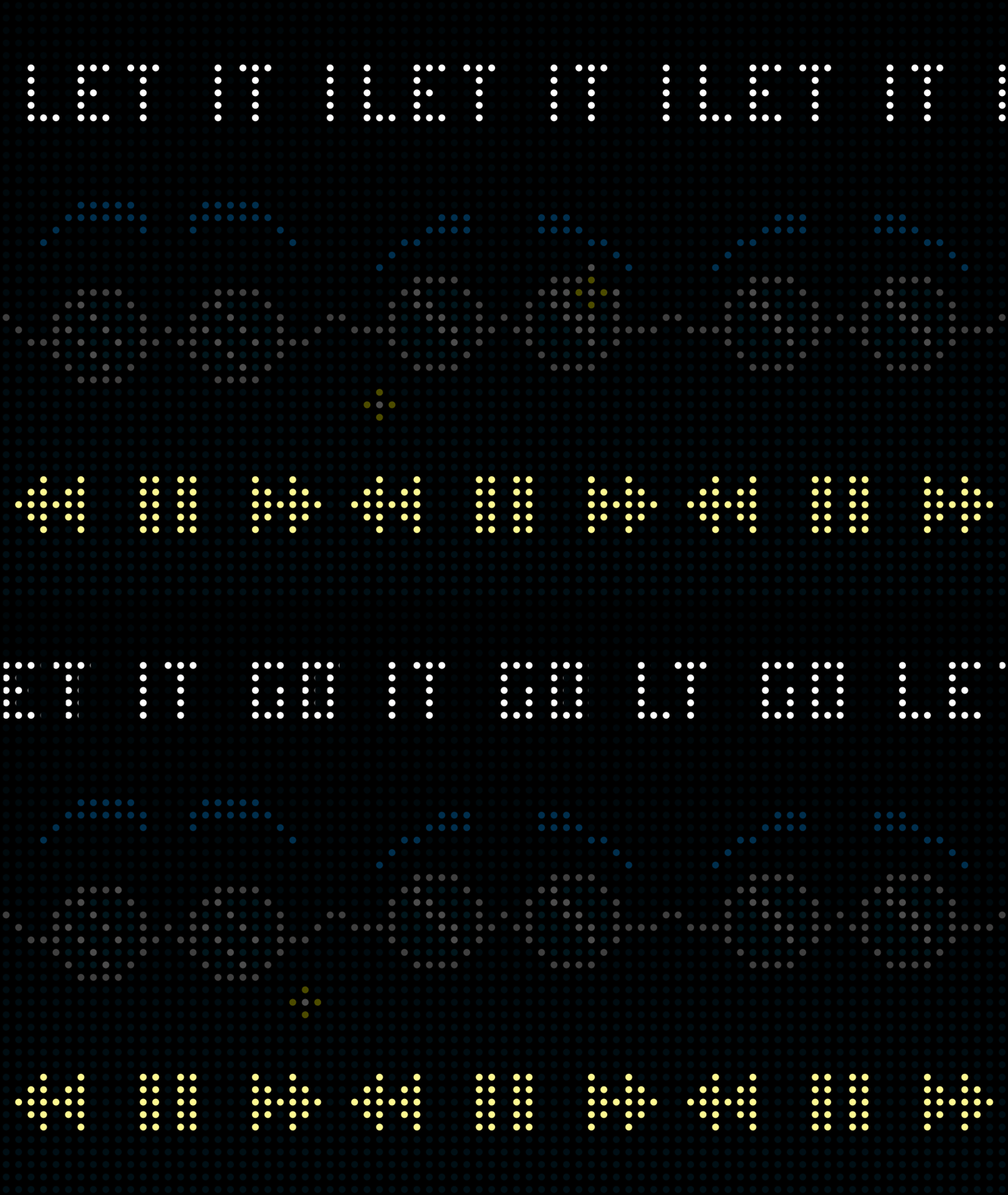
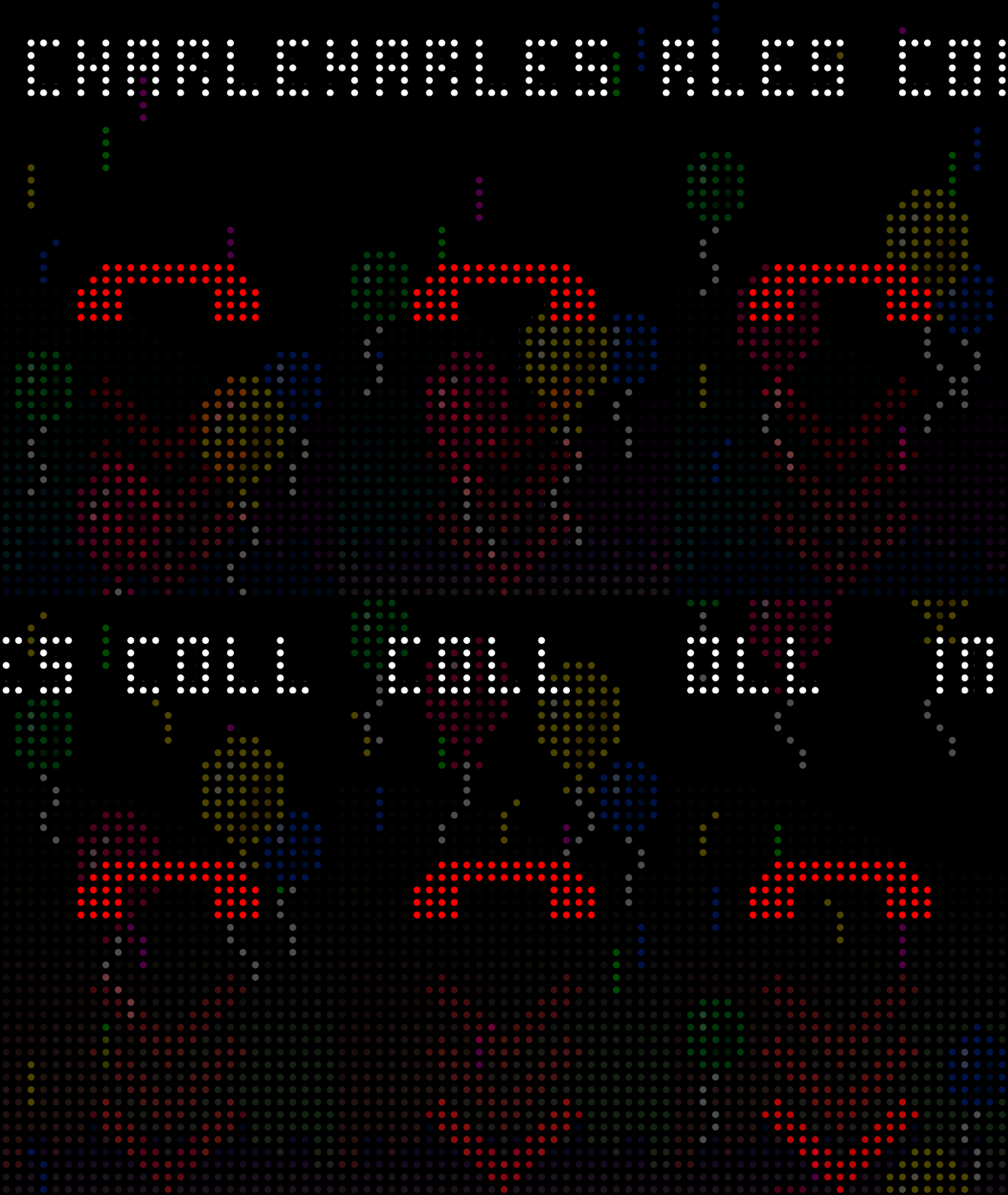
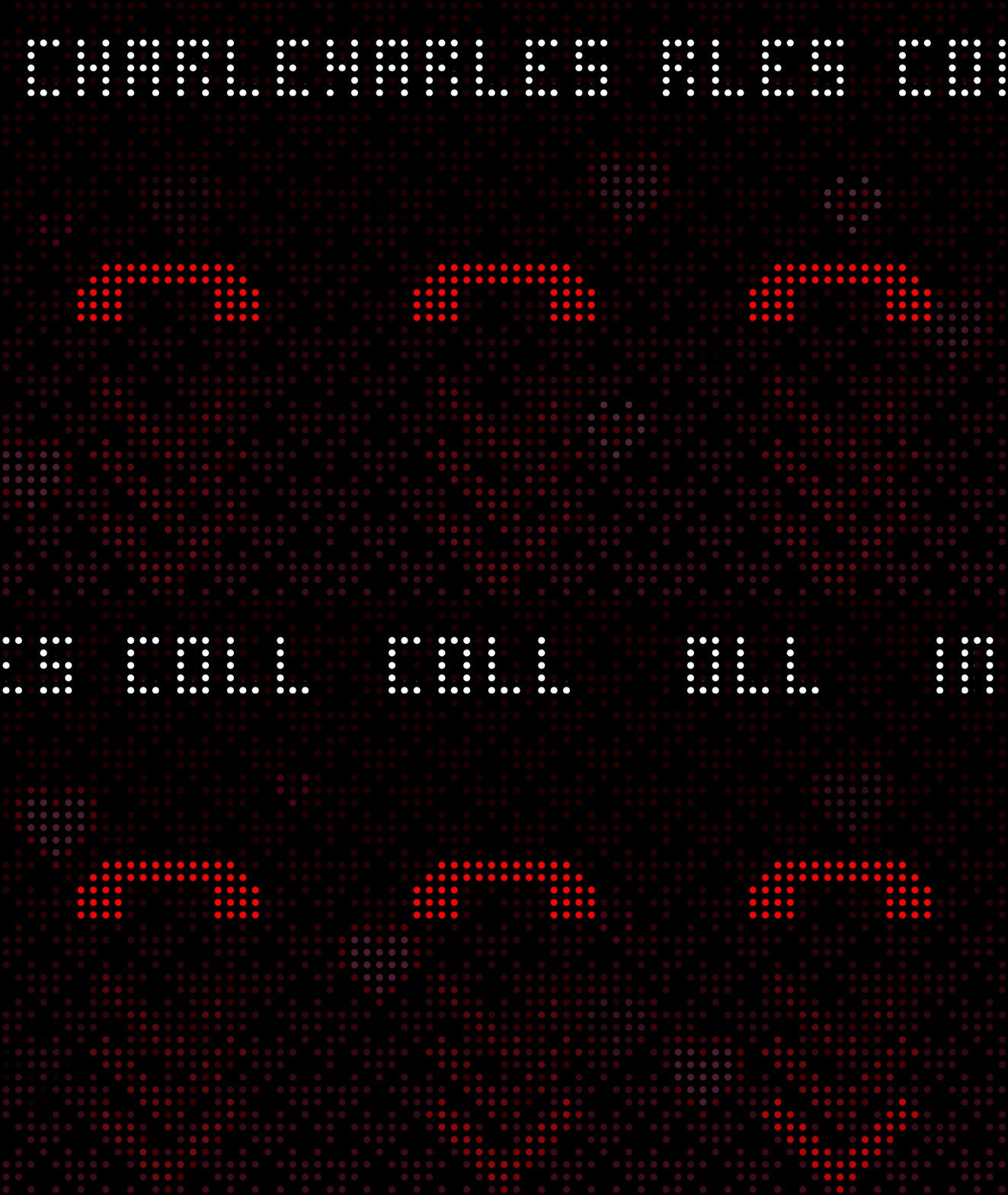
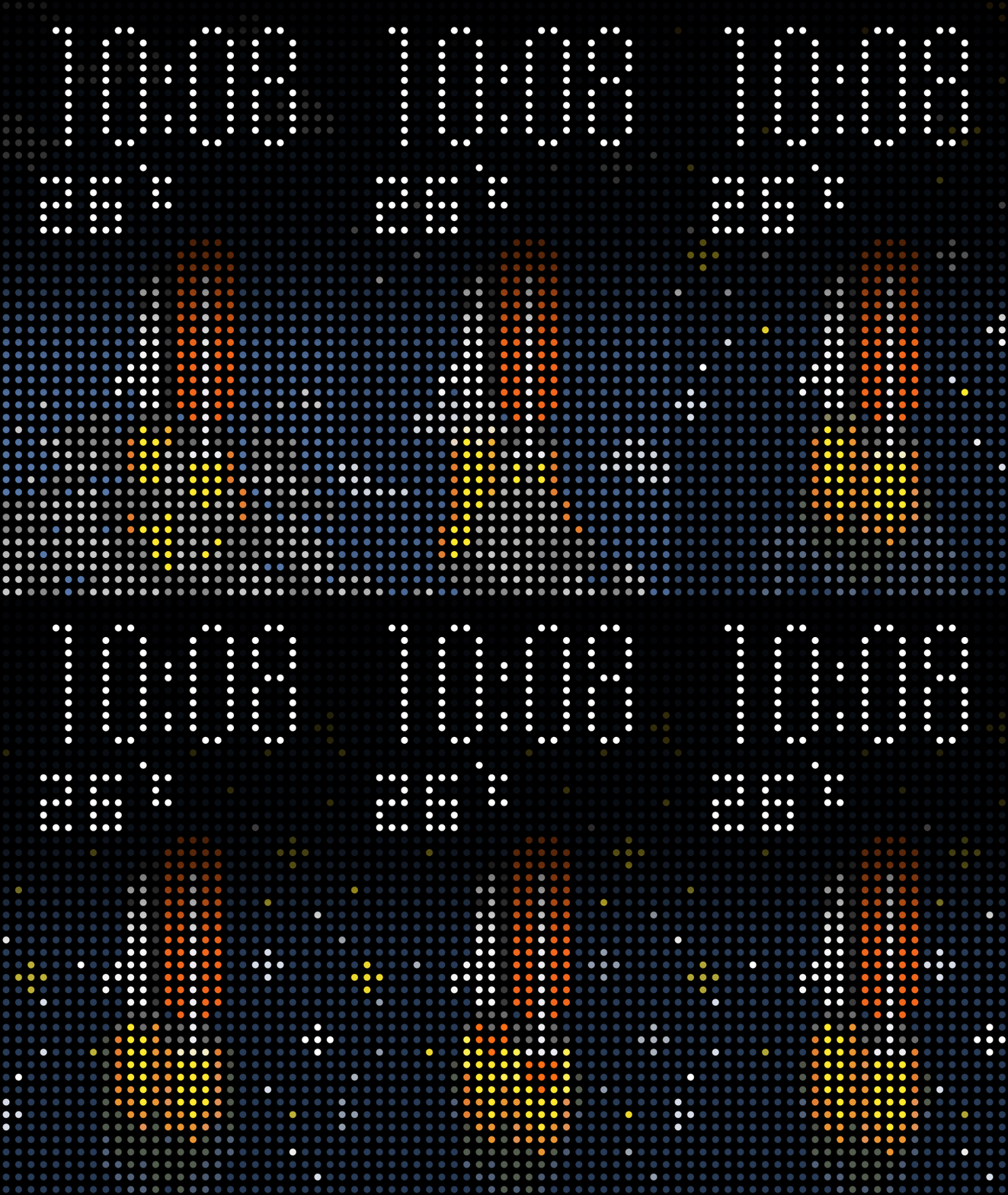
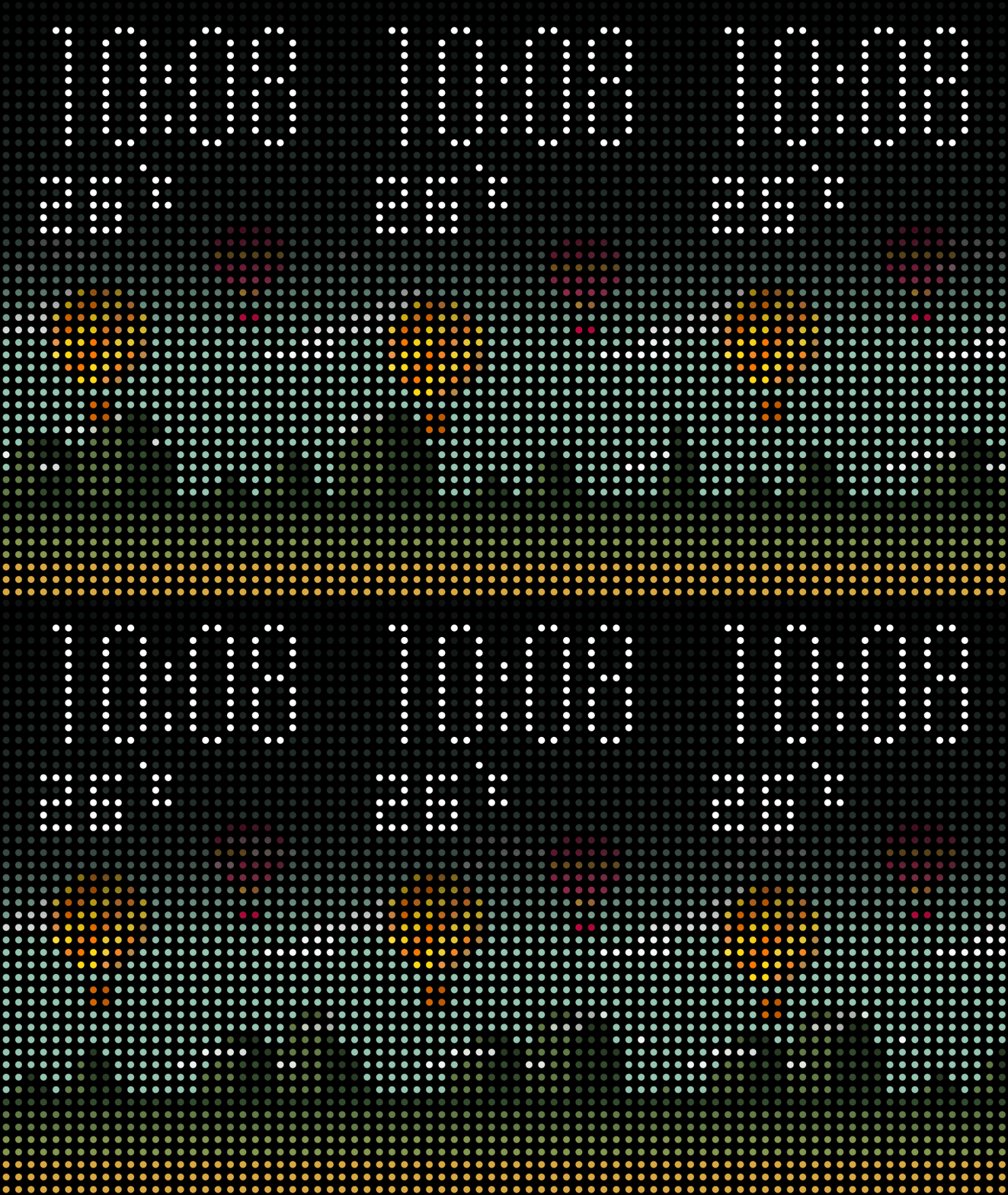
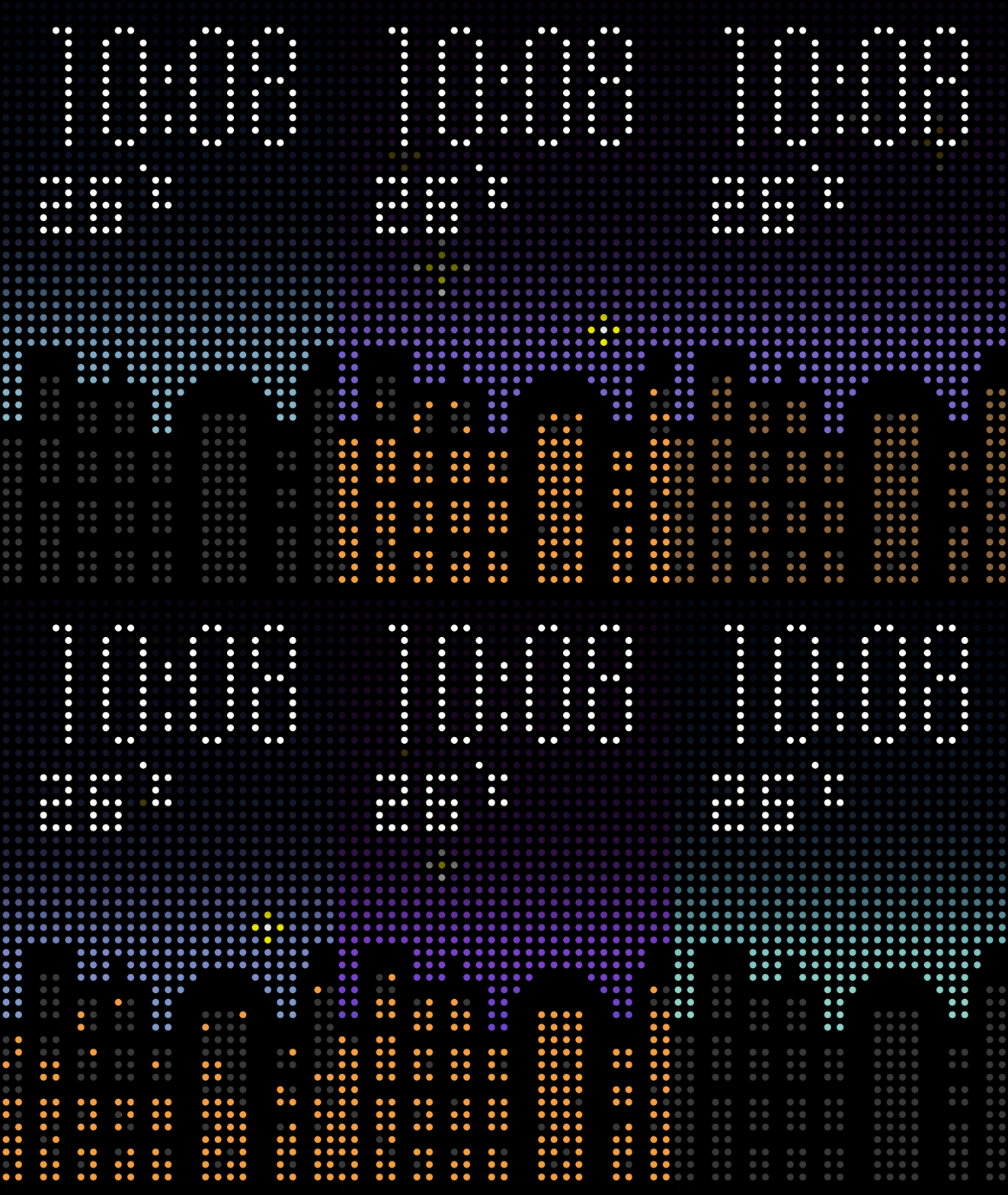
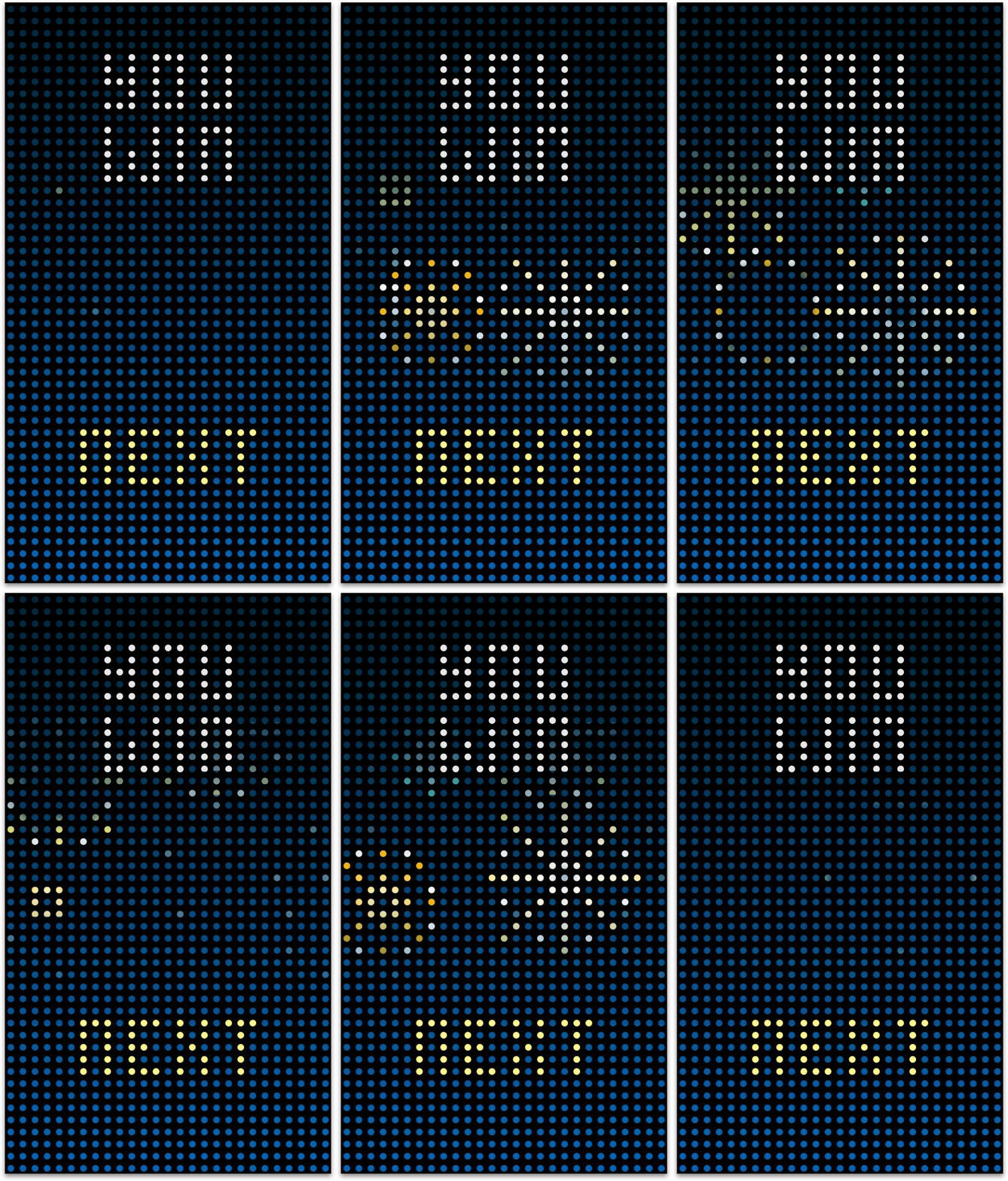
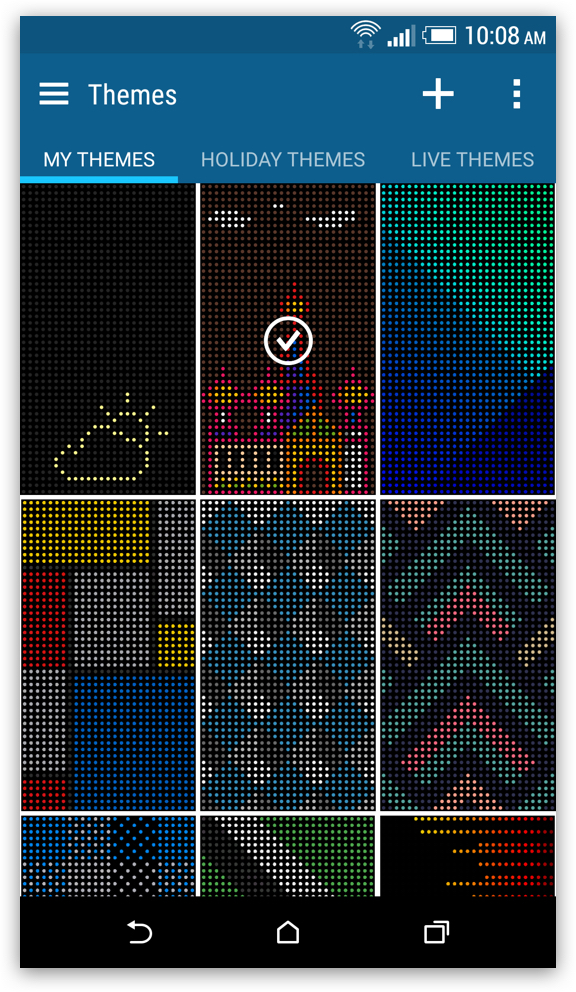
Here are three themes designed for Dot view 2.0, and users can switch them at any time.
Space Shuttle
Hot air balloon
Night life
Space Shuttle
Hot air balloon
Night life
Space Shuttle
Hot air balloon
Night life
Extended Applications Design
In the crowded market of phone cases, our aim was to offer users more than just basic protection. While Samsung has introduced plating phone cases for their devices and third-party vendors have created cases for Apple phones, we focused on providing practicality through our Dot View case. In addition to fundamental features, we designed three applications for the Dot View case: "Dot Breaker," "Dot Design," and "Dot Message." These applications enhance the product experience and set our Dot View case apart from other standard phone cases.
Dot Breaker
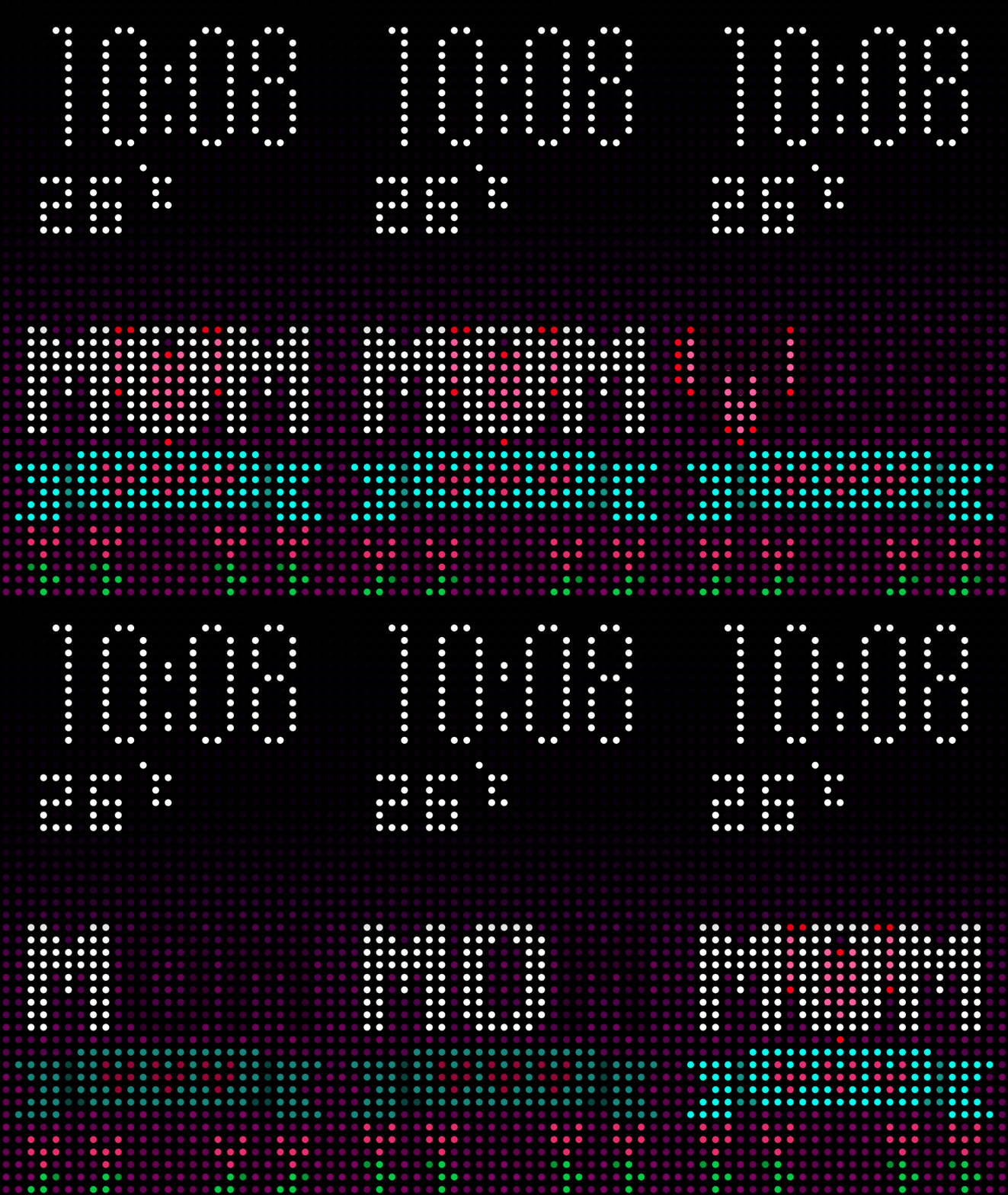
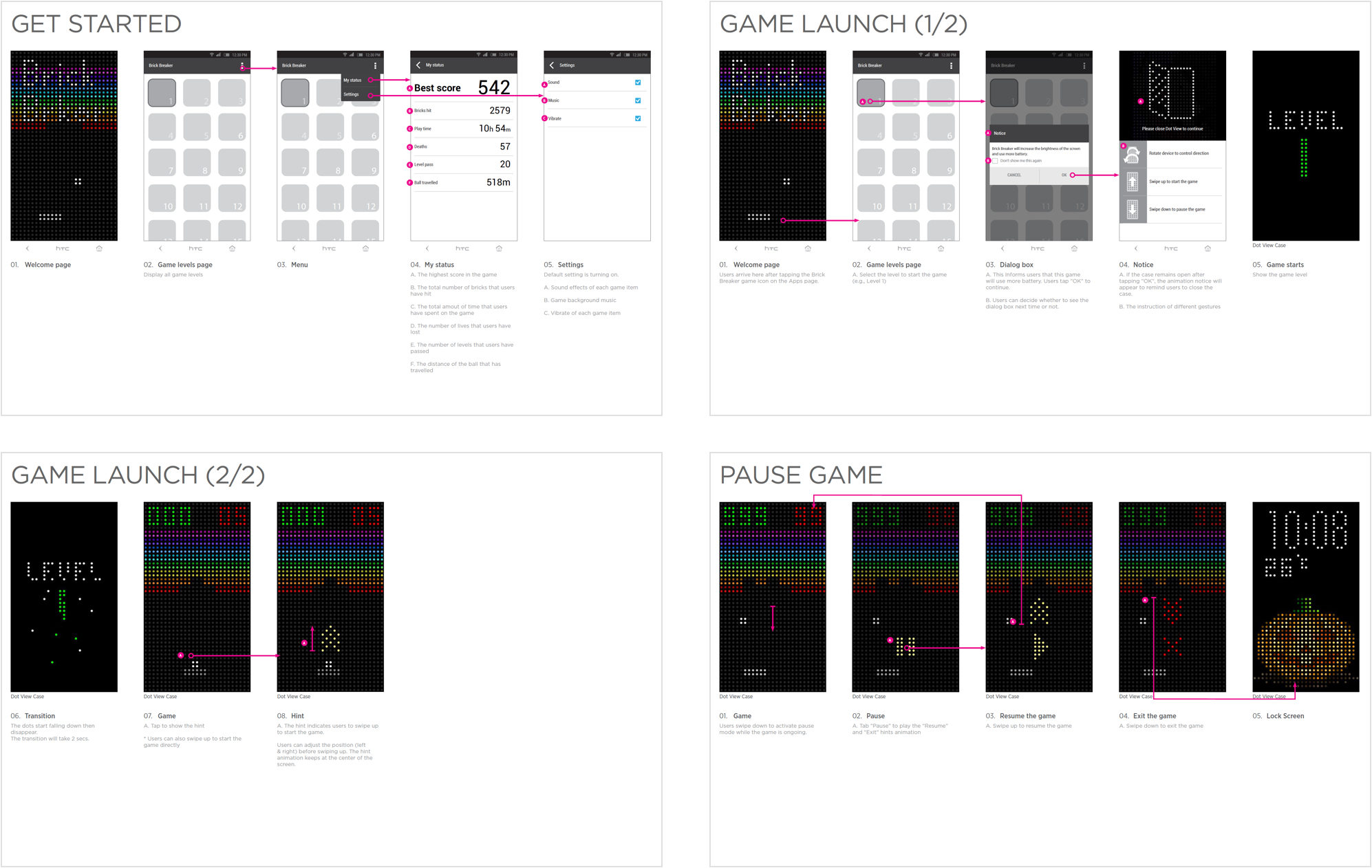
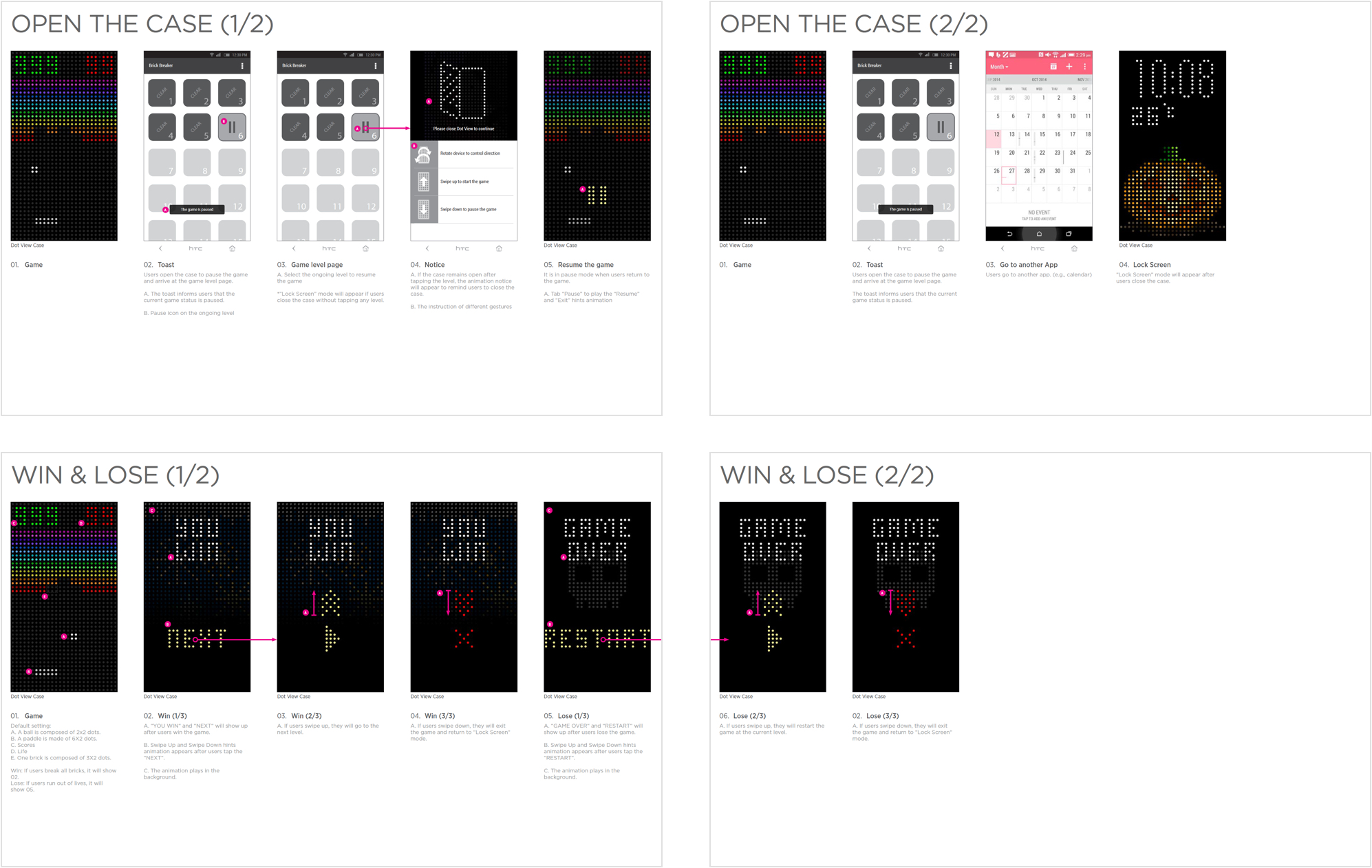
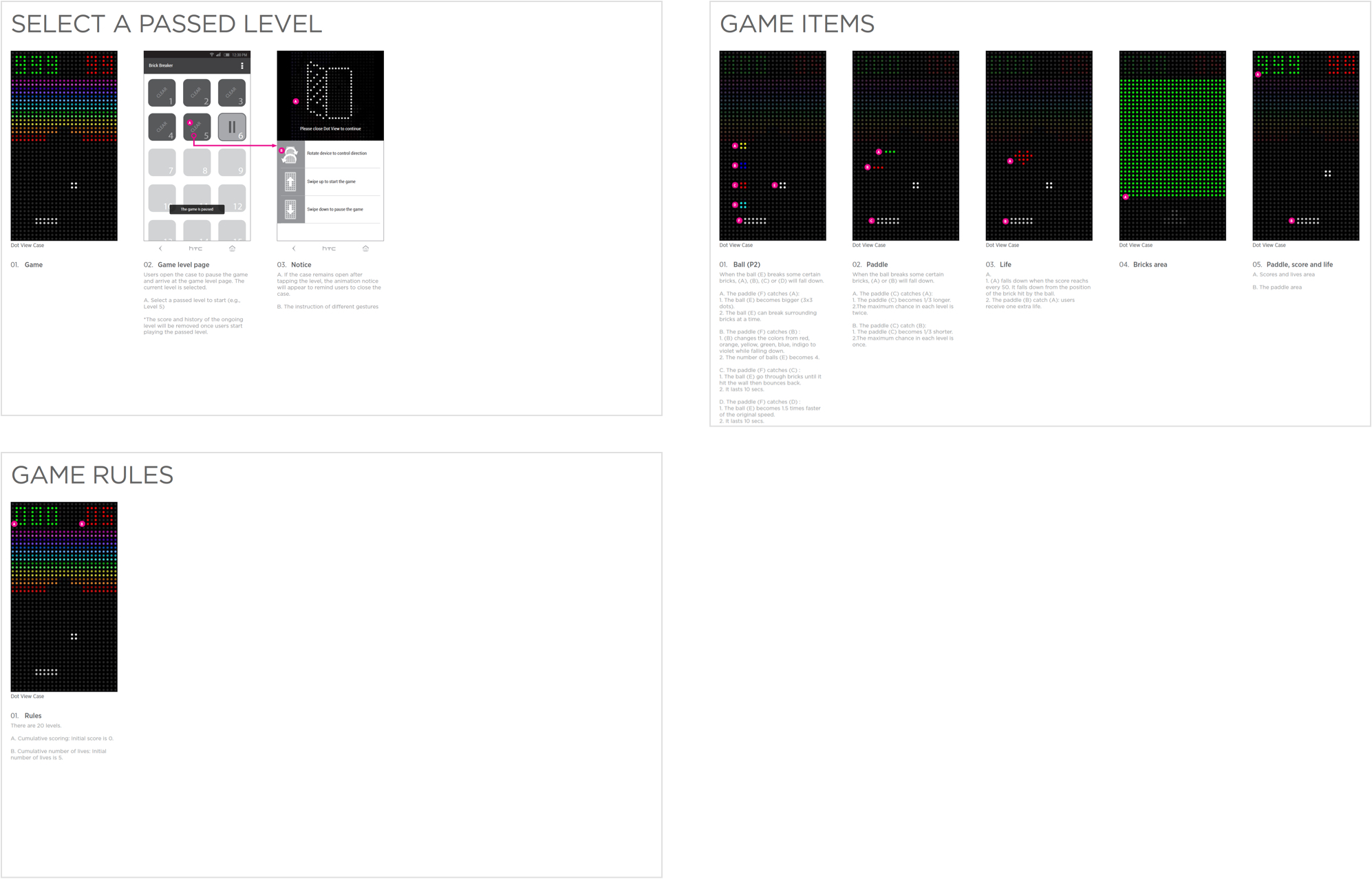
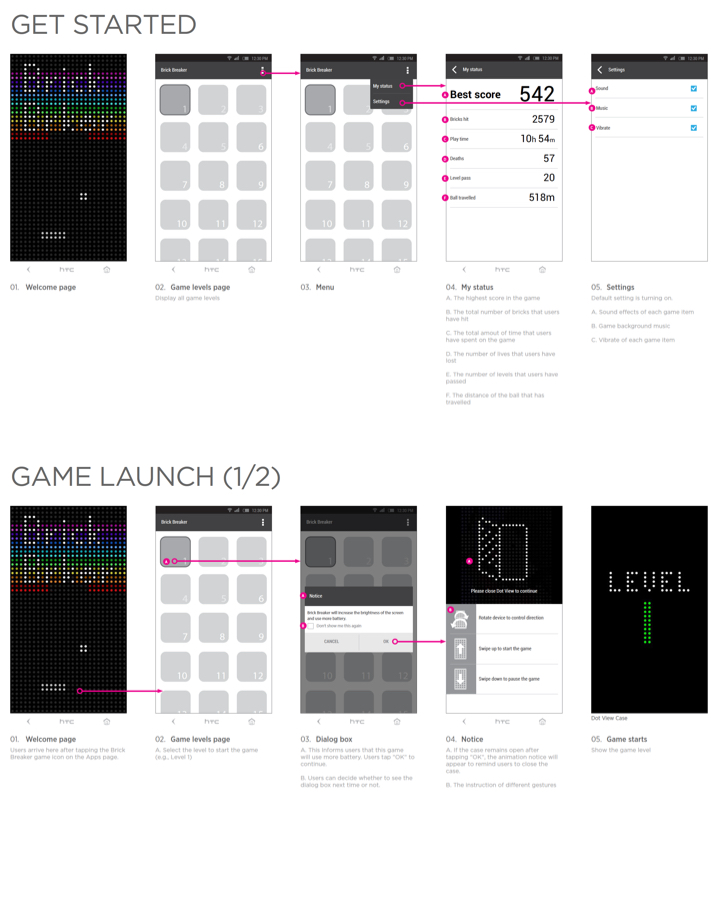
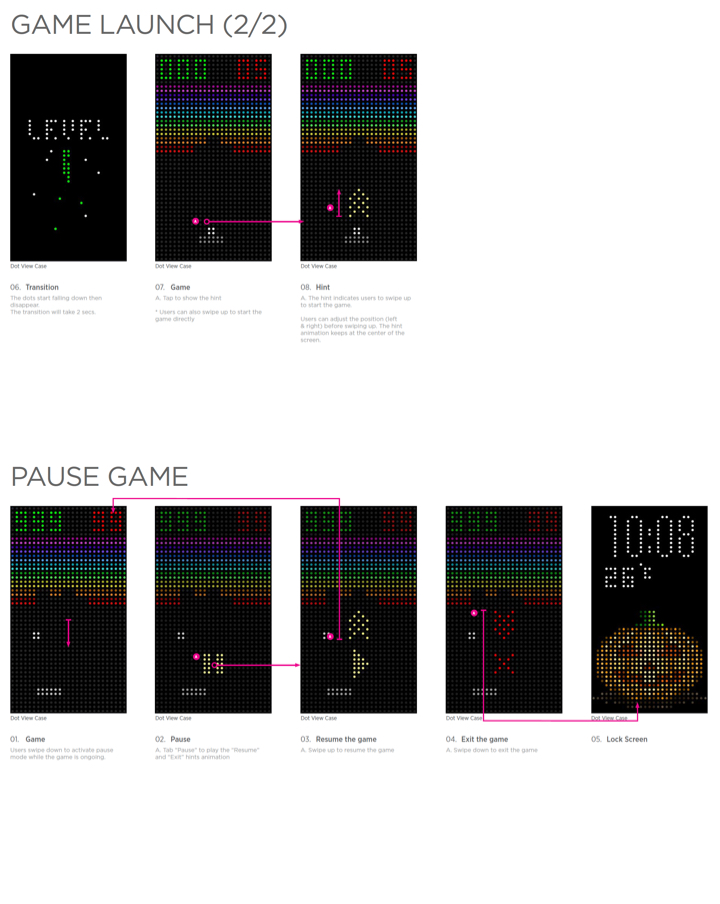
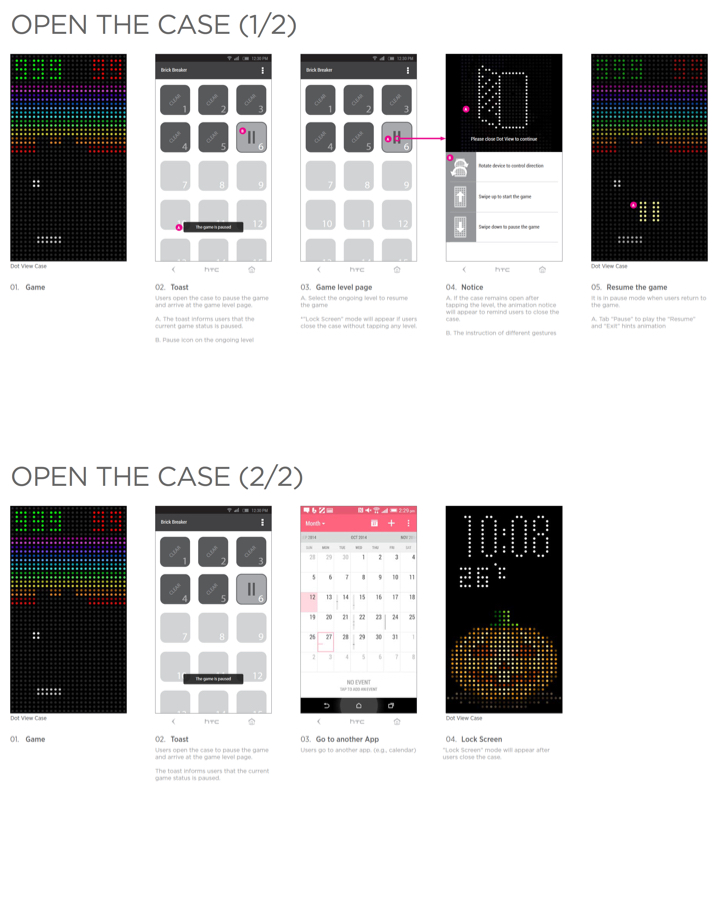
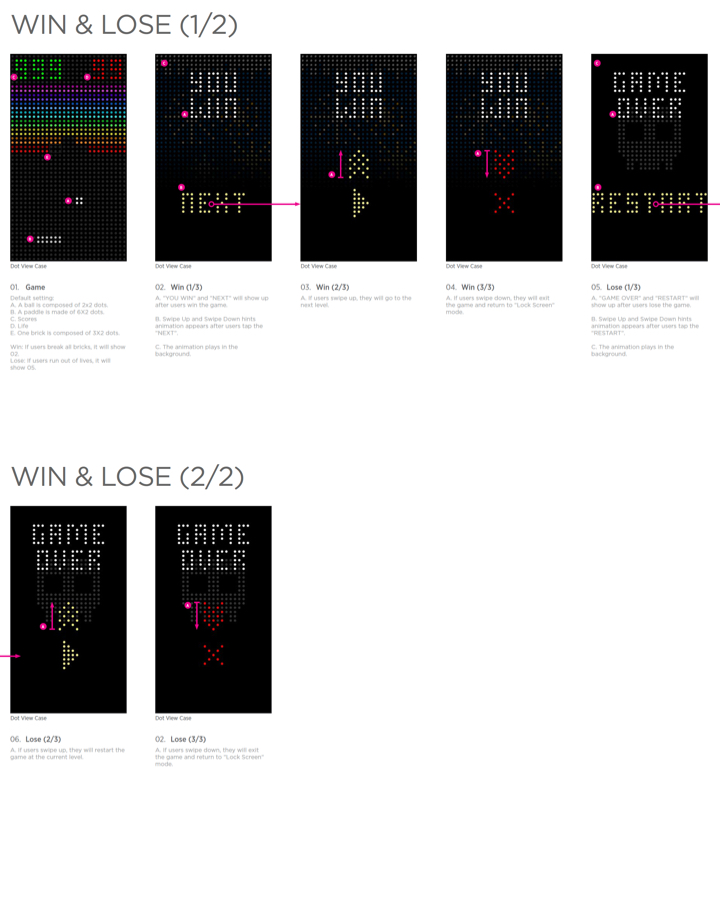
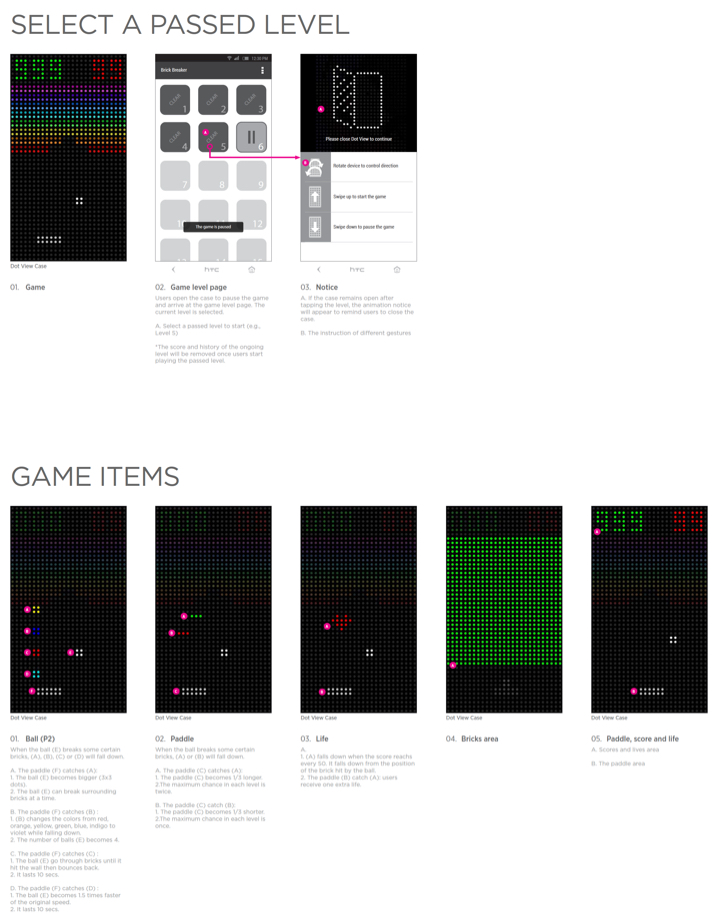
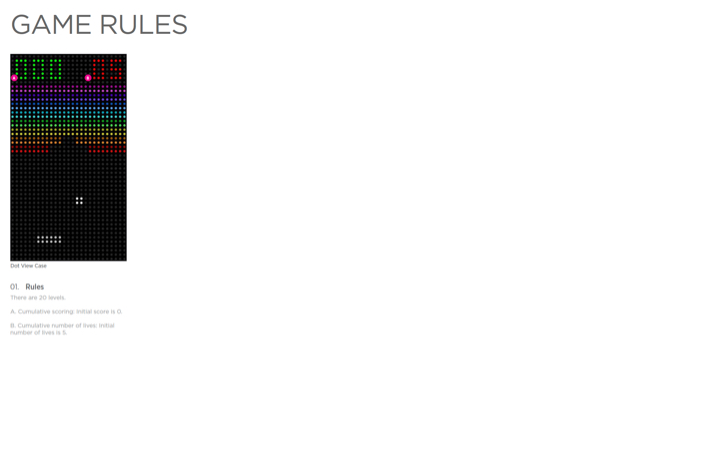
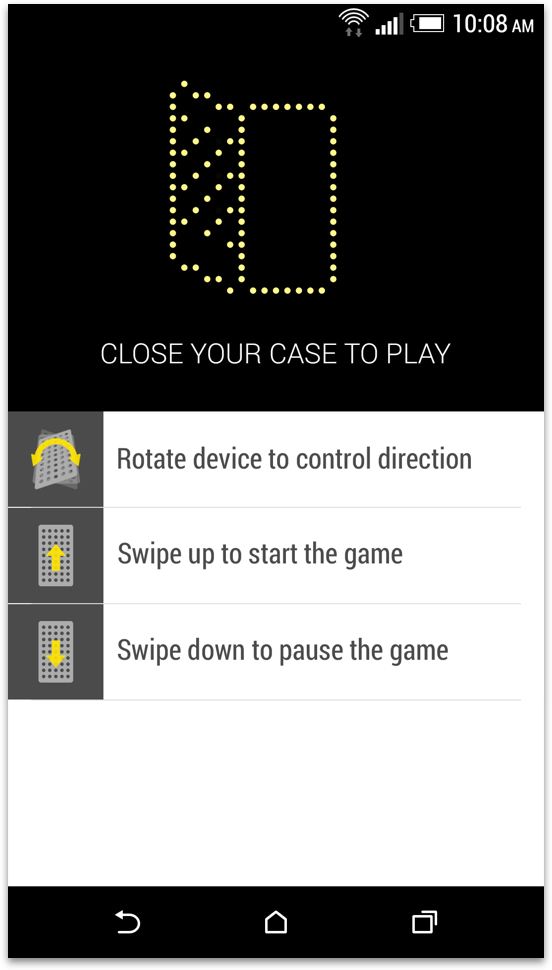
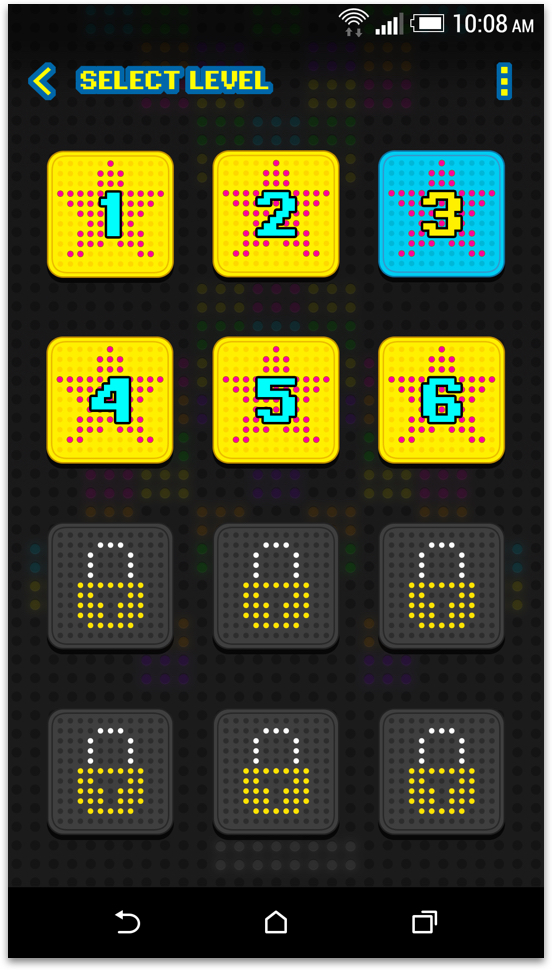
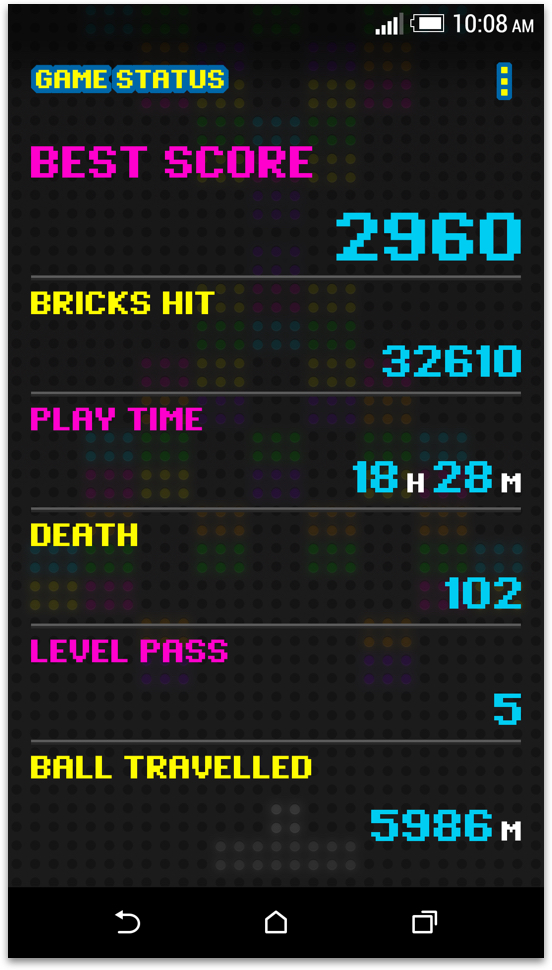
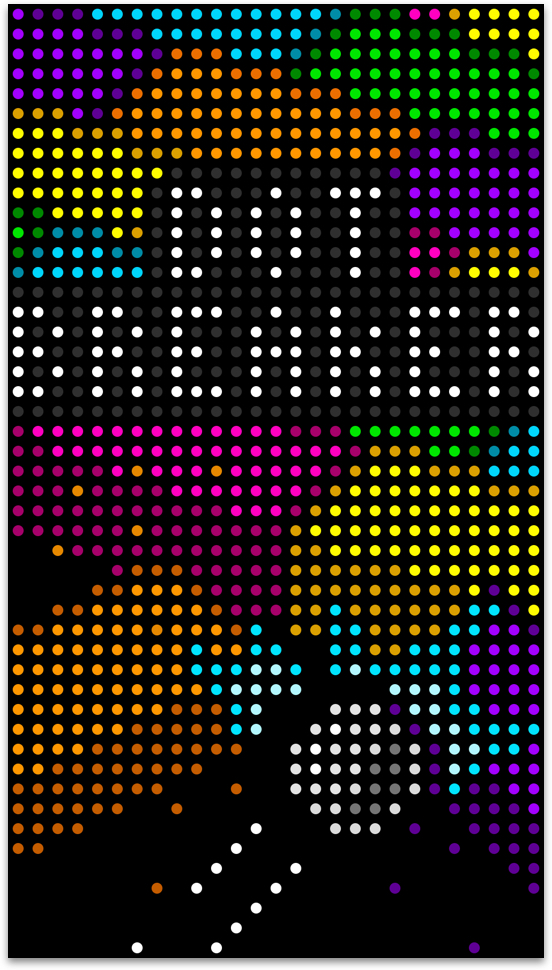
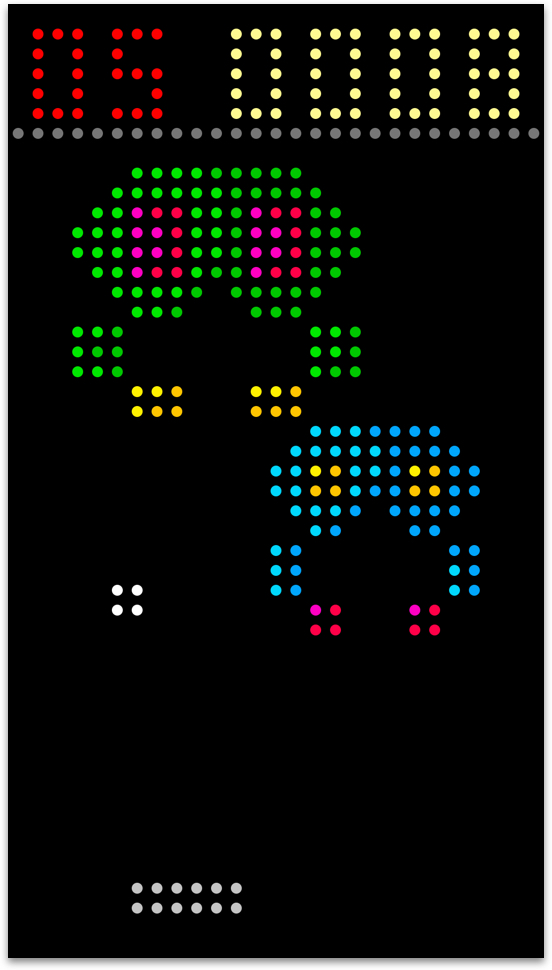
I took inspiration from the classic game Arkanoid to design an app called 'Dot Breaker.' The app offers 20 levels of gameplay, which can be controlled using the gyro sensor when the Dot View case is closed. To maintain a consistent style, I used Dot-matrix fonts to decorate the UI of the application."
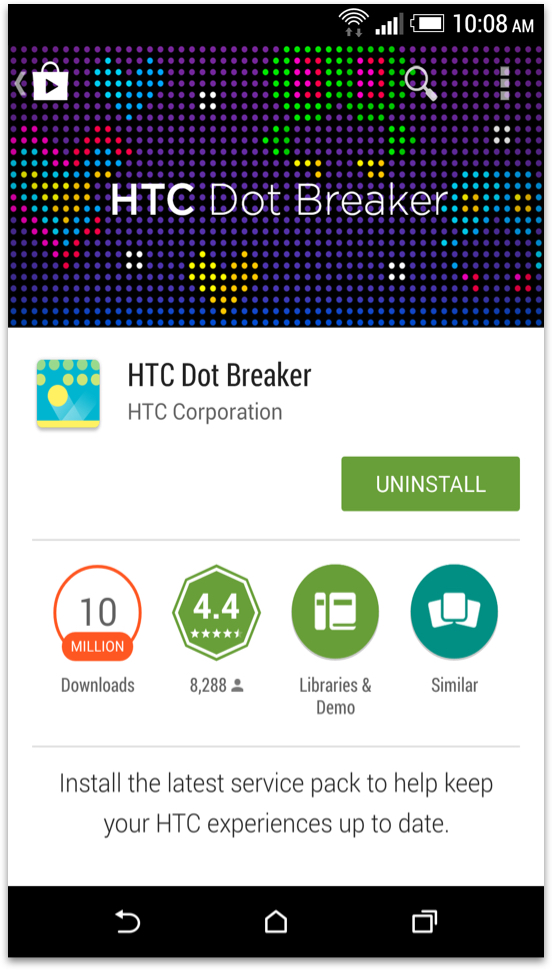
Google Play store screen.
Game tutorial.
Select level page.
Game status.
Game intro screen.
Game play screen.
Game over animation.
Level clear animation.
Dot Design
UI/UX Design
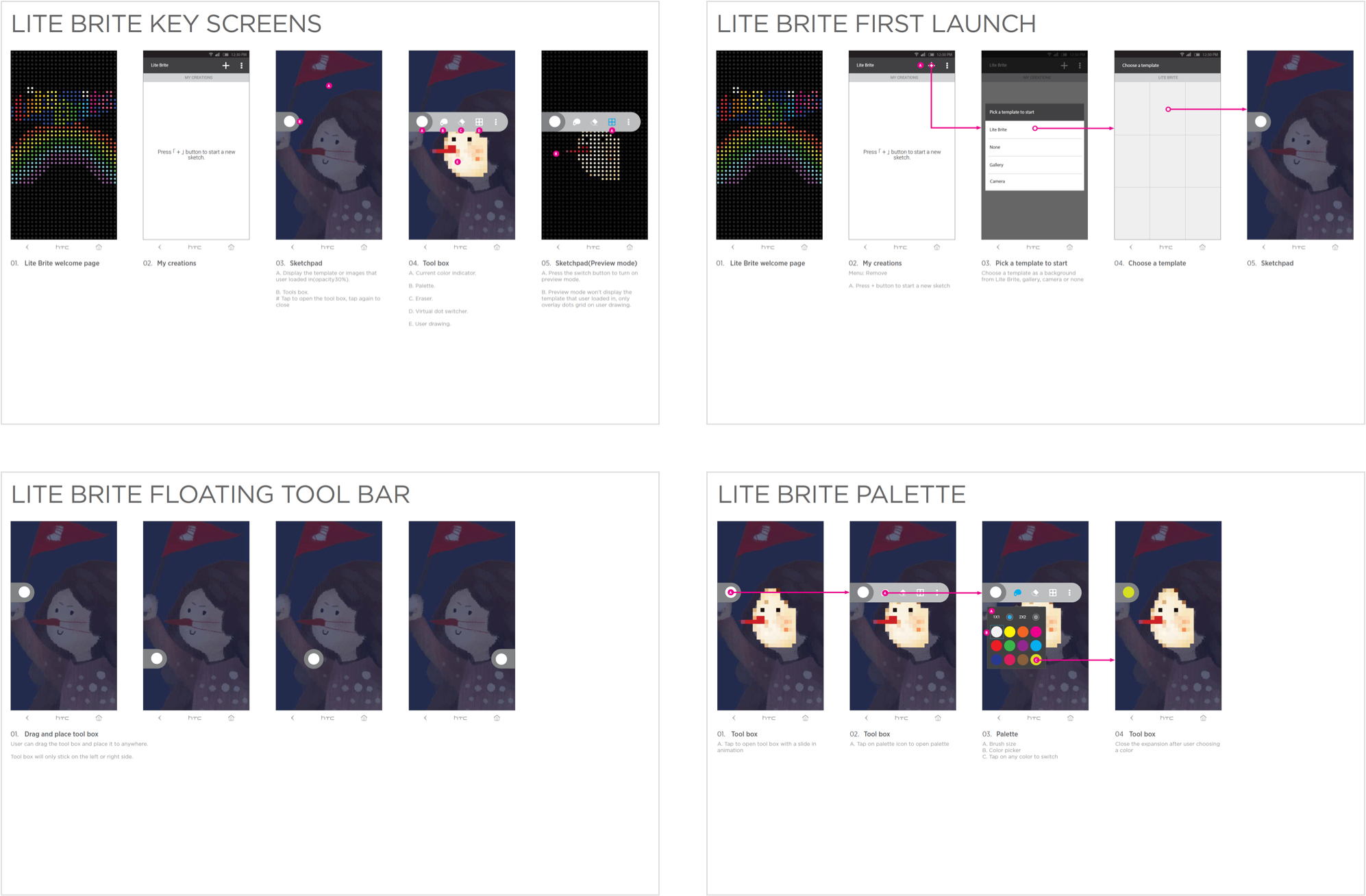
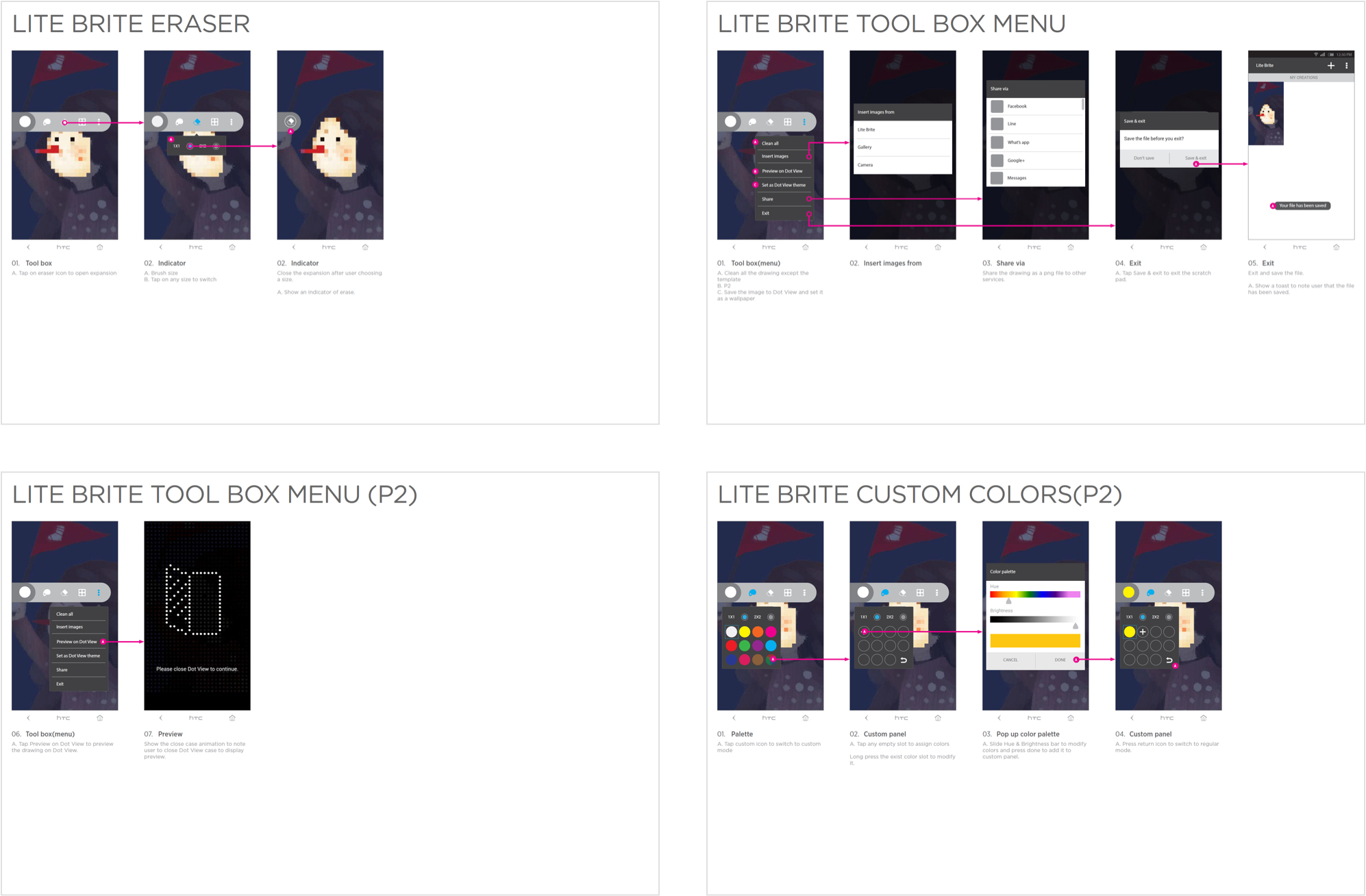
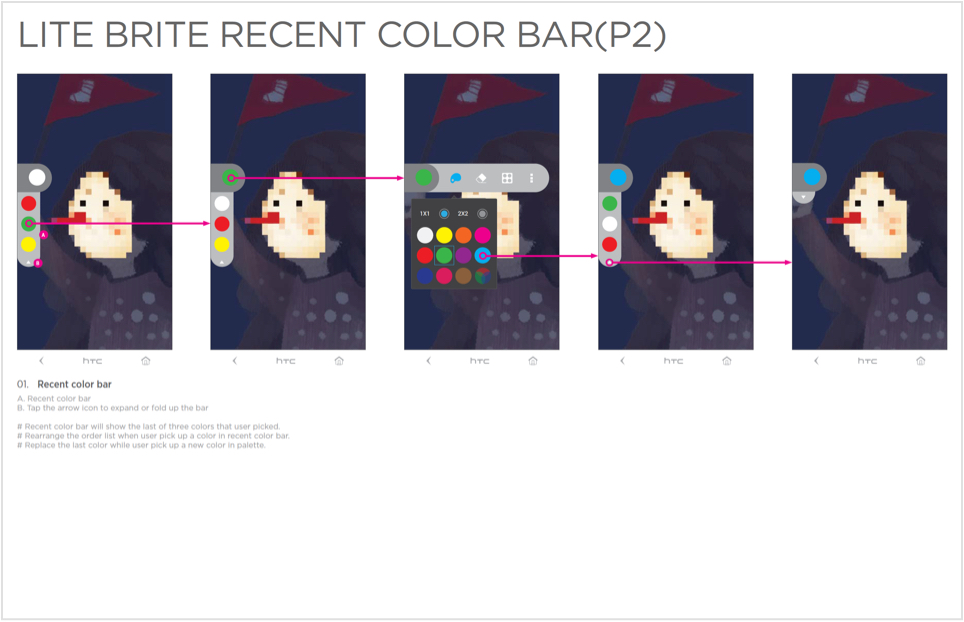
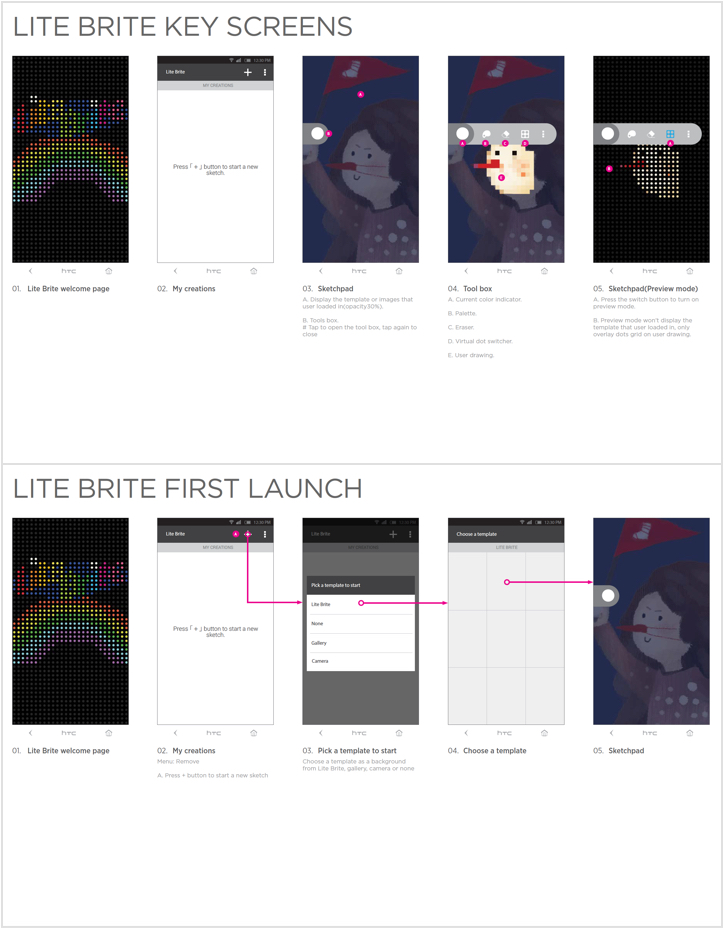
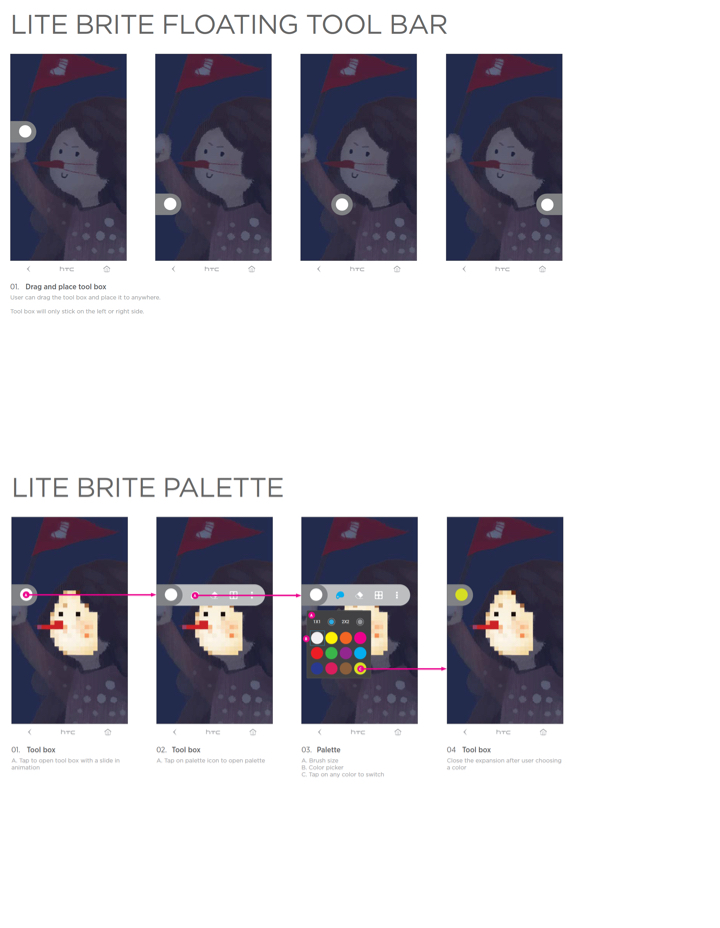
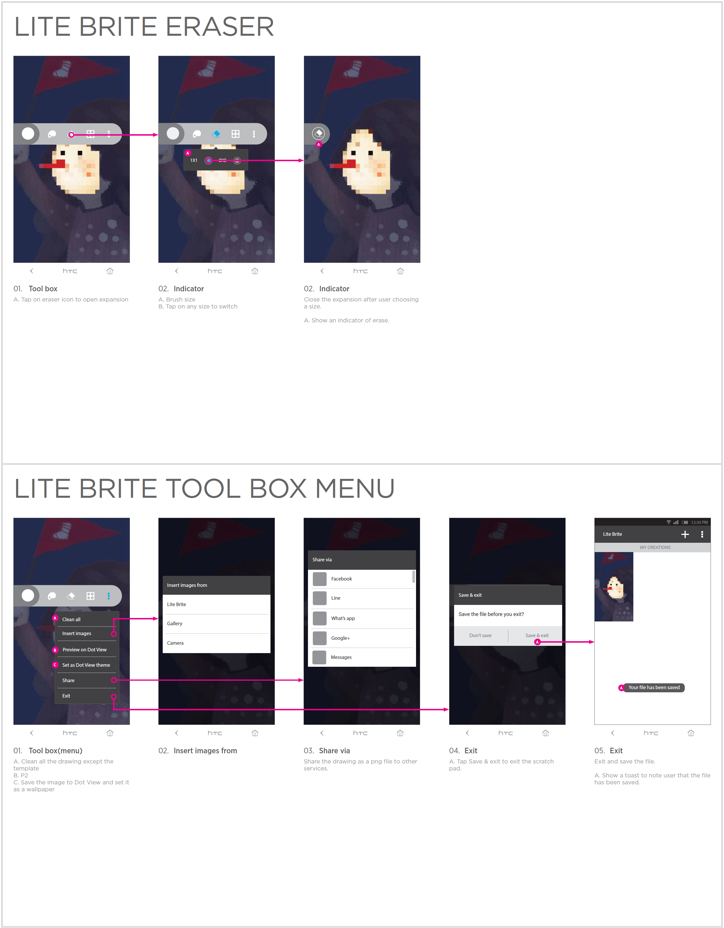
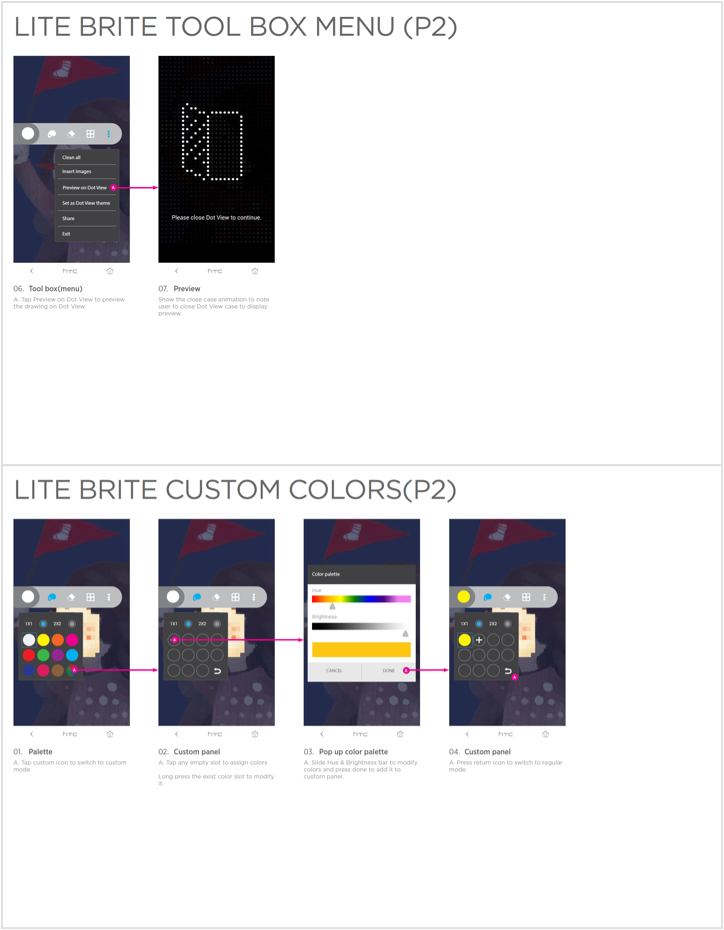
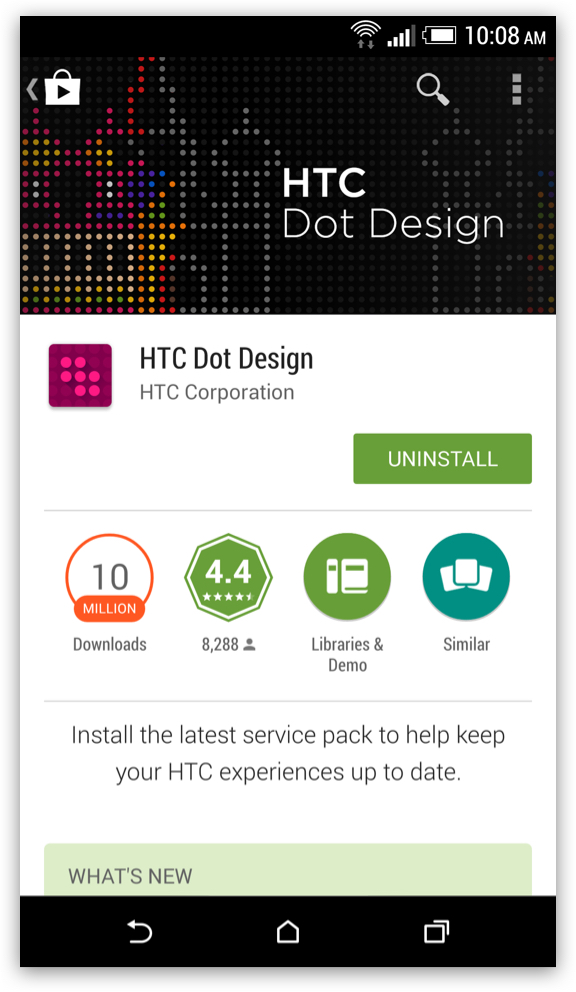
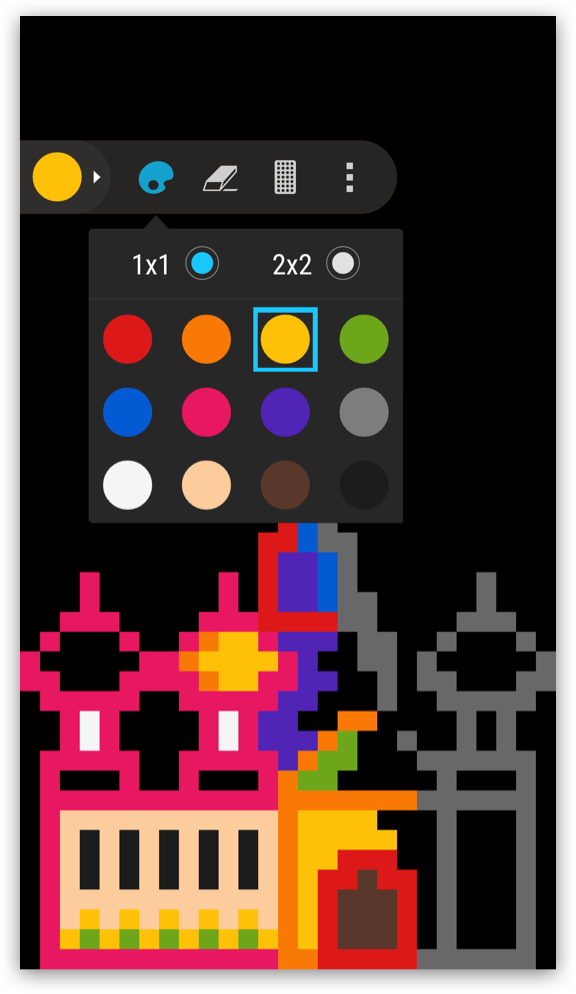
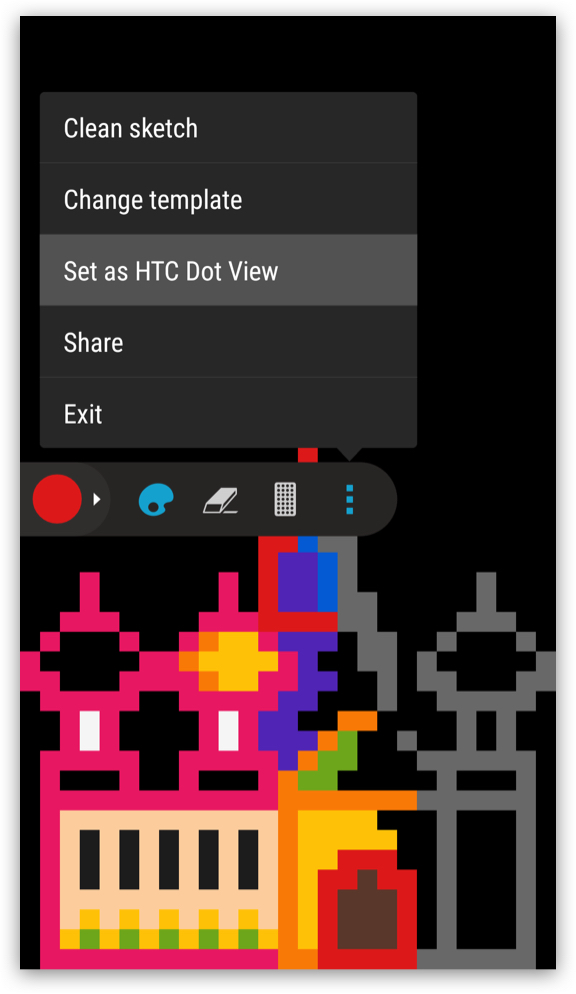
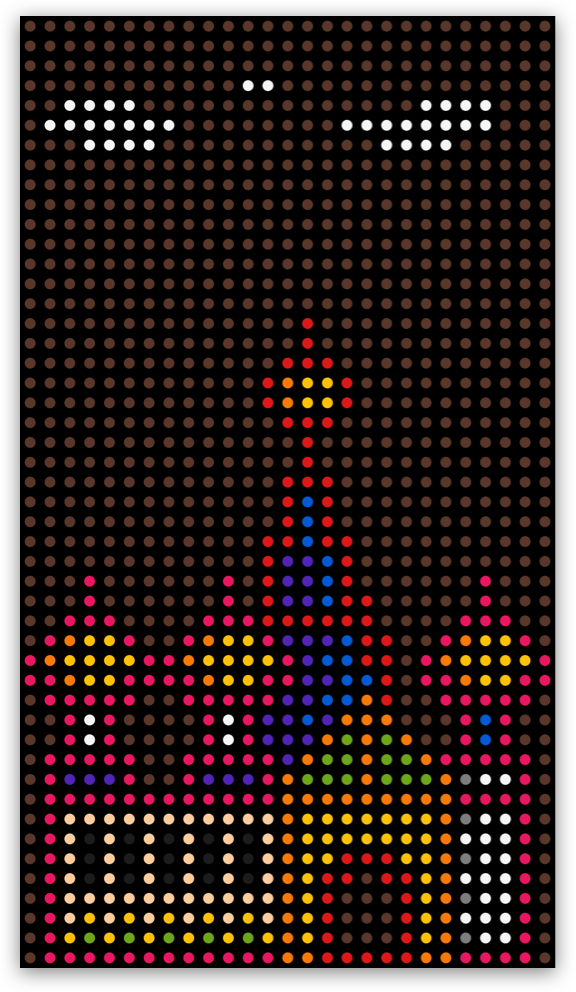
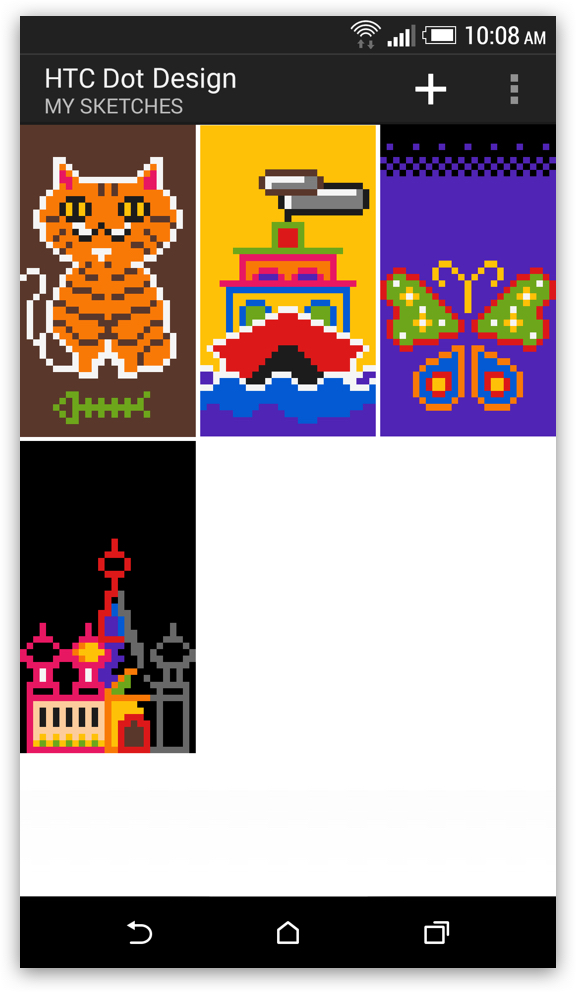
Our 'Dot Design' app lets users turn their ideas into unique wallpapers for their Dot View case. We have provided various templates to help beginners get started, or users can begin with a blank canvas and create their designs. The app features a floating menu design that can be moved around to avoid blocking the user's view, providing a smooth painting experience.
Google Play store screen.
Editing screen.
More function.
Design result.
Sketches library.
Select your design for the wallpaper.
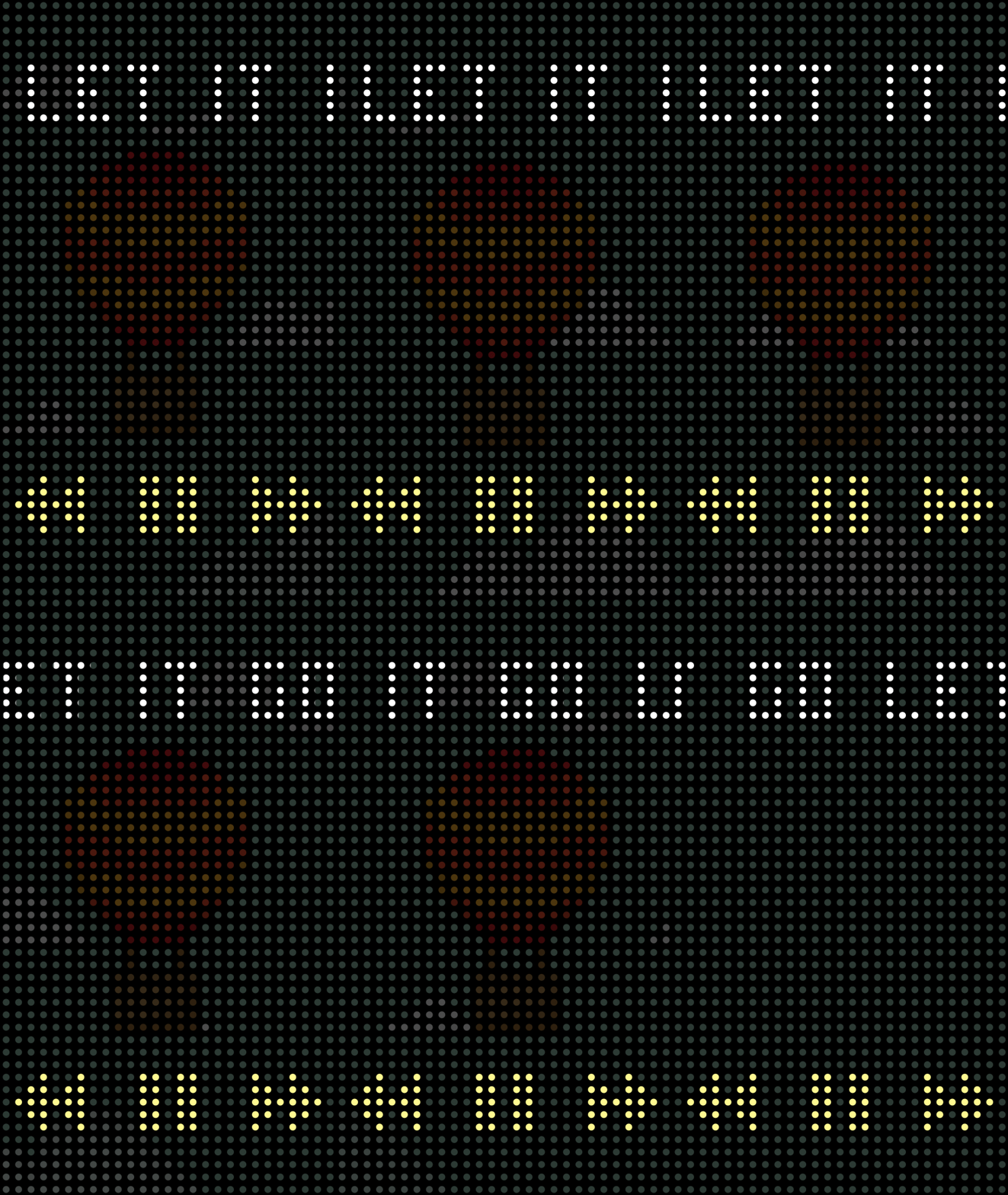
Google Play store screen.
Editing screen.
More function.
Design result.
Sketches library.
Select your design for the wallpaper.
Dot Messages
UI/UX Design
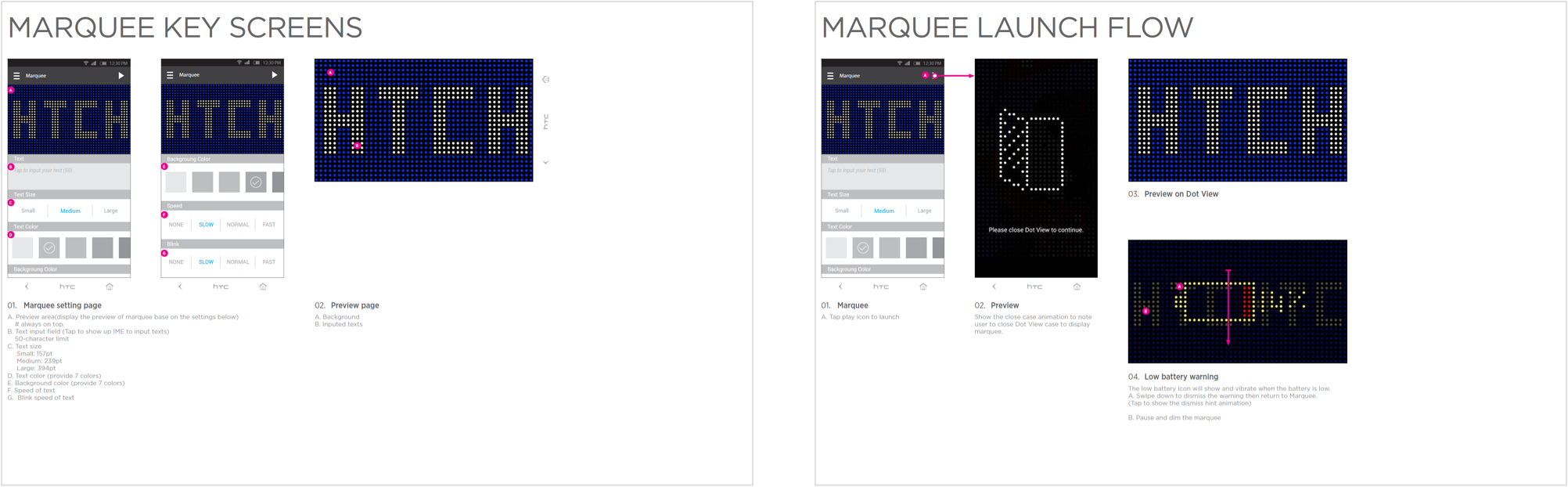
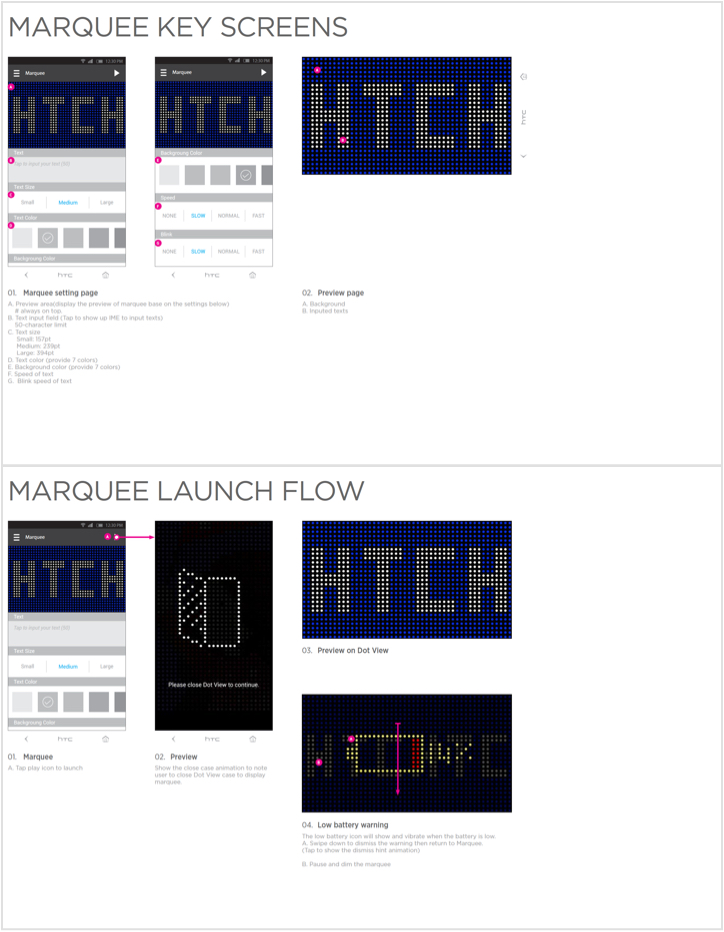
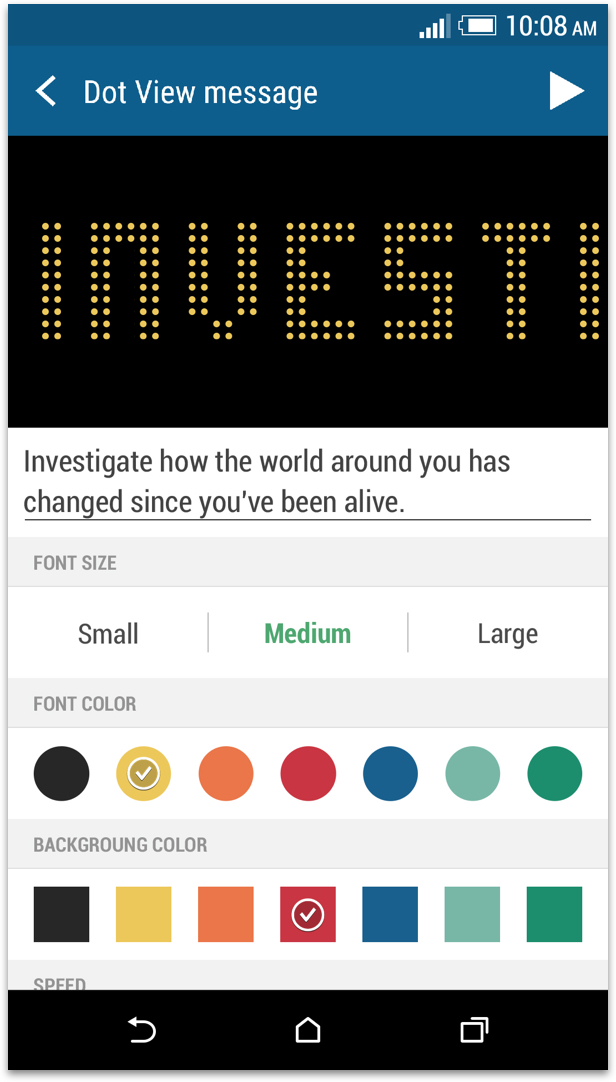
Our 'Dot Message' app allows users to display text on the front cover of the Dot View case as a marquee. Users can customize the content, color, and flash frequency of their message and send it to friends or family via the Dot Message feature.
The Setting page.
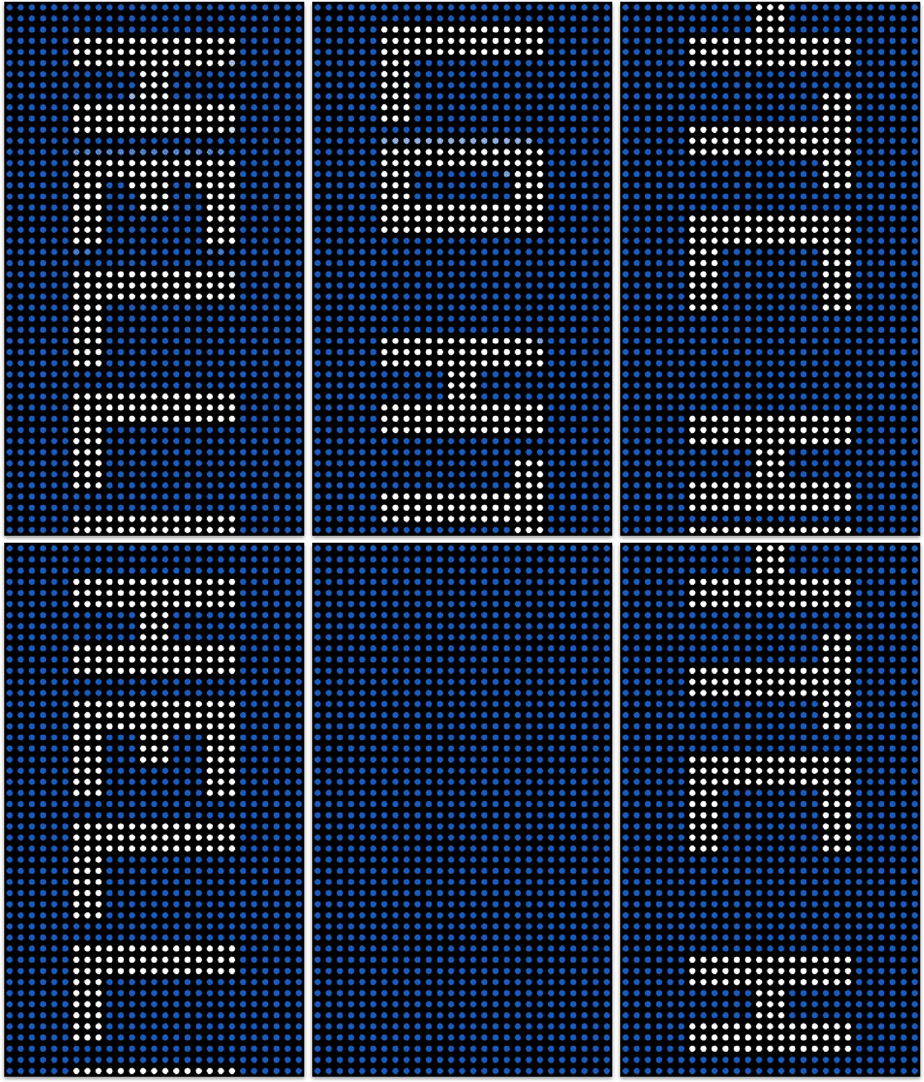
Animation mockup.
Outcomes and Insights
The Dot View case garnered positive feedback from users and well-known platforms such as The VERGE and CNET, who appreciated the new features and supporting apps. Despite extensive efforts to design a gesture to prevent mistriggering issues, we received reports from users citing occasional issues. Promptly addressing these concerns, we refined our design and updated the apps to mitigate the risk of mistriggering. In addition to the product, we also released the source code to encourage developers to create compatible apps and themes.
Learn Diverse Perspectives
I ventured beyond my usual scope of work with an open and optimistic mindset, seeking to embrace fresh challenges. By engaging with a variety of team members, I was able to broaden my perspective and hone my attention to detail, enabling me to contribute more effectively to the design process.
It shows the clock, weather, temperature, and notifications.